Generate a Rundeck API token
1
Open your Rundeck profile menu
Log in to your Rundeck instance and select the user icon in the top-right corner.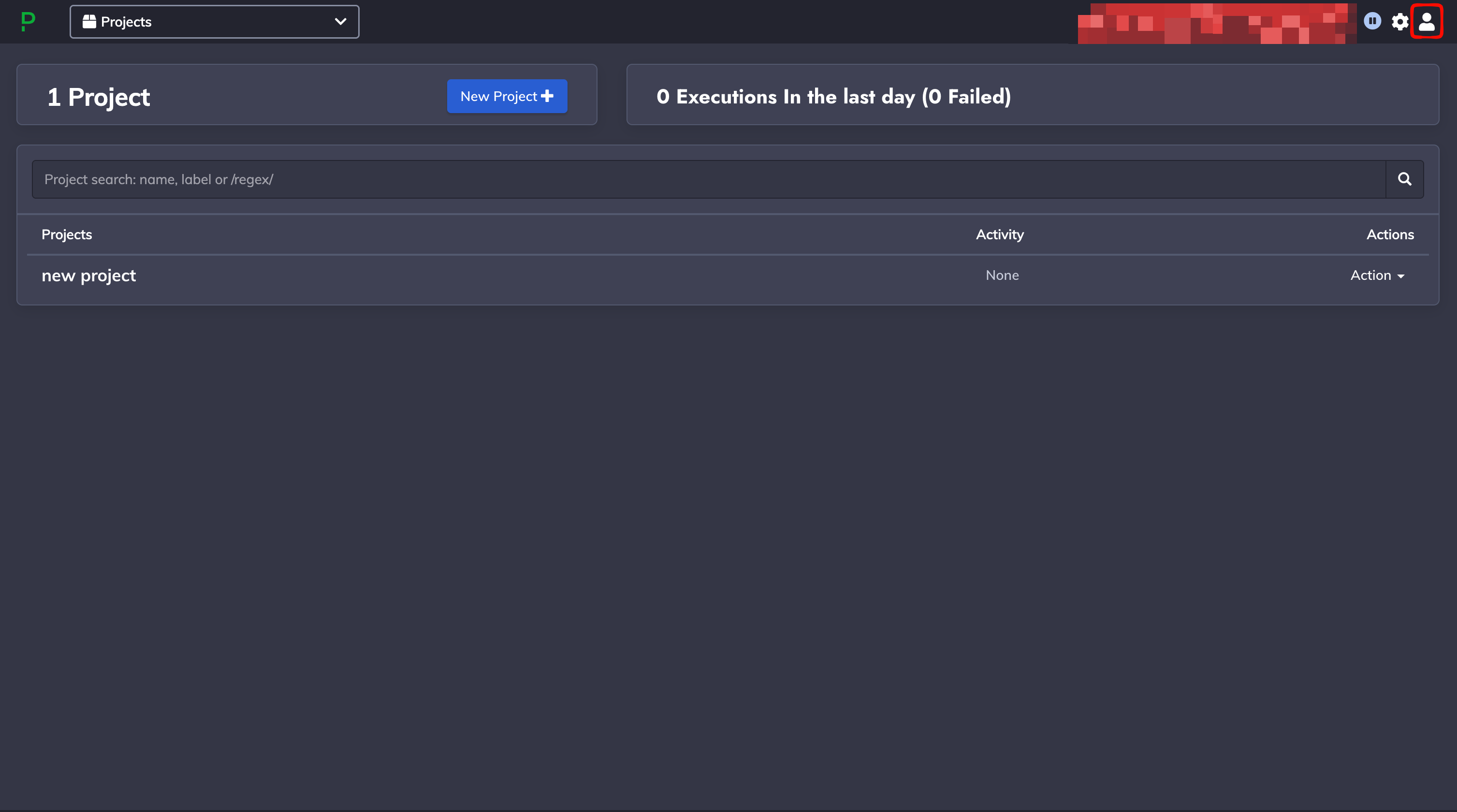
2
Go to your Profile
Select Profile from the dropdown.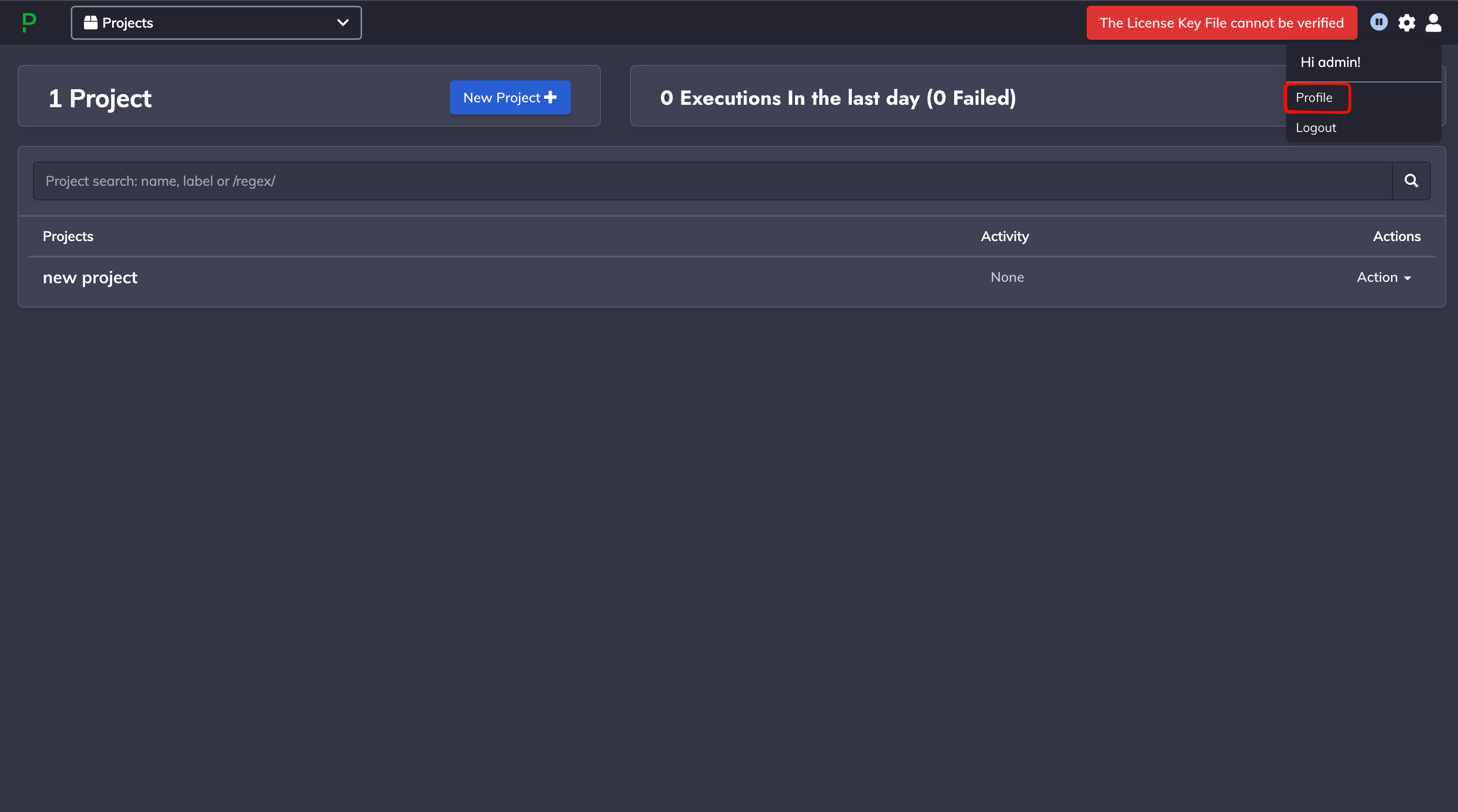
3
Add a new User API Token
In the User API Tokens section, select the + button.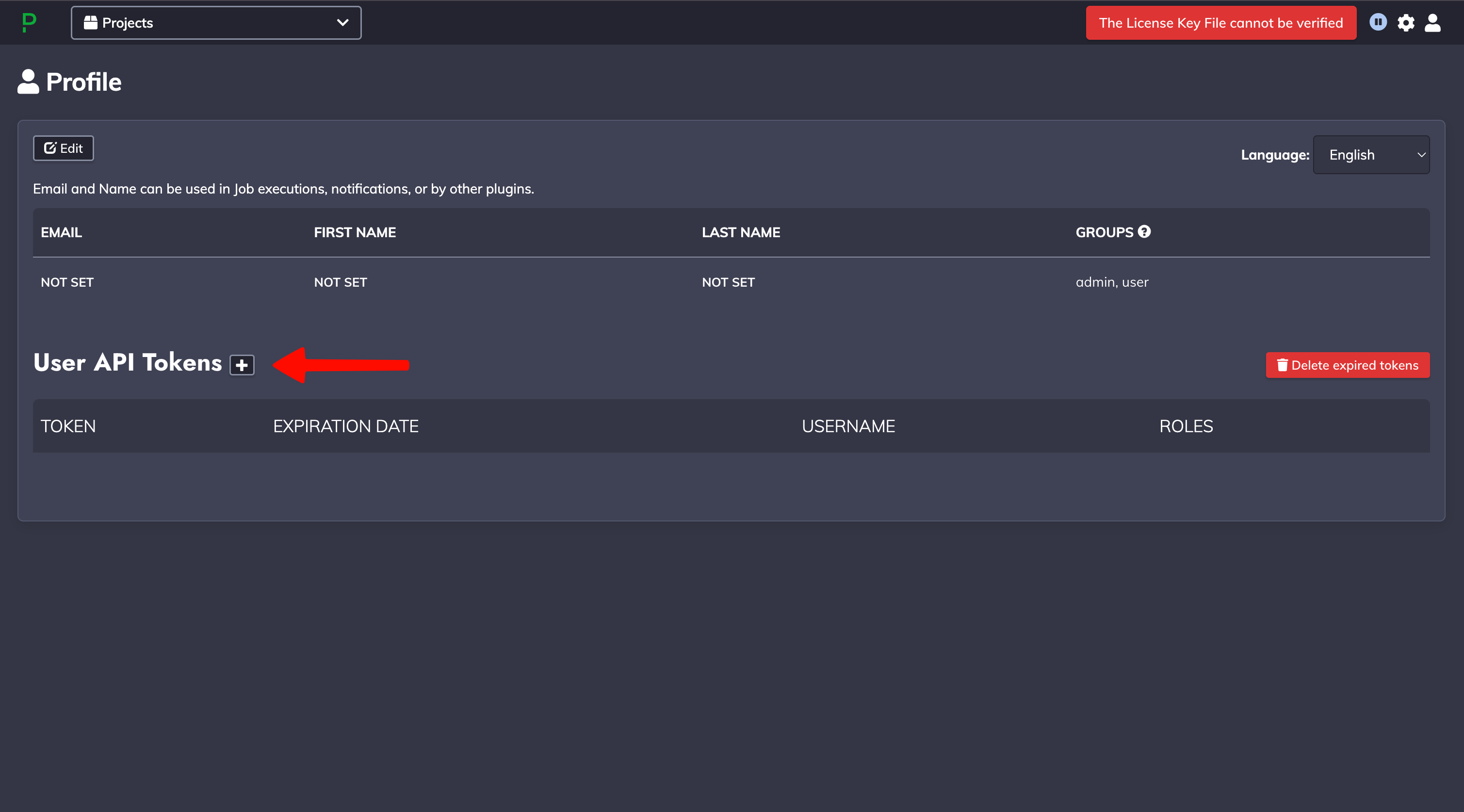
4
Generate the token
In the Generate New Token dialog, enter: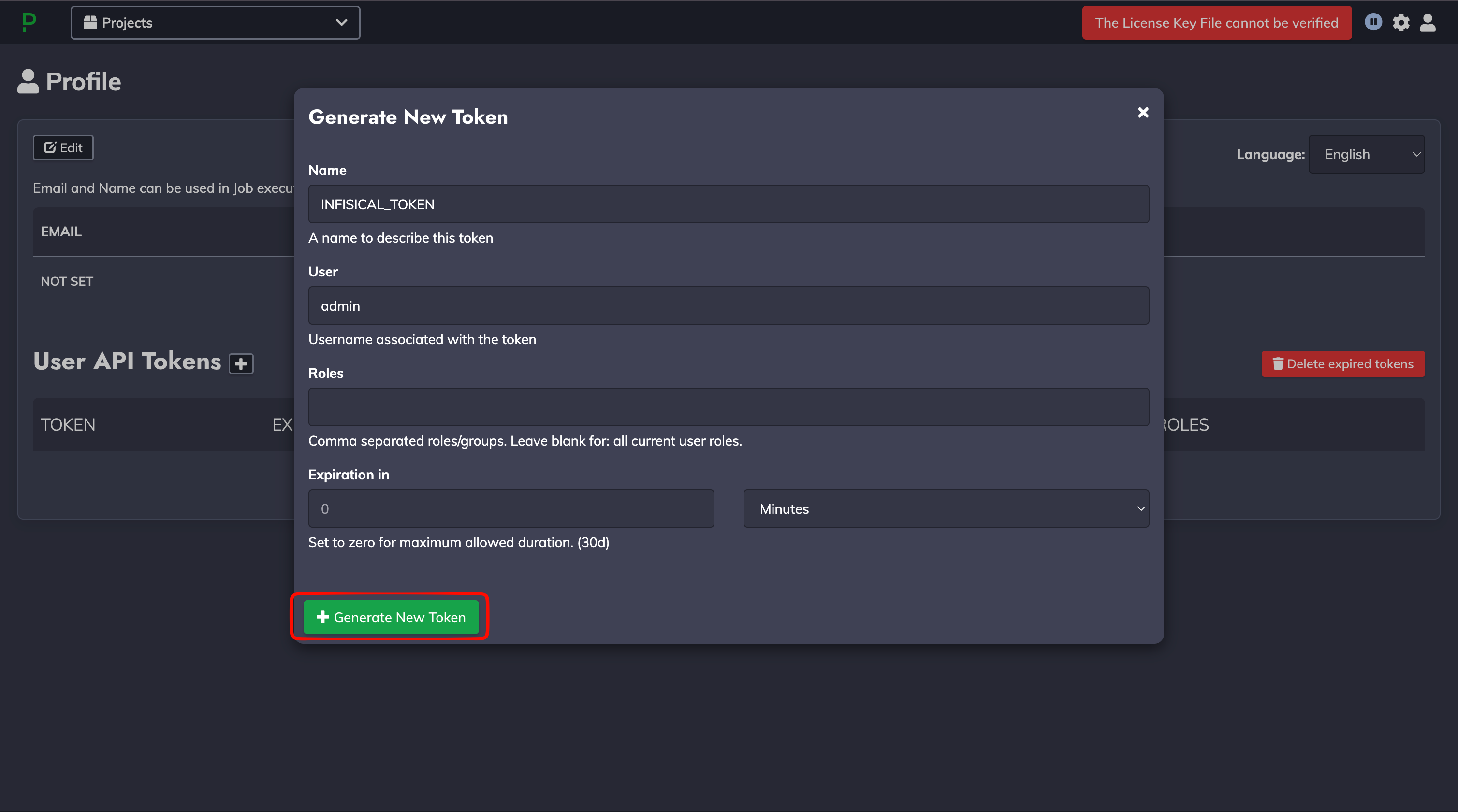
- Name: a label to identify the token (e.g.,
INFISICAL_TOKEN) - User: the username associated with the token
- Roles: comma-separated roles/groups, or leave blank to use all of your current roles
- Expiration in: an optional lifetime; set to
0for the maximum allowed duration
The API token inherits the access of the user and roles it is generated with. Grant only the
permissions required to read projects and manage Key Storage for your target projects.
5
Copy the API Token
Copy the generated token and store it securely, as you won’t be able to view it again after
closing the dialog. Click Close when done.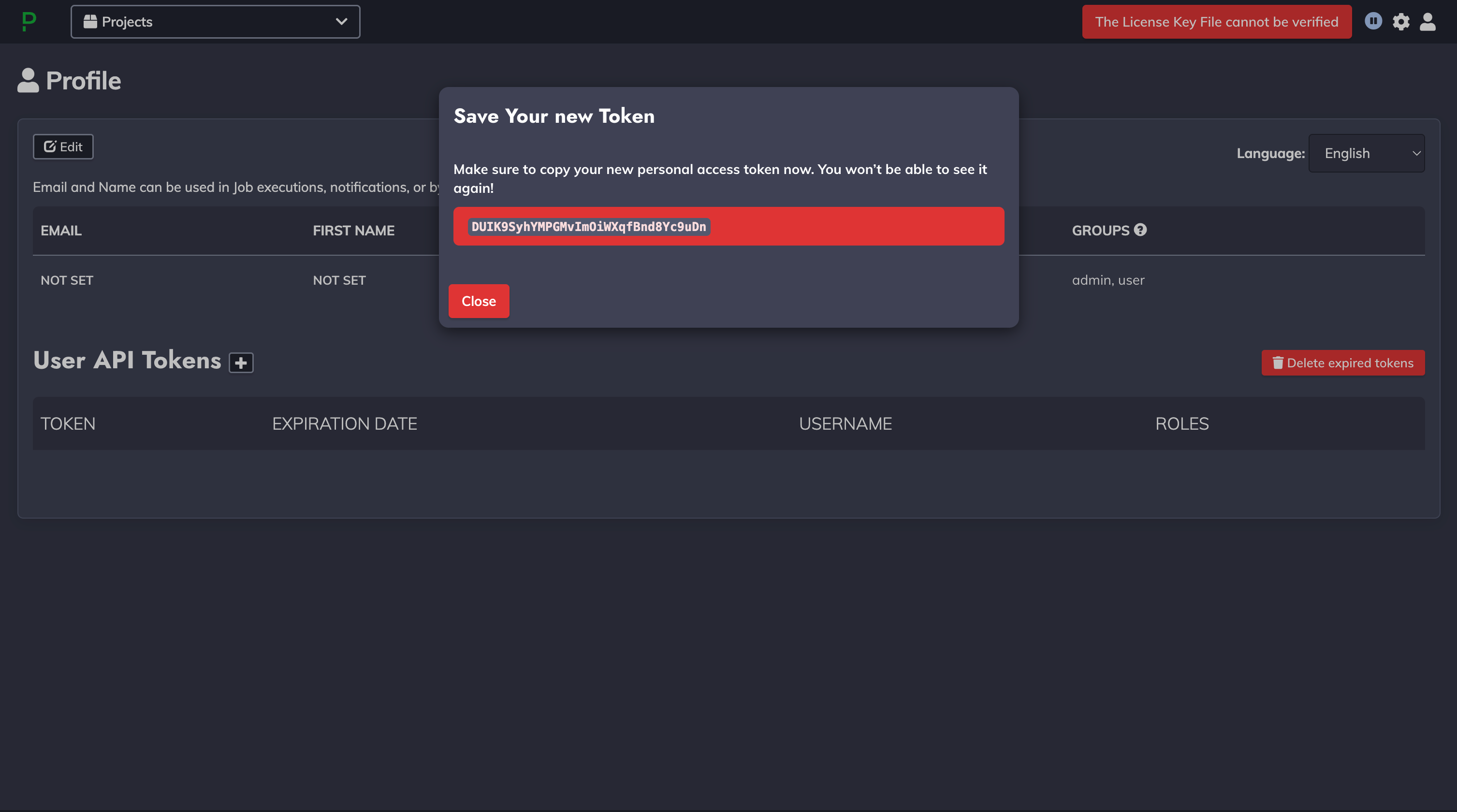
If you configure an expiration for your API token, you must manually rotate to a new token
before it expires to prevent service interruption.
Setup Rundeck connection in Infisical
- Infisical UI
- API
1
Add a Rundeck Connection
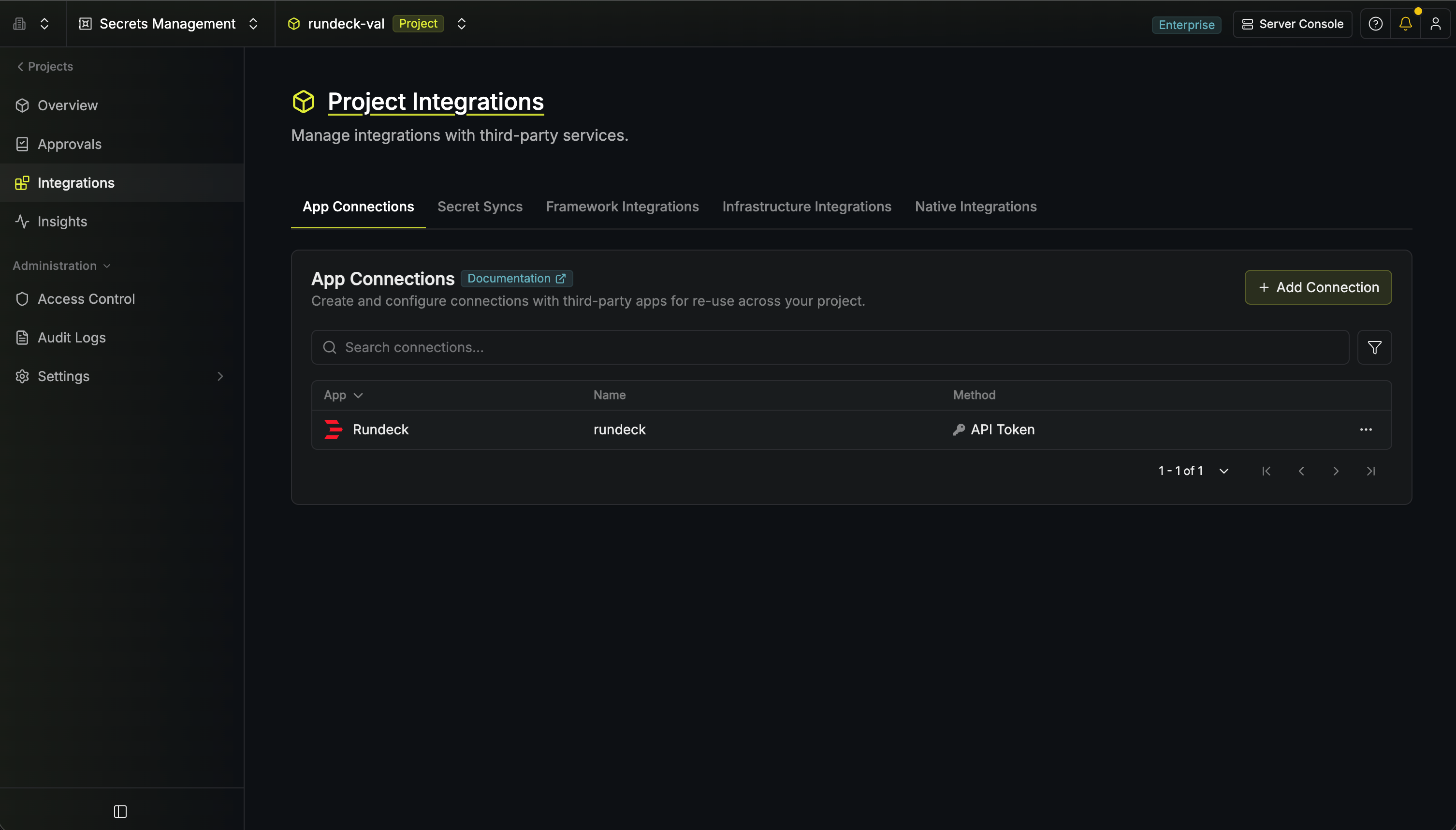
In your Infisical dashboard, navigate to the Integrations tab in the desired project,
select App Connections, and select + Add Connection. Search for and select the
Rundeck option.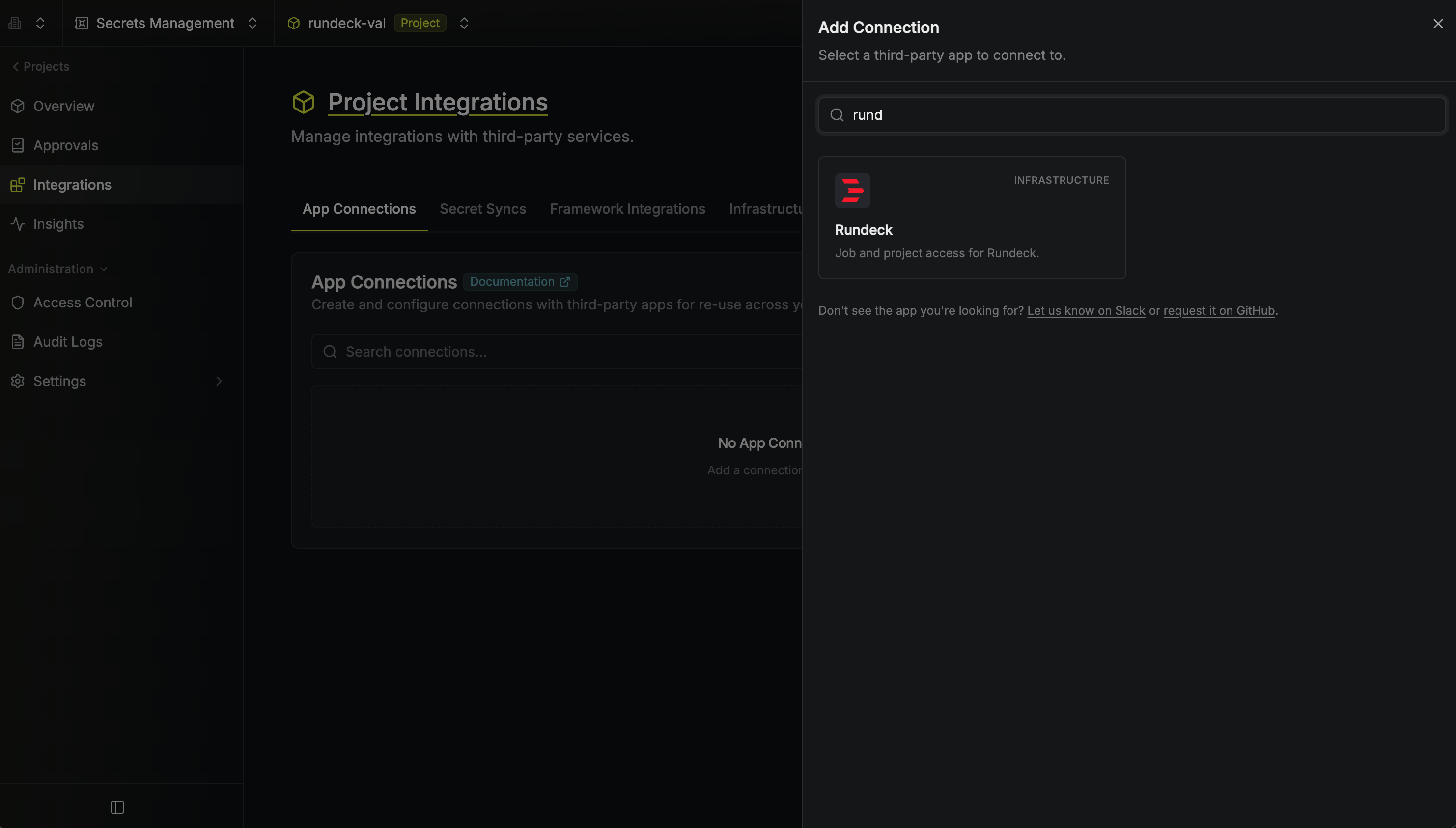
2
Fill out the Rundeck Connection form
Complete the connection form by entering: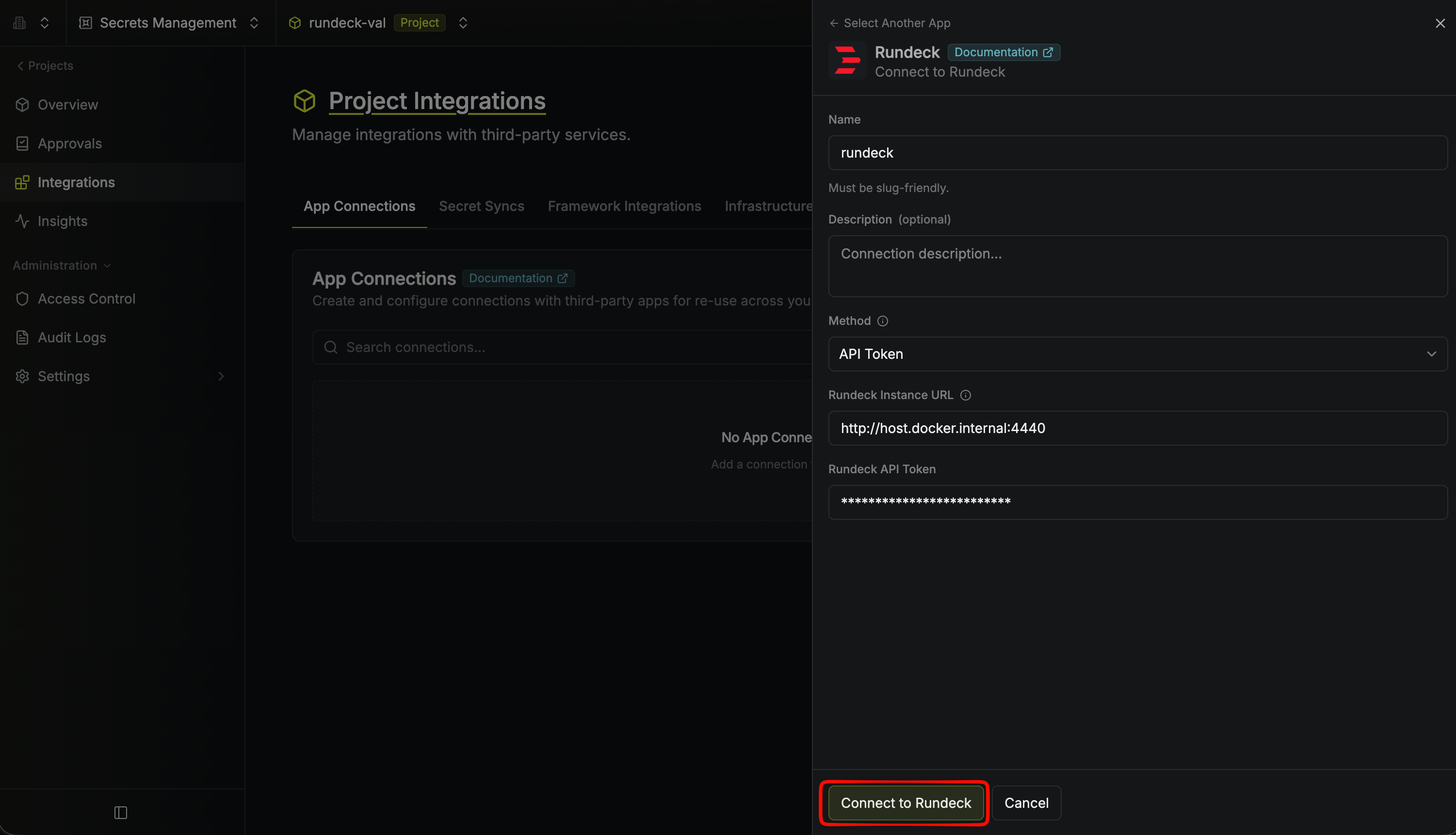
- A descriptive Name for the connection (must be slug-friendly)
- An optional Description for future reference
- The Method (API Token)
- The Rundeck Instance URL (e.g.,
https://rundeck.example.com) - The Rundeck API Token you generated above
3
Connection Created
Your Rundeck Connection is established and ready to use with your Infisical project.