Prerequisites
You’ll need the following information to establish an SSH connection:- Username - The username with the required permissions to connect (e.g.,
root) - Host - The hostname or IP address of the machine
- Password/Private Key - The password or SSH private key for the user
Setup SSH connection in Infisical
- Infisical UI
- API
1
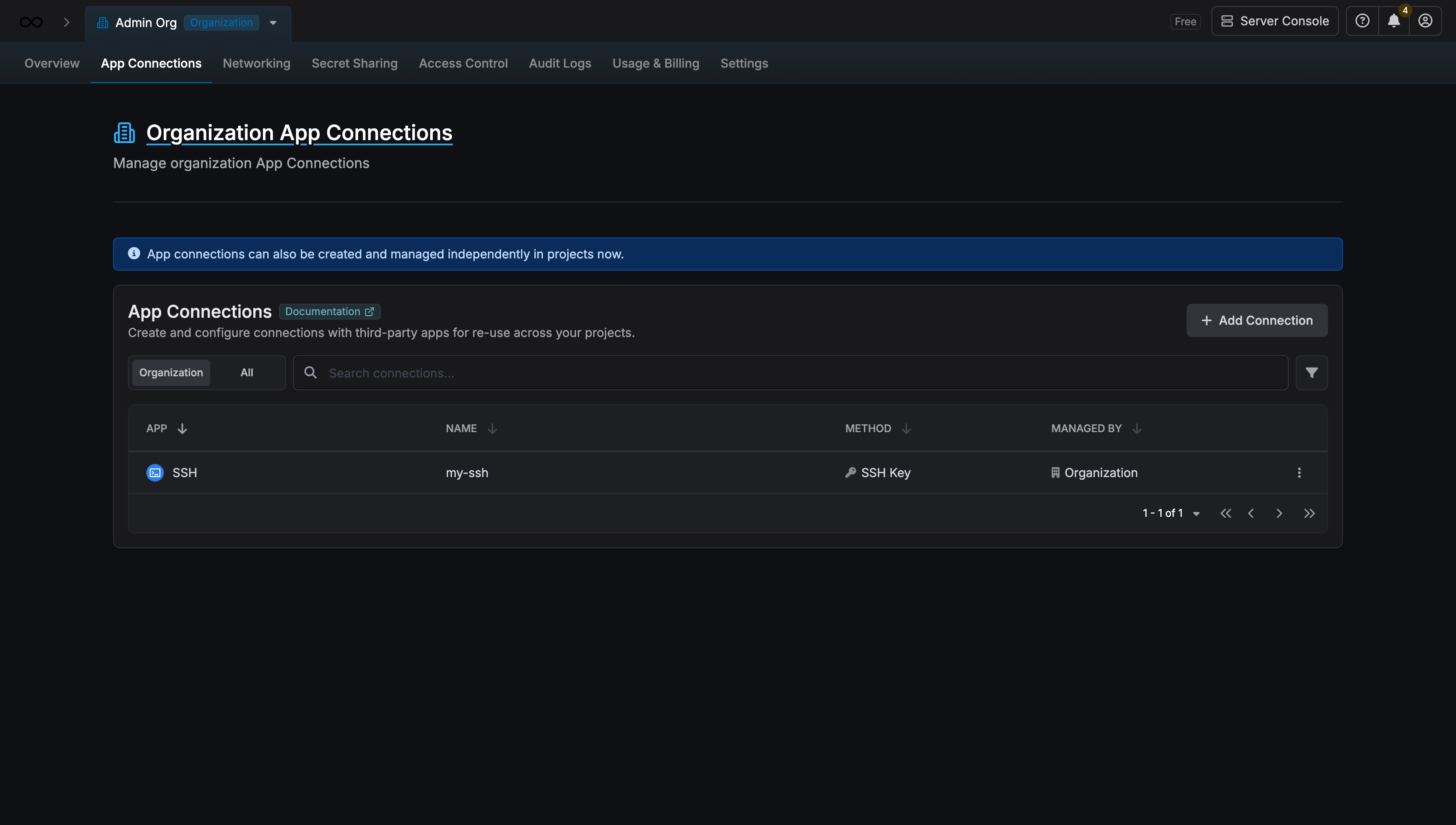
Navigate to App Connections
Navigate to the App Connections tab in your Organization Settings.
2
Select SSH Connection
Select the + Add Connection button and select SSH Connection from the available options.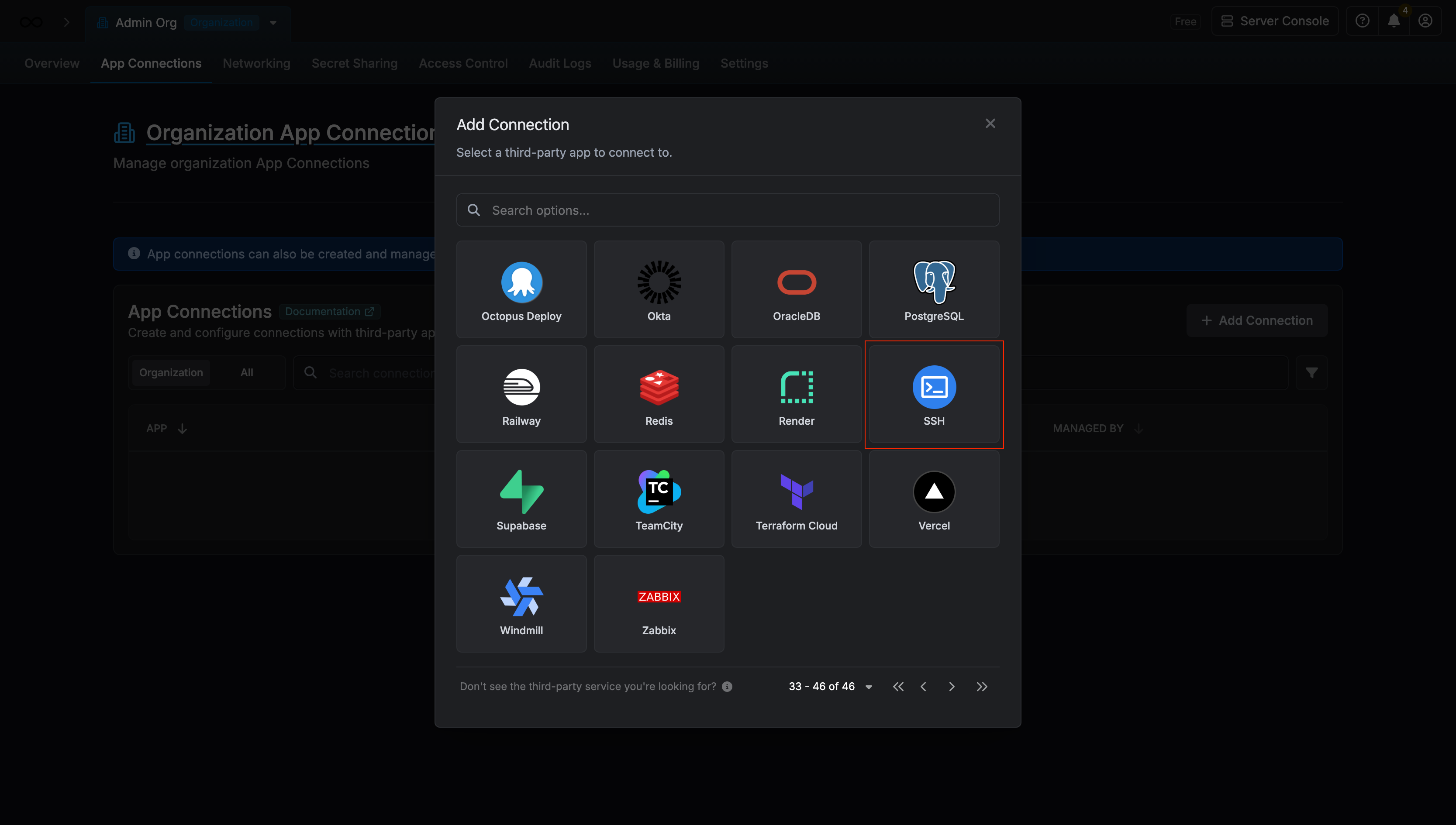
3
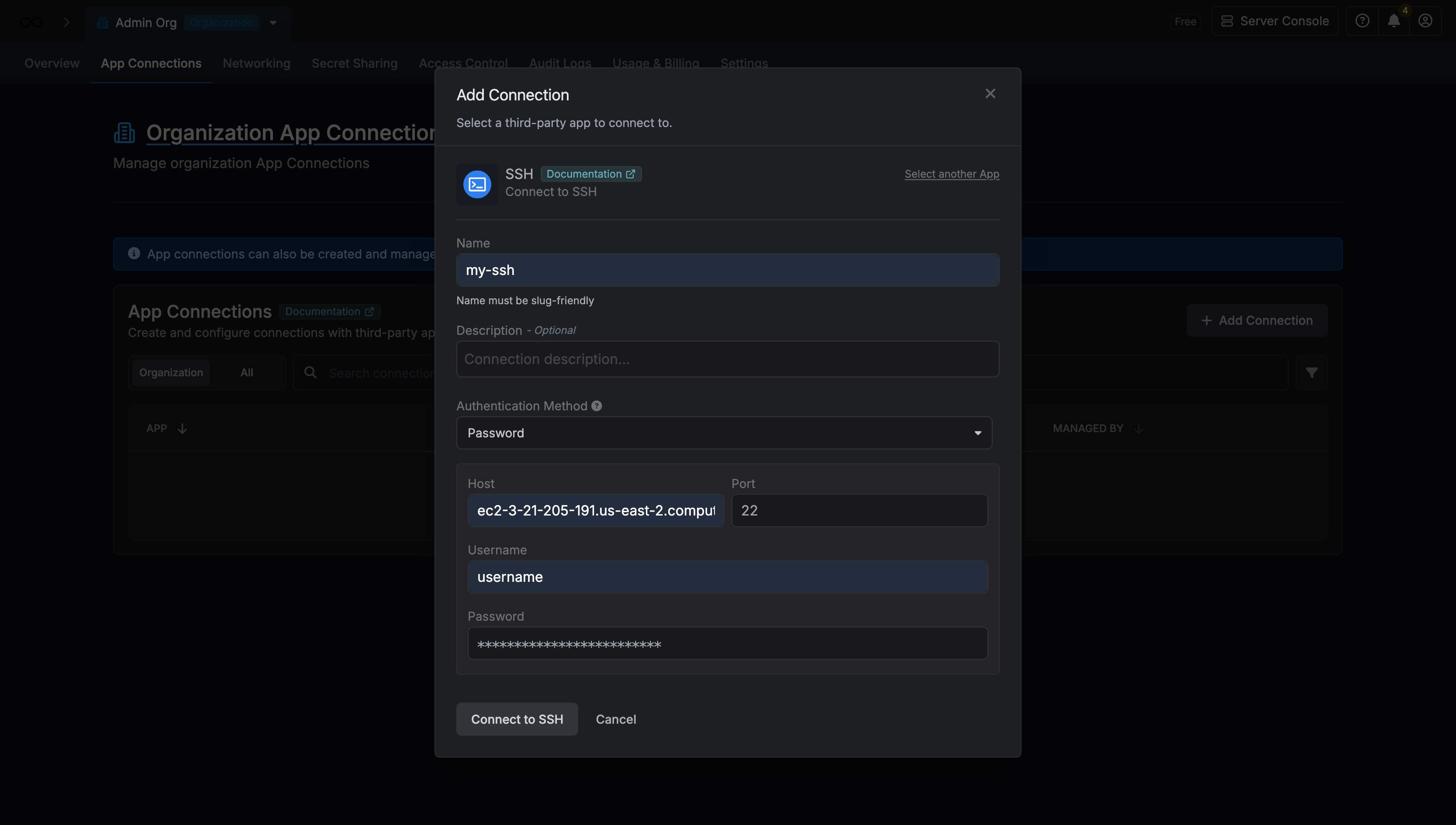
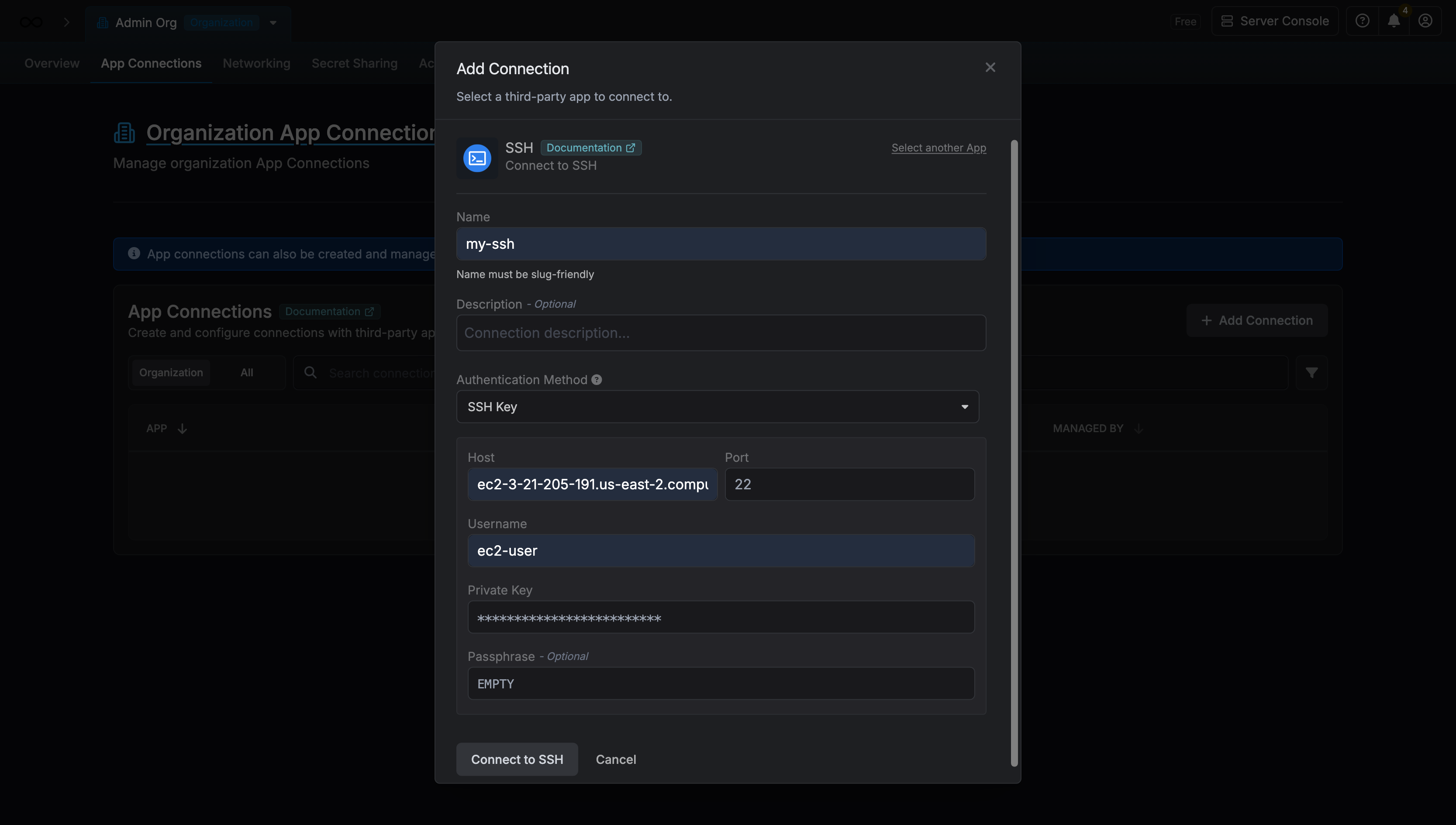
Fill out the SSH Connection Modal
- Username Password
- SSH Key
Complete the SSH Connection form by entering:
- A descriptive name for the connection
- An optional description for future reference
- The SSH host (hostname or IP address)
- The SSH port (default is 22)
- The username for your machine
-
The SSH password for the user
4
Connection Created
After clicking Create, your SSH Connection is established and ready to use with your Infisical project.