Prerequisites
- A Fireworks AI account with API access.
- An API Key with permissions to create and delete API keys for the target service account.
- Your Account ID, which can be found in your Fireworks account settings.
Create a Fireworks API key
1
Navigate to Settings
In your Fireworks AI account, select Settings in the left sidebar.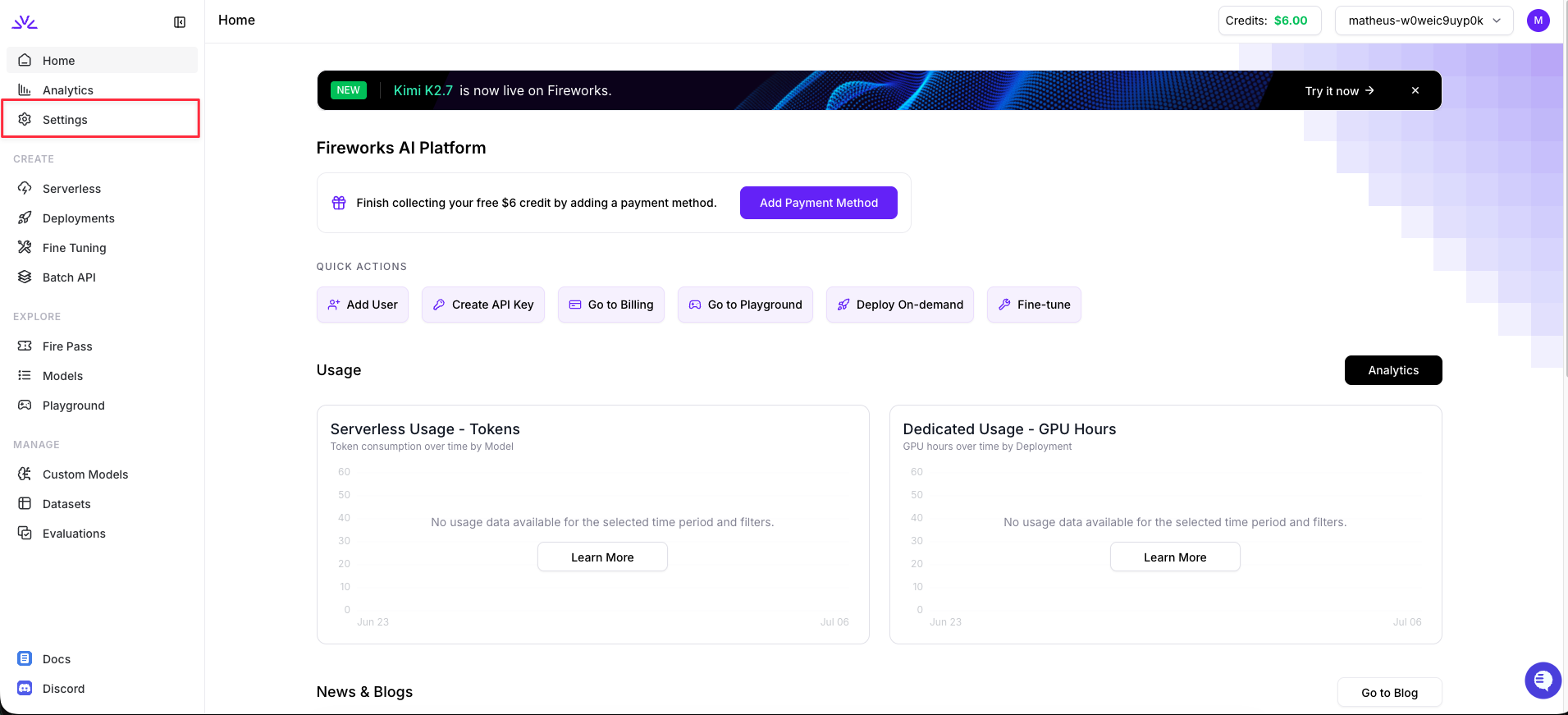
2
Navigate to API Keys
In the Settings sidebar, click API Keys.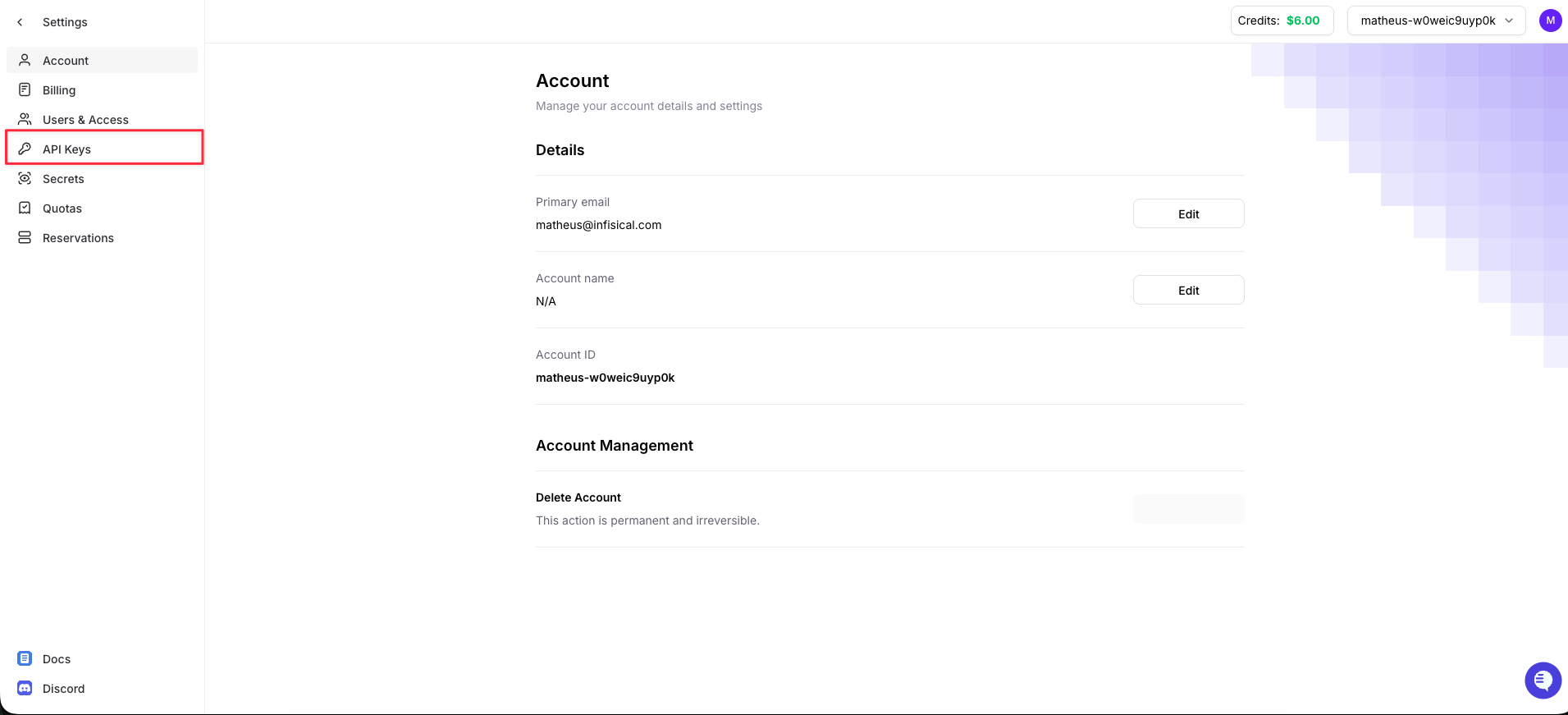
3
Create an API Key
Click + Create API Key and select API Key from the dropdown.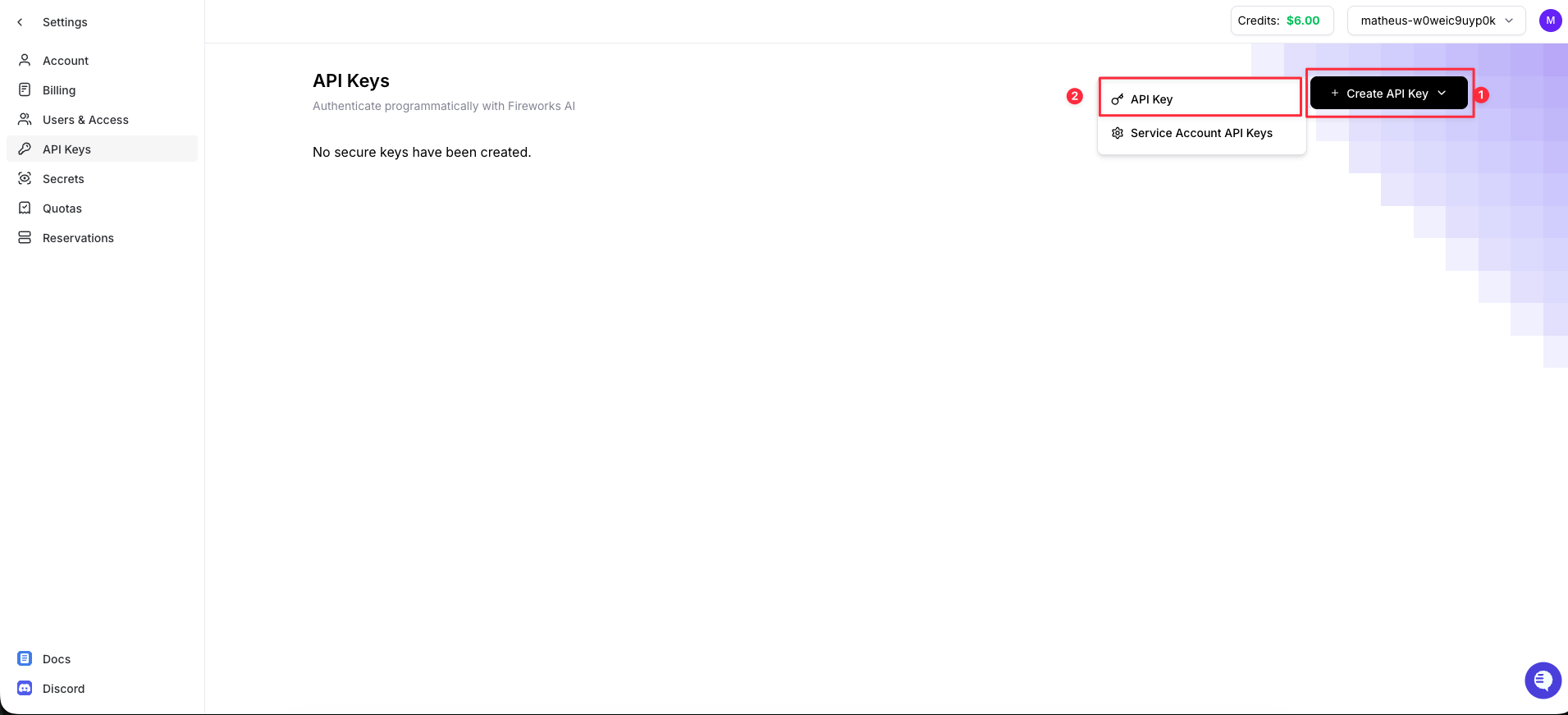
4
Generate and copy your API Key
Give the key a name and generate it. Copy the generated API key and store it securely. This value is viewable one time only, you will need it when creating the Infisical connection.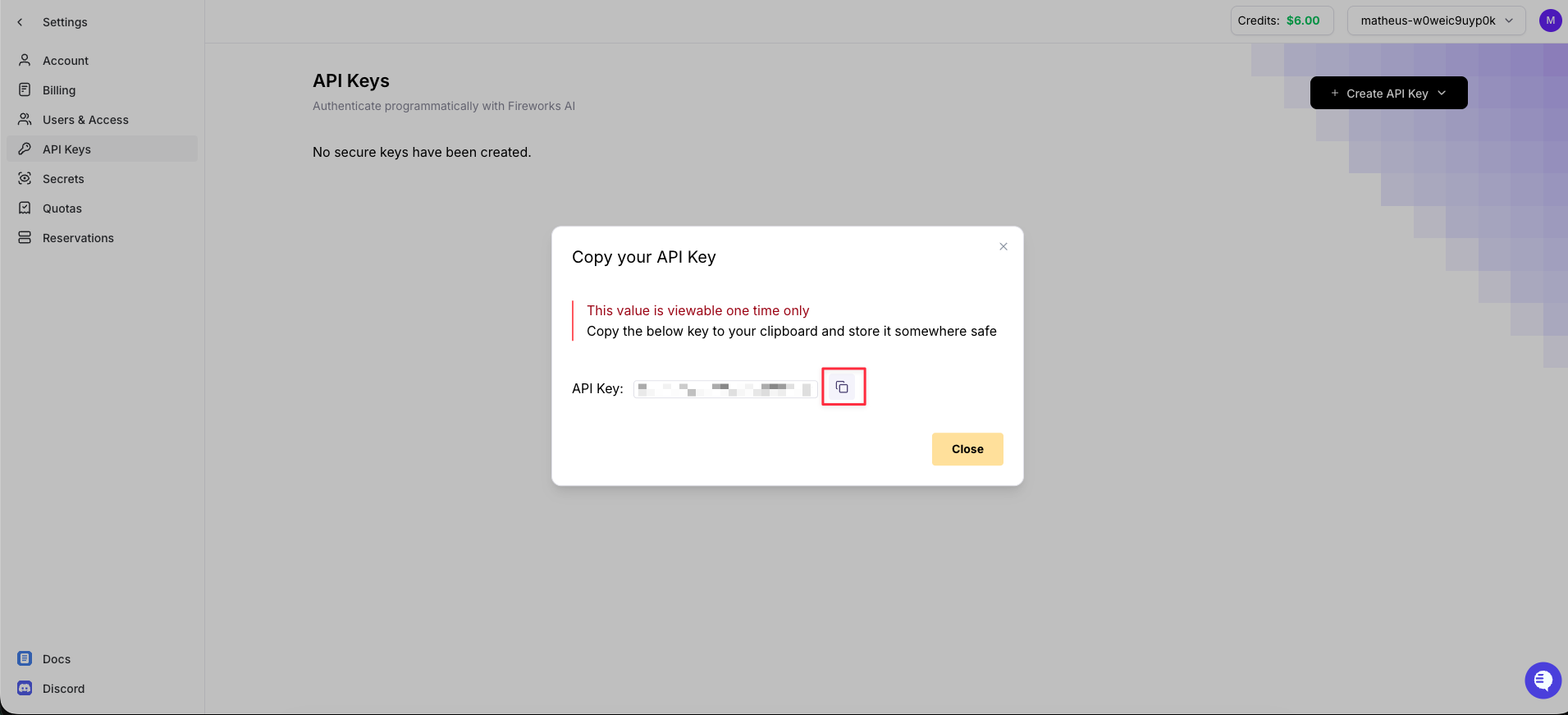
5
Copy Your Account ID
Click the account dropdown in the top-right corner and copy your Account ID using the copy button. You will also need this when creating the connection.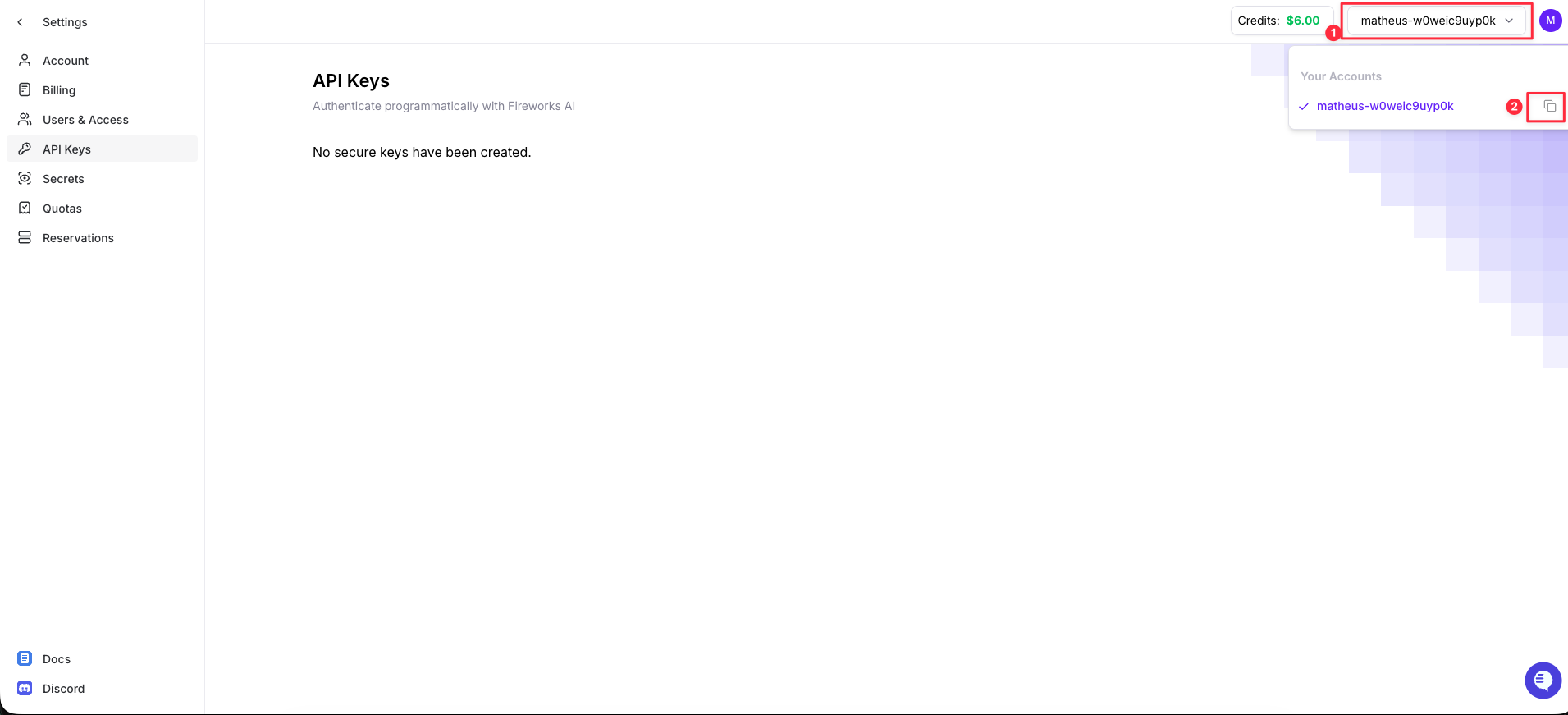
Setup Fireworks connection in Infisical
1
Navigate to App Connections
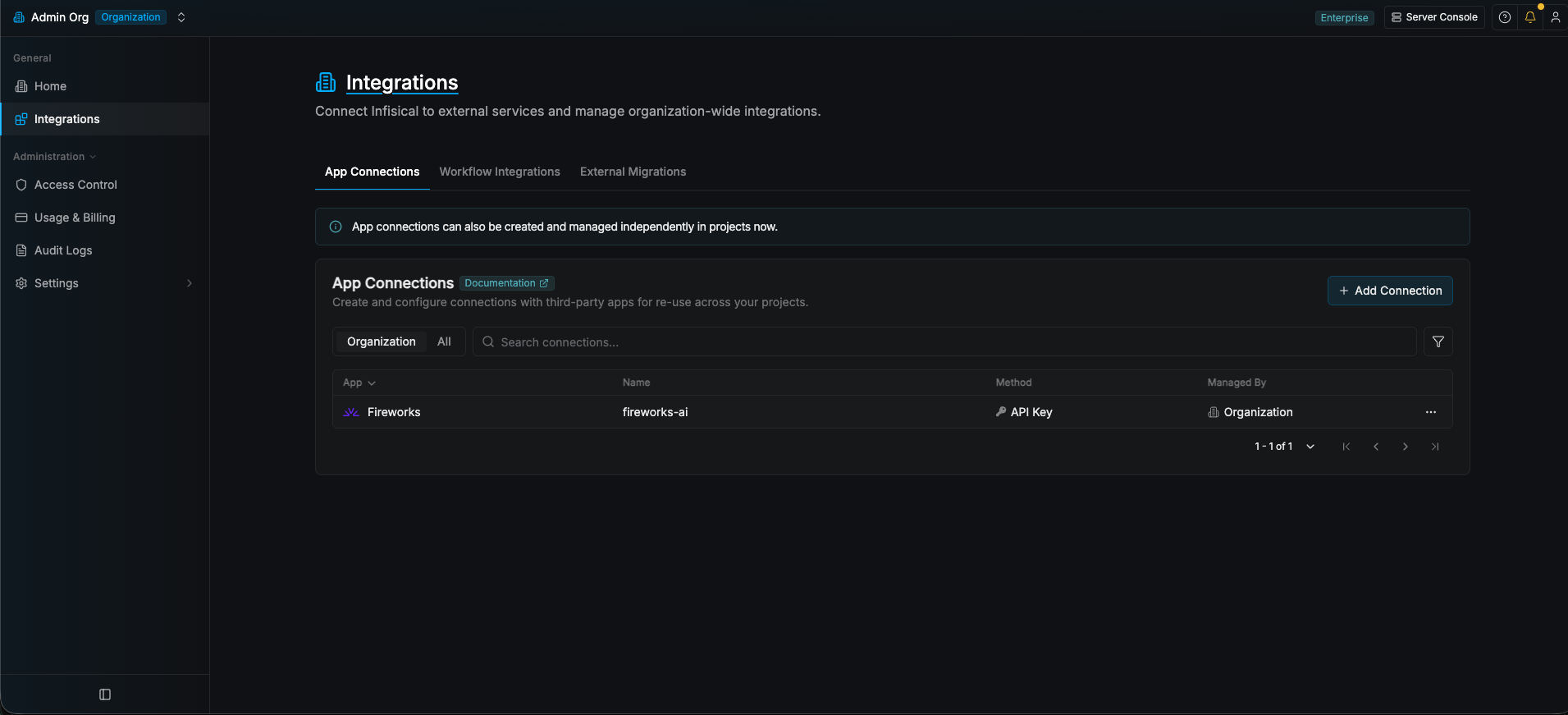
Navigate to the App Connections tab in your organization and select + Add Connection. Select the Fireworks option.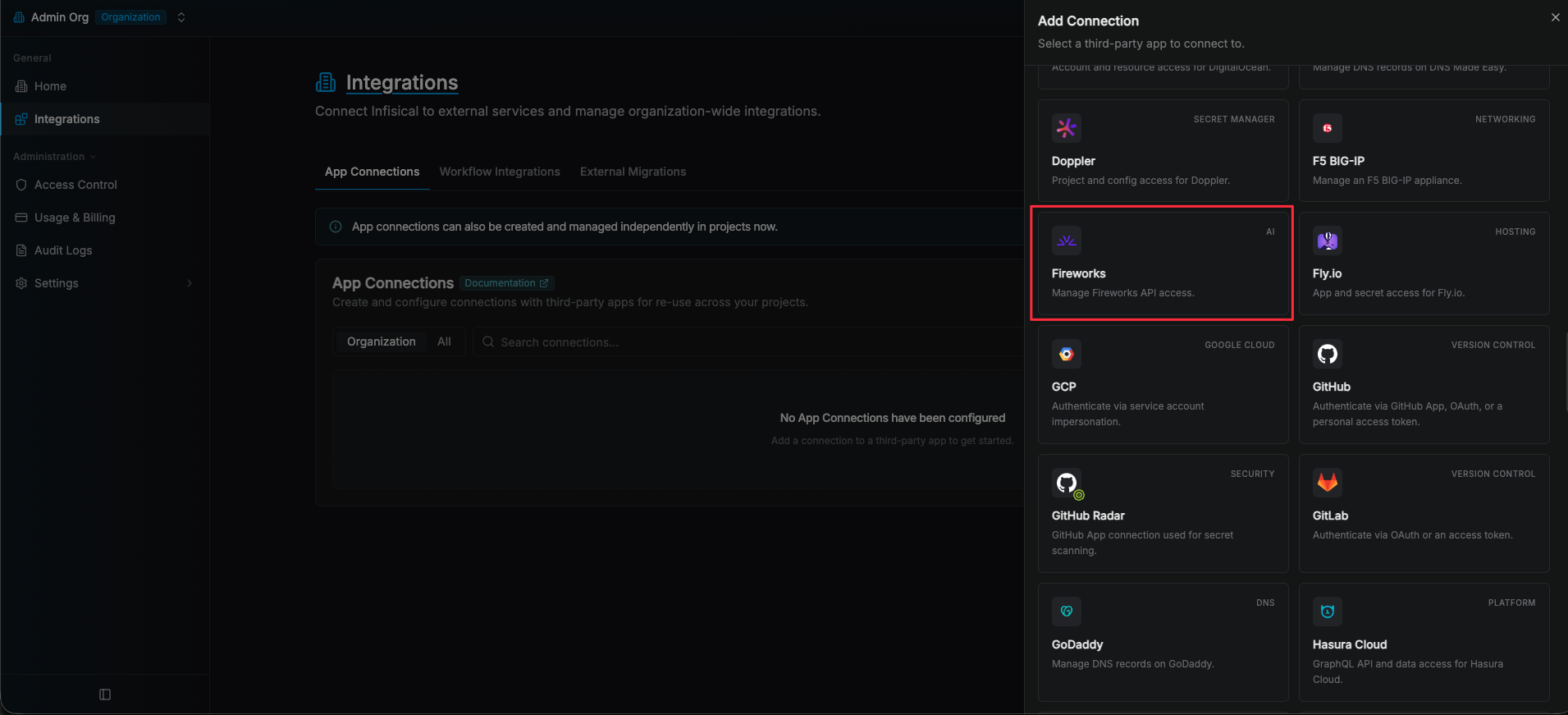
2
Create the Connection
Fill in the connection Name, select the API Key method, paste the Account ID and API Key you copied earlier, and click Connect to Fireworks.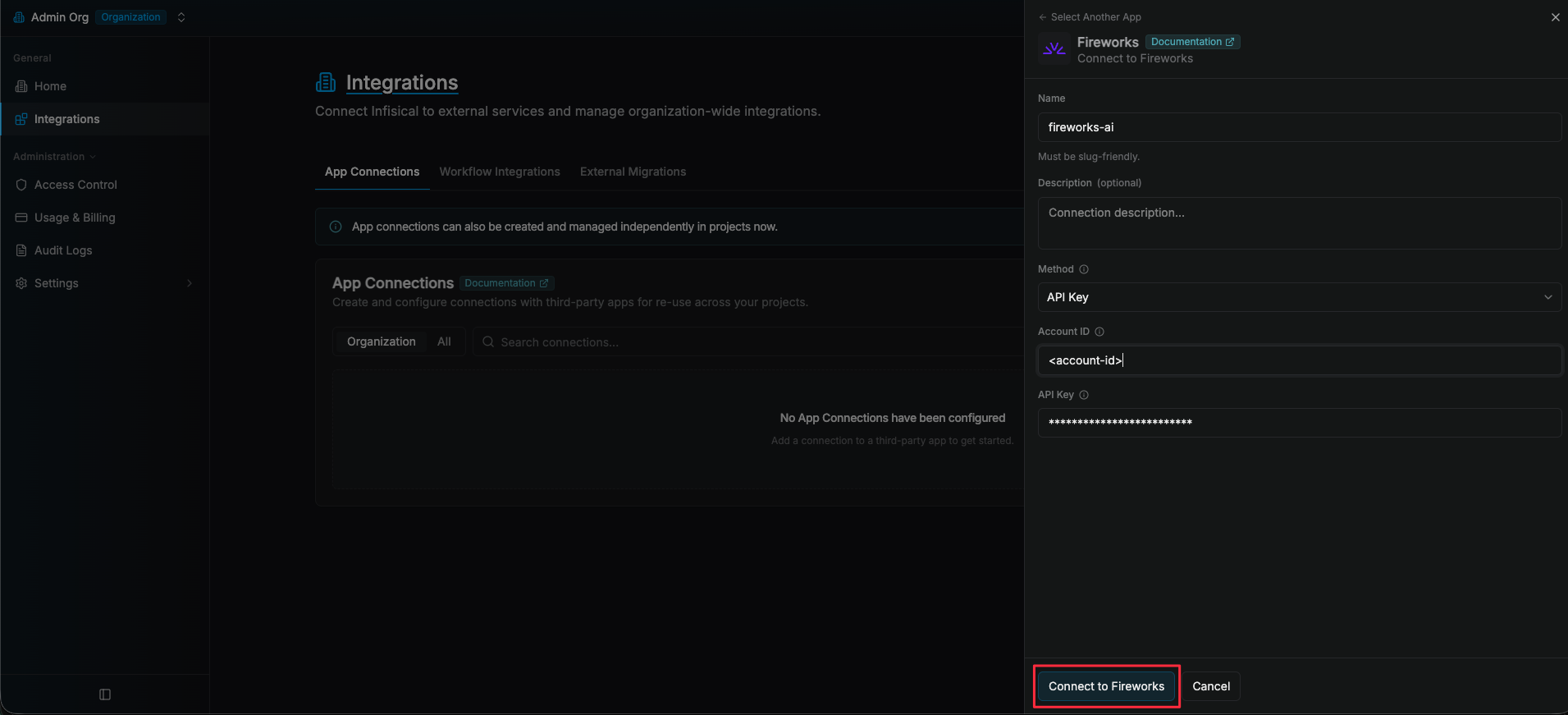
3
Connection Created
Your Fireworks Connection is now available for use with Fireworks API Key Secret Rotation.