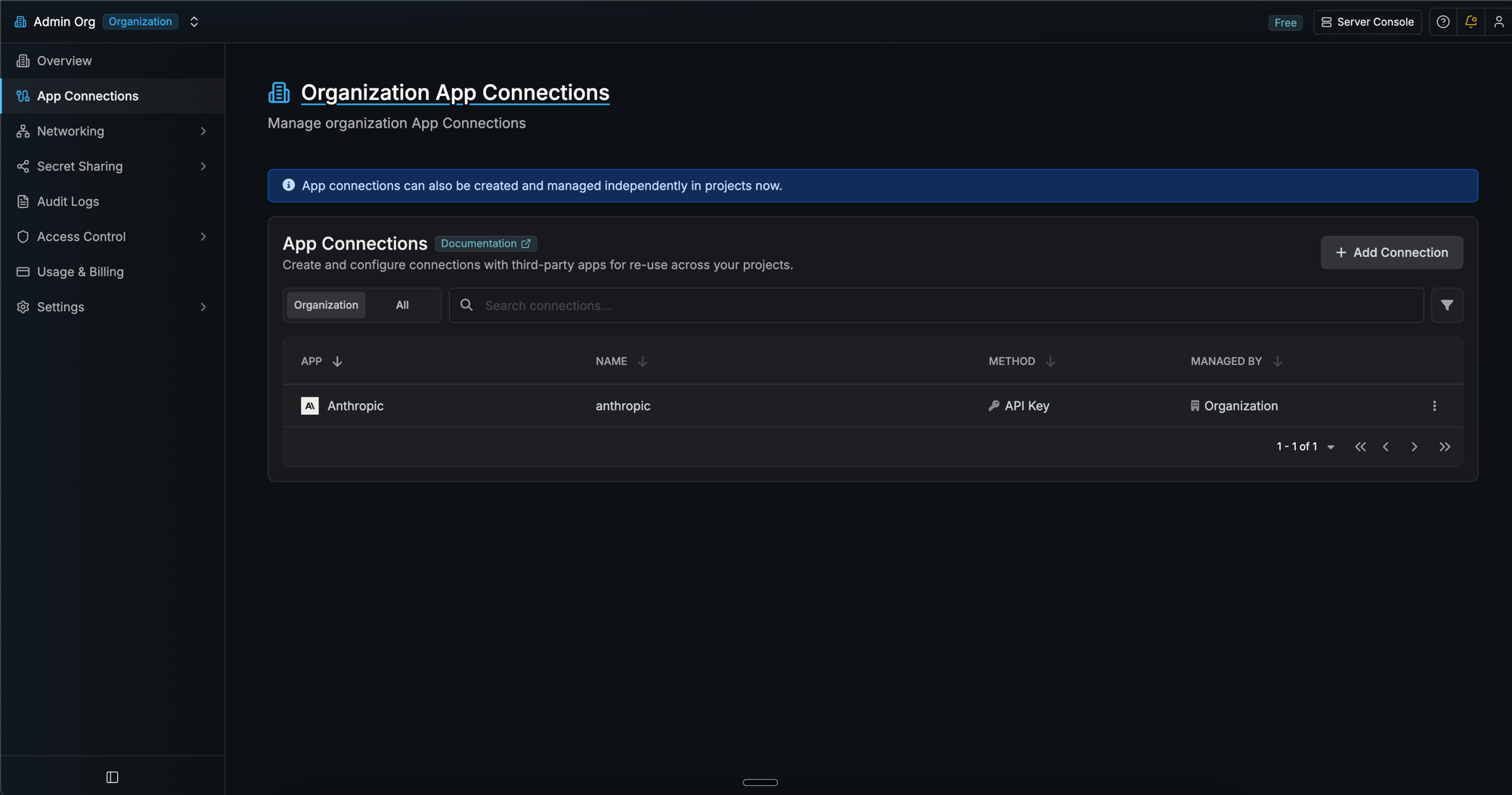
Prerequisites
- An Anthropic account with access to the API
- Sufficient API credits or an active billing plan on your Anthropic account
Create an Anthropic API key
1
Navigate to API Keys
In the Anthropic Console, go to Settings → API Keys and select Create Key.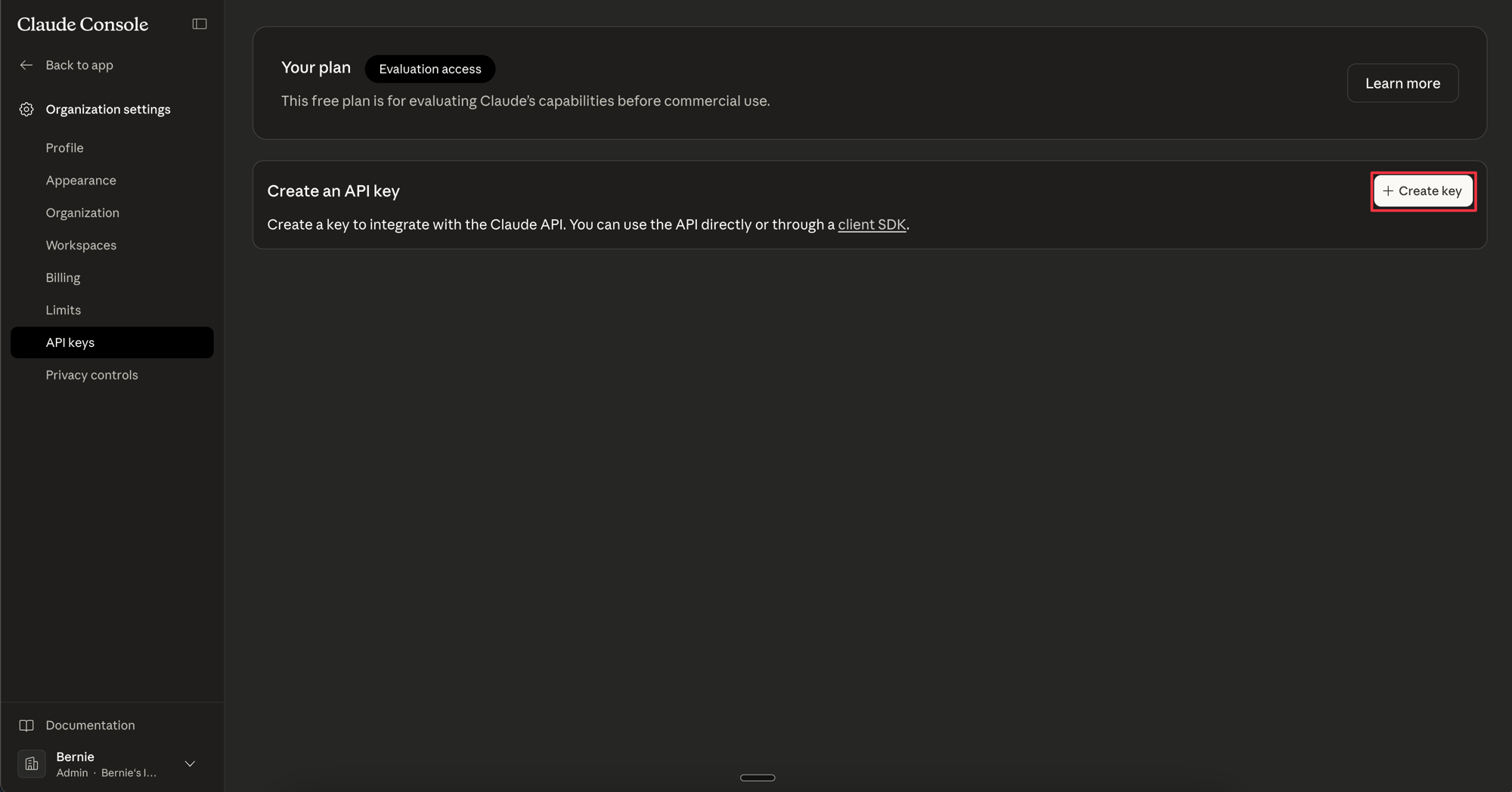
2
Name and create the key
Give the key a descriptive name (e.g. 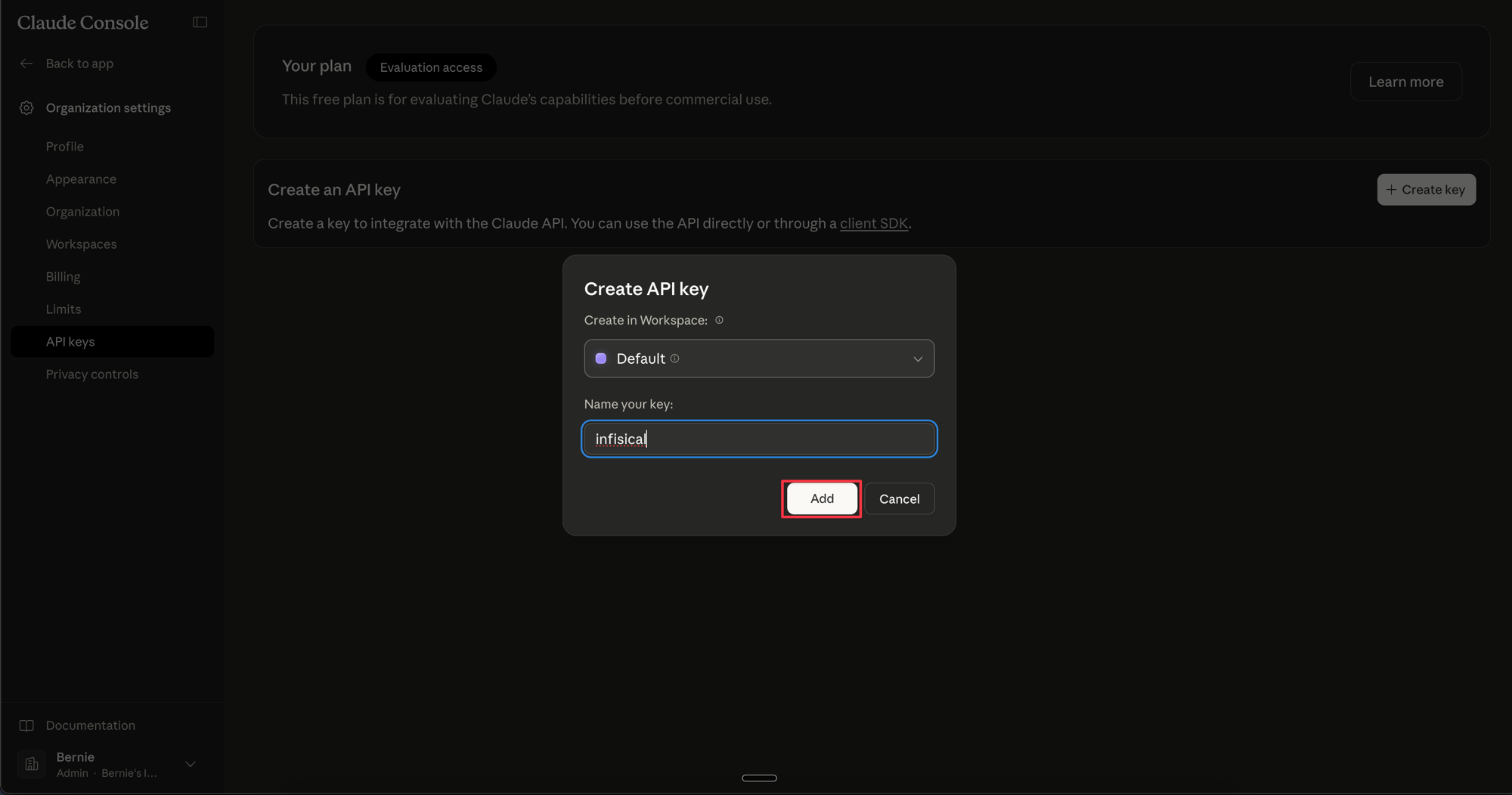
infisical-pam) and select Create Key. Copy the generated API key, as it will only be shown once.Create Anthropic connection in Infisical
- Infisical UI
- API
1
Navigate to App Connections
In your Infisical dashboard, go to Integrations → App Connections in your organization.
2
Select Anthropic Connection
Click Add Connection and choose Anthropic from the list of available connections.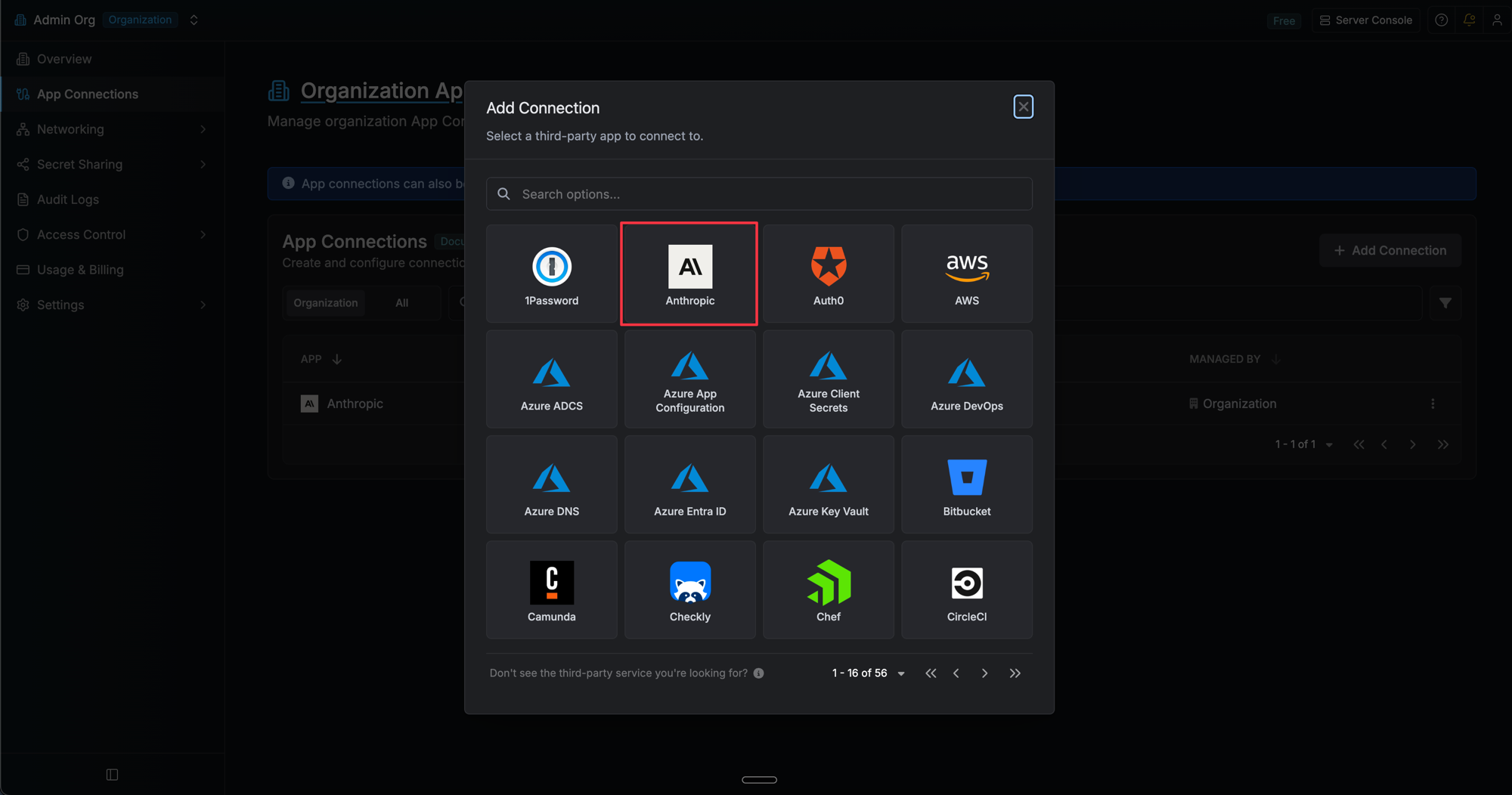
3
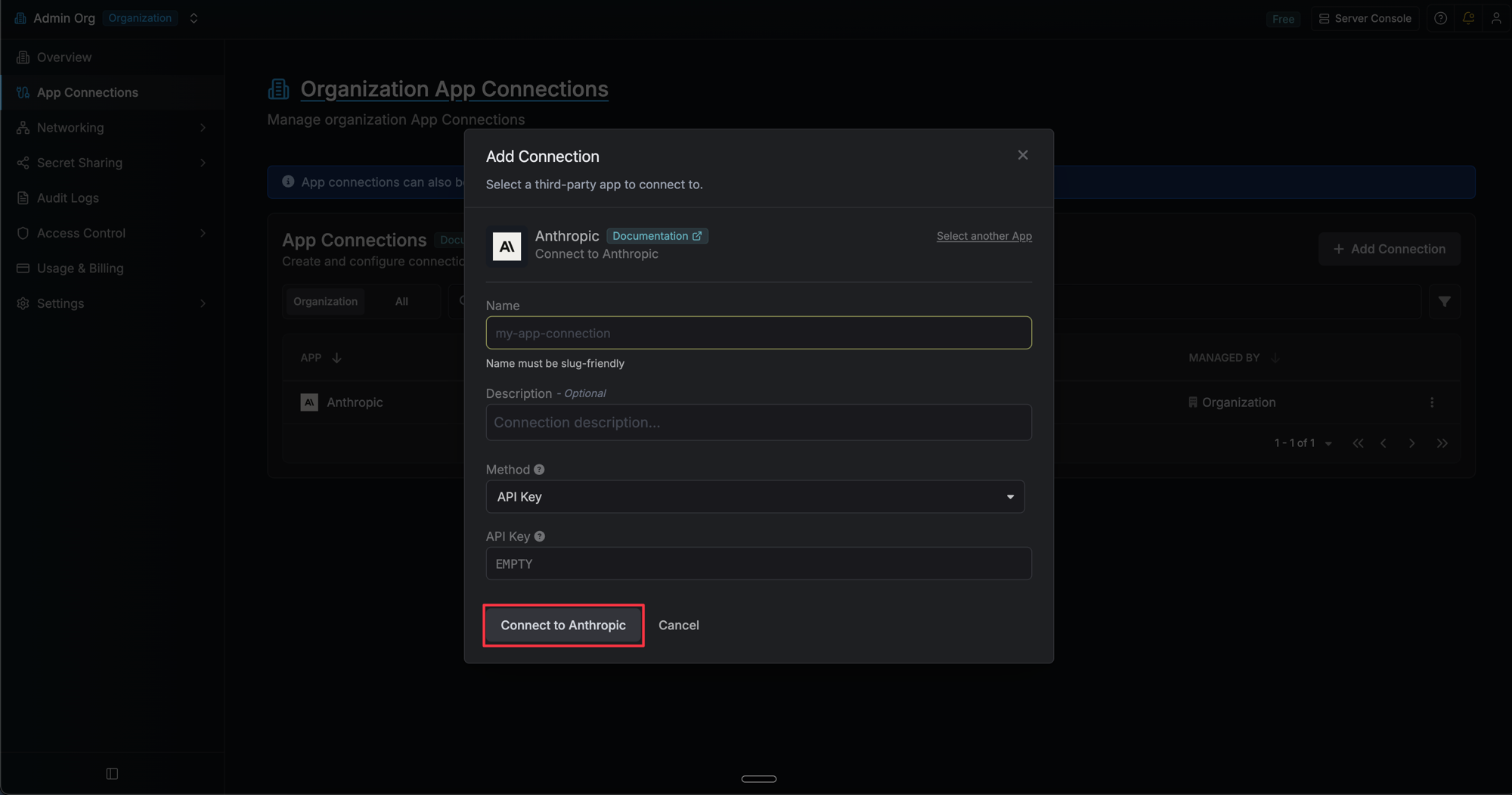
Fill out Connection Form
Complete the form with:
-
A name for the connection (e.g.
anthropic-prod) - An optional description
-
Your Anthropic API Key (from the steps above)
4
Connection Created
After clicking Create, Infisical validates the key against the Anthropic API.