

The Portainer Secret Sync requires a Portainer app connection. This guide walks you through creating a project-scoped app connection.
Prerequisites
- A project with secrets configured
- A Portainer app connection
- A Compose or Swarm stack in Portainer (Kubernetes stacks aren’t supported, because Portainer doesn’t apply environment variables to them)
Set up the sync in Infisical
1
In your project, go to Integrations and open the Secret Syncs tab. Select + Add Sync.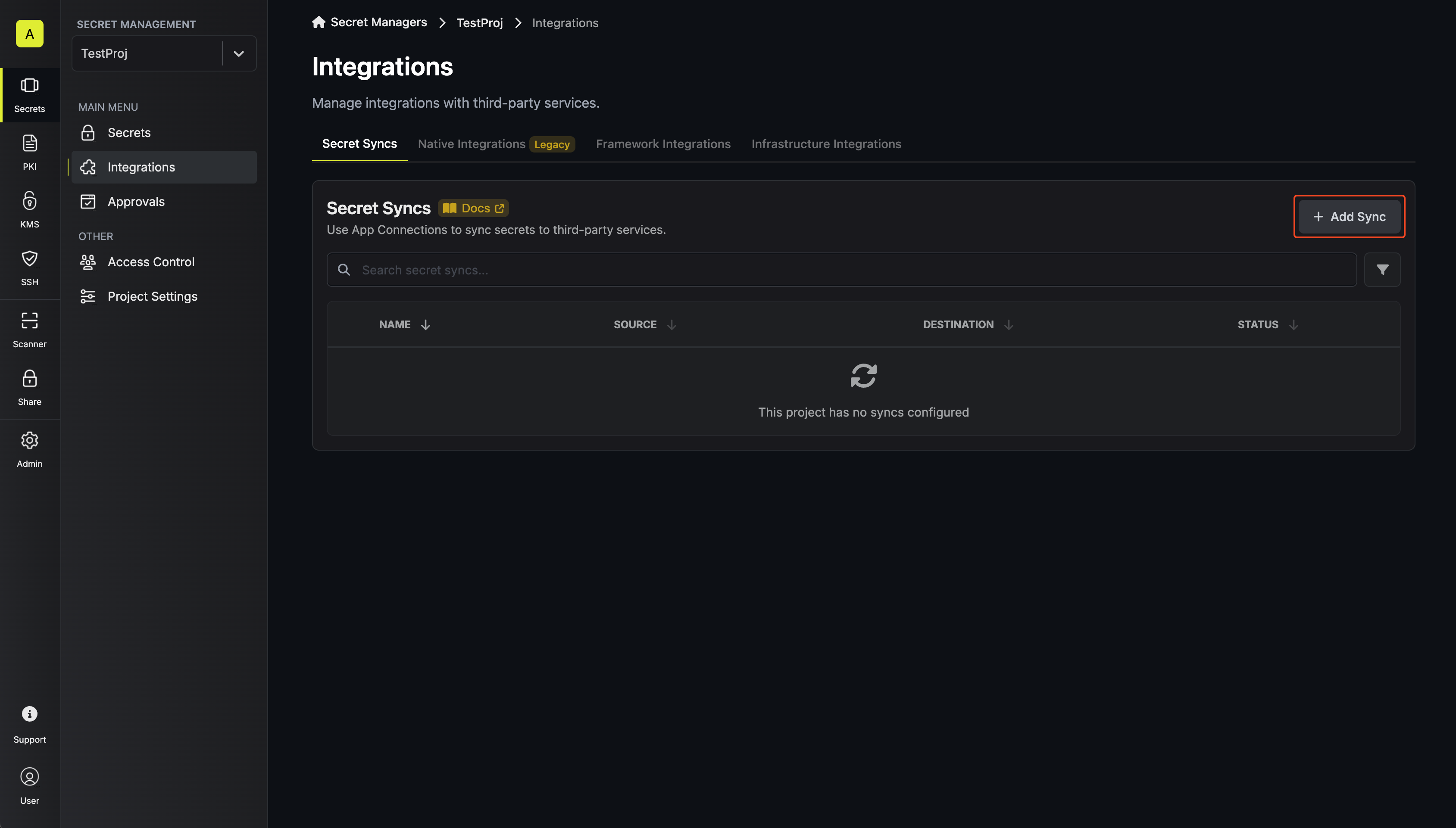 Then, select the Portainer sync.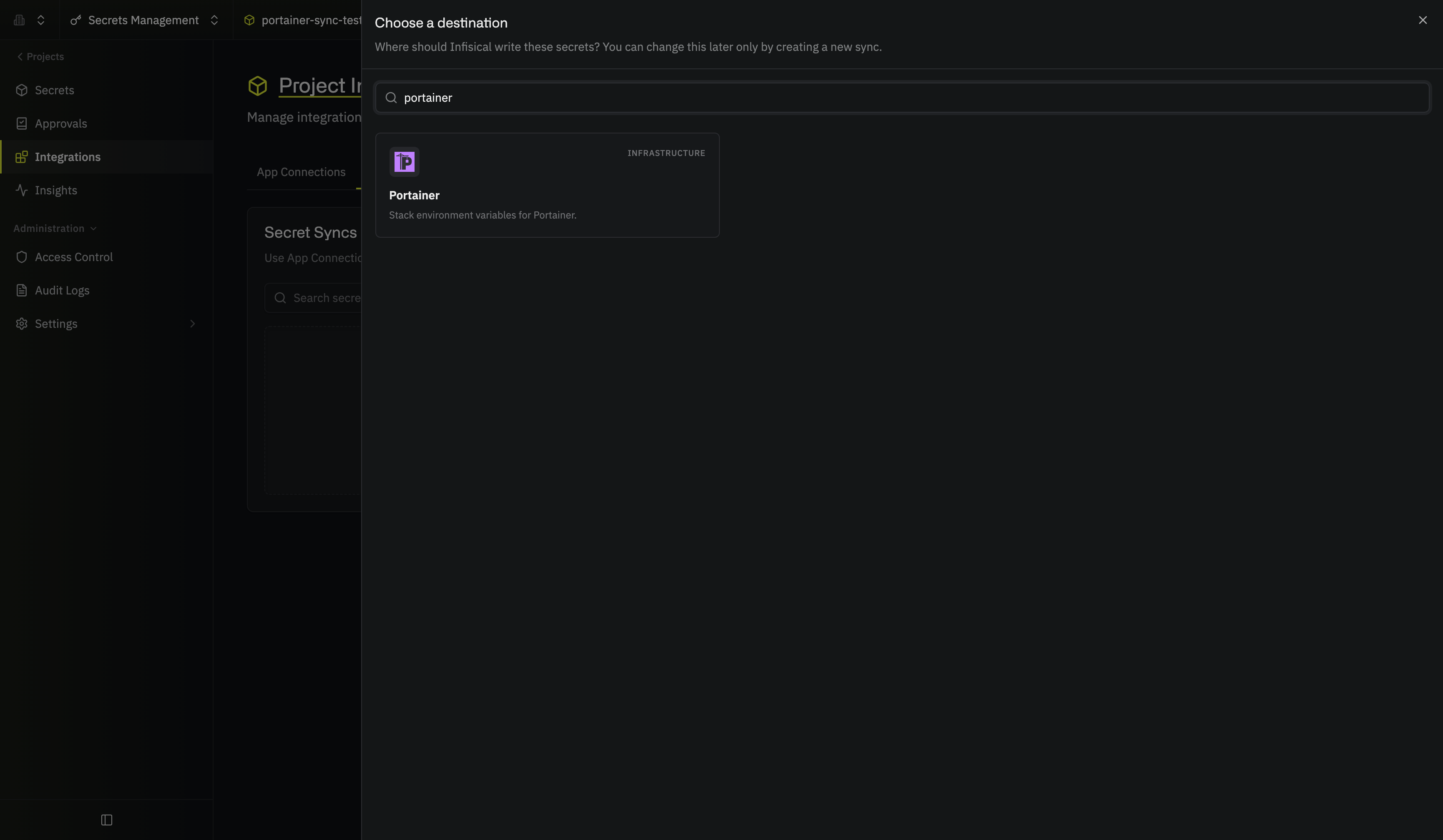
Then, select the Portainer sync.2
Under Source, choose which secrets to sync from Infisical: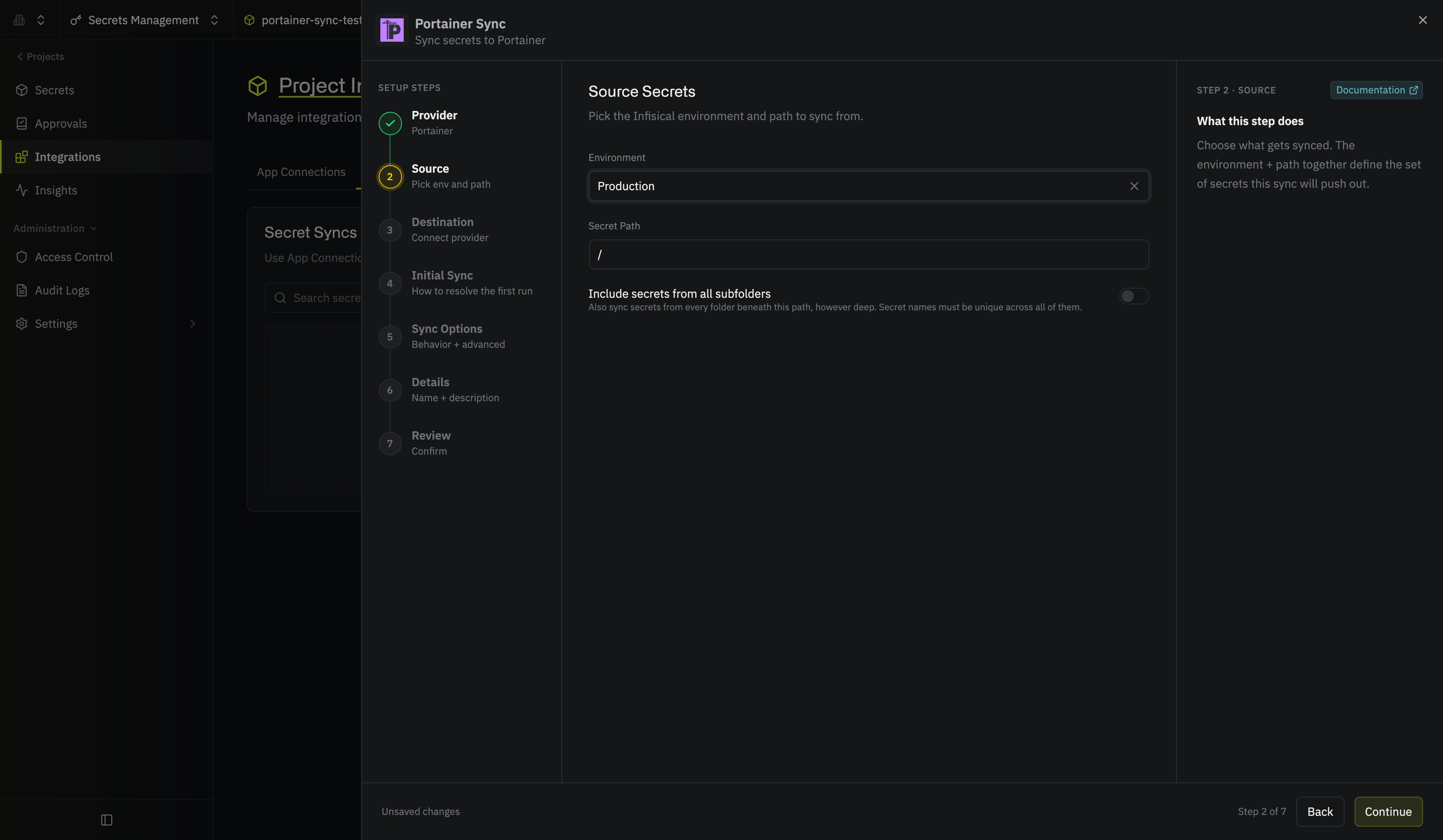 Then select Continue.
- Environment: The project environment to retrieve secrets from
- Secret Path: The folder path to retrieve secrets from
- Include secrets from all subfolders: Also syncs the secrets in every folder beneath the path
Then select Continue.3
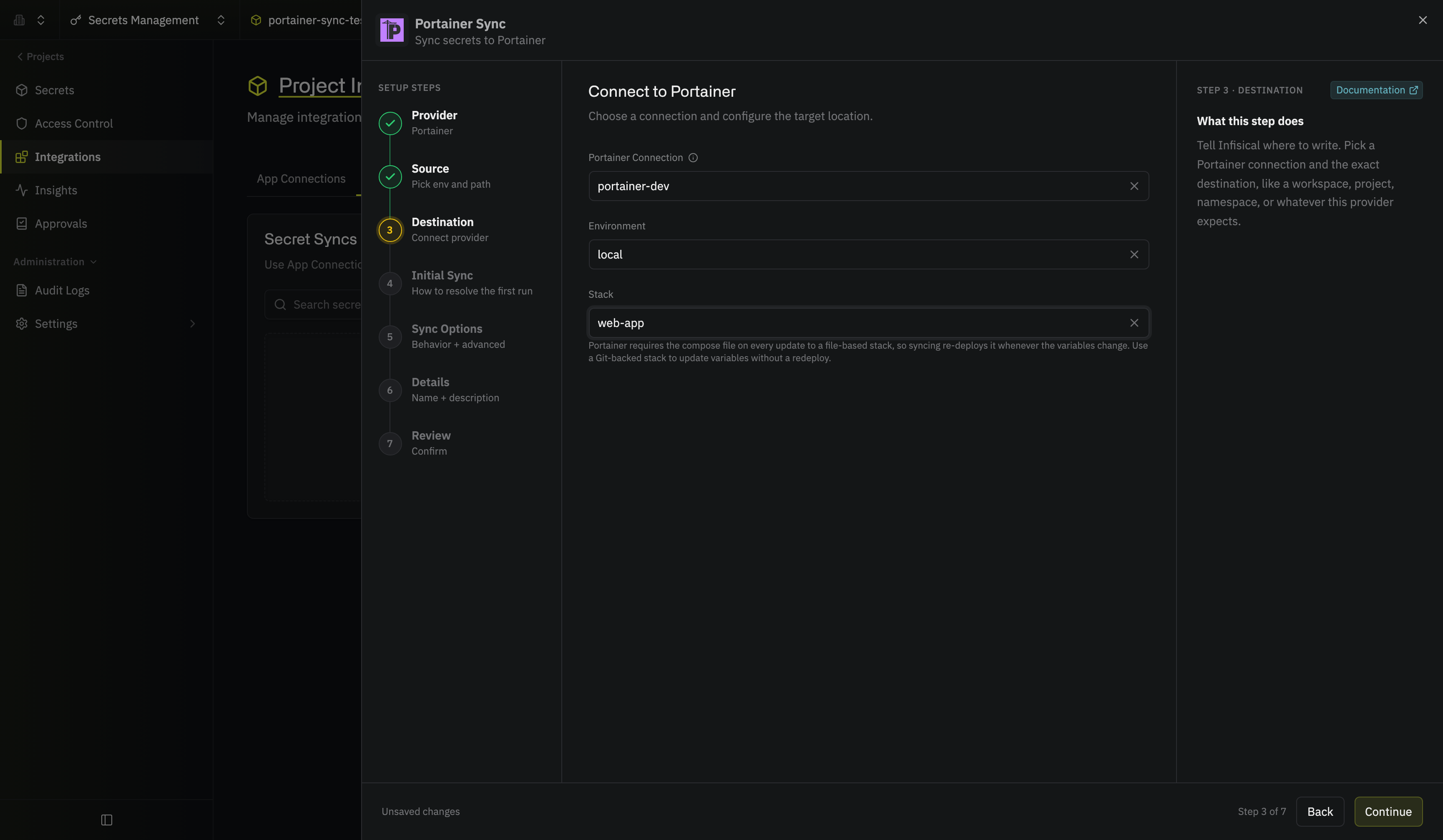
Under Destination, create or select the Portainer app connection the sync will use, then choose the stack that receives the secrets.
- Create a new app connection
- Use an existing connection
Under Portainer Connection, select Create Connection in the dropdown, then fill in:
- Name: A descriptive name for the connection; it must be slug-friendly
- Description (optional): A note for future reference
- Gateway: The Gateway or Gateway pool to route requests through if your Portainer instance isn’t reachable from the internet; otherwise leave it as Internet Gateway
- Method: API Token, the only method the connection supports
- Portainer Instance URL: The URL of your Portainer instance, such as
https://portainer.example.com - Portainer API Token: The token you copied when generating a Portainer API token
This creates a connection scoped to the current project. To share the connection across other projects, create it at the organization level first, then select it here.
- Environment: The Portainer environment that hosts the stack
-
Stack: The stack whose variables the sync writes; the form says whether the stack is Git-backed or file-based, which decides whether a sync restarts your containers
4
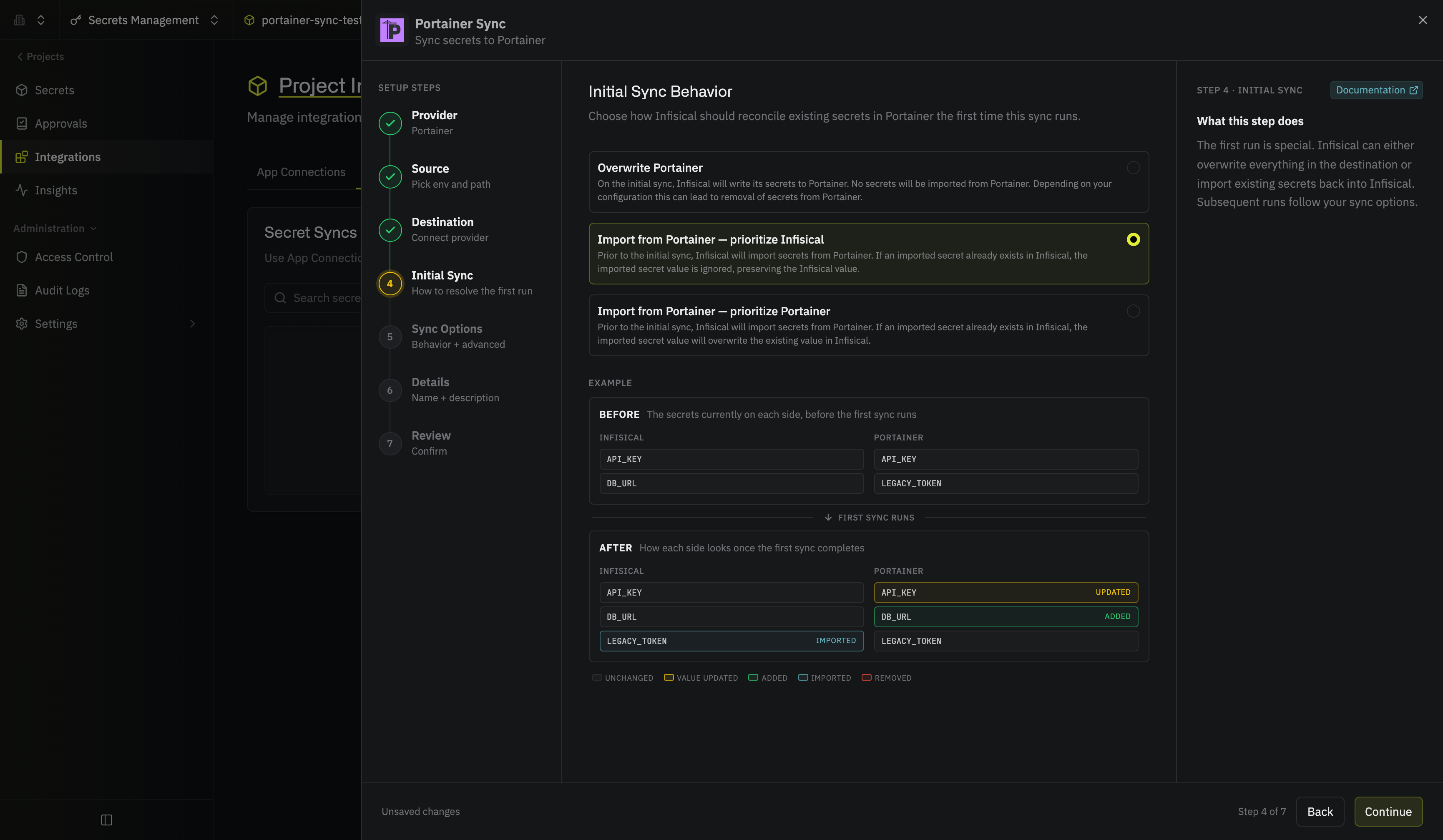
Under Initial Sync Behavior, choose how Infisical handles variables that already exist on the stack on the first sync:
- Overwrite Portainer: Infisical writes its secrets to the stack and imports nothing back; depending on your sync options, variables that aren’t in Infisical can be removed
- Import from Portainer, prioritize Infisical: The stack’s variables are imported into Infisical first; where a name exists on both sides, the Infisical value wins
-
Import from Portainer, prioritize Portainer: Same as above, but the stack’s value wins
5
Under Sync Options, choose how secrets are synced: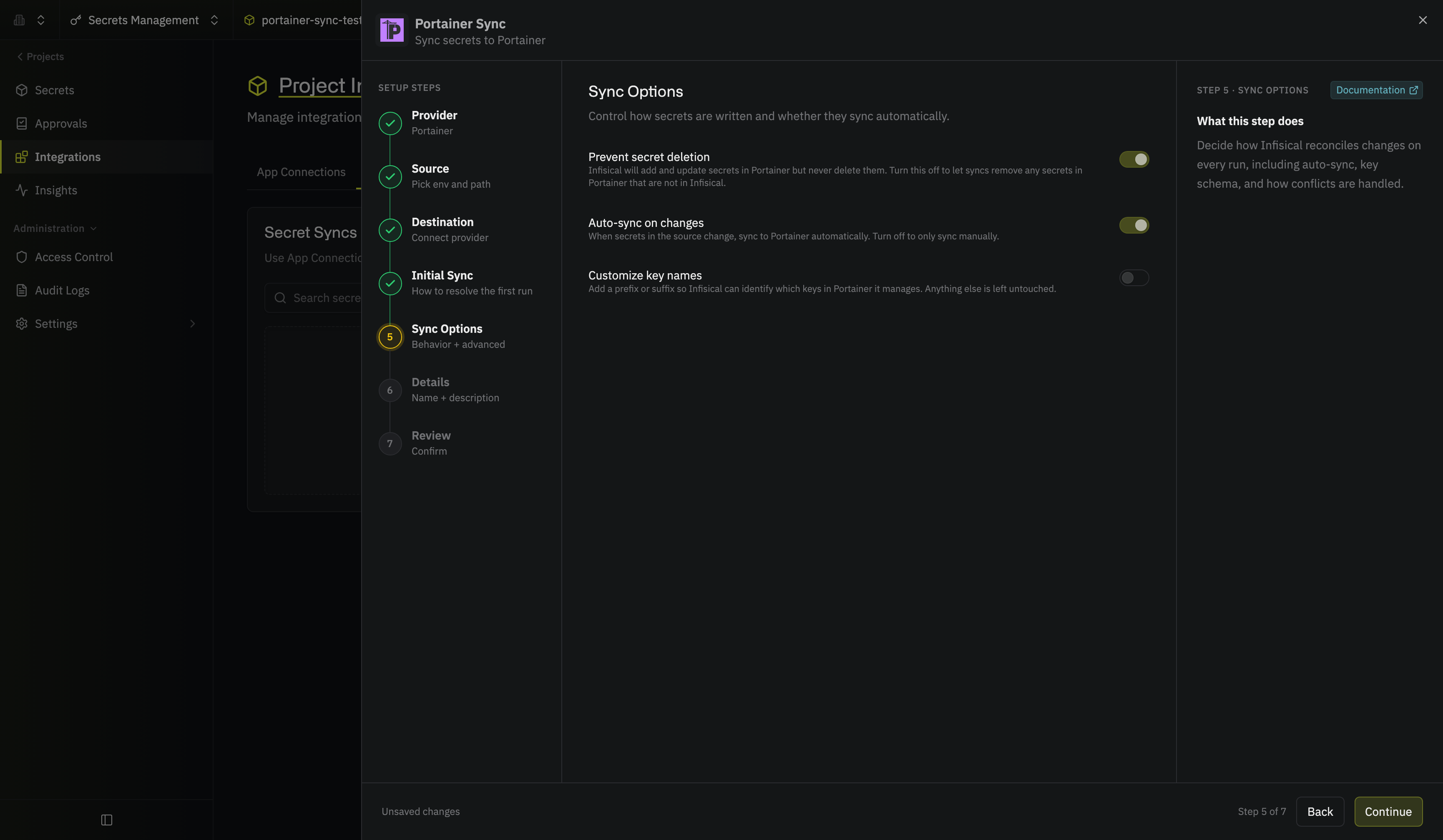 Then select Continue.
- Prevent secret deletion: When enabled, Infisical adds and updates variables on the stack but never deletes them; enable this if you manage some variables outside of Infisical
- Auto-sync on changes: When enabled, secrets sync to Portainer automatically as the source changes; turn it off to sync manually only
- Customize key names: Adds a prefix or suffix to every synced name, using
{{secretKey}}for the original name and{{environment}}for the environment slug
Then select Continue.6
Give the sync a Name and an optional Description. The name must be slug-friendly.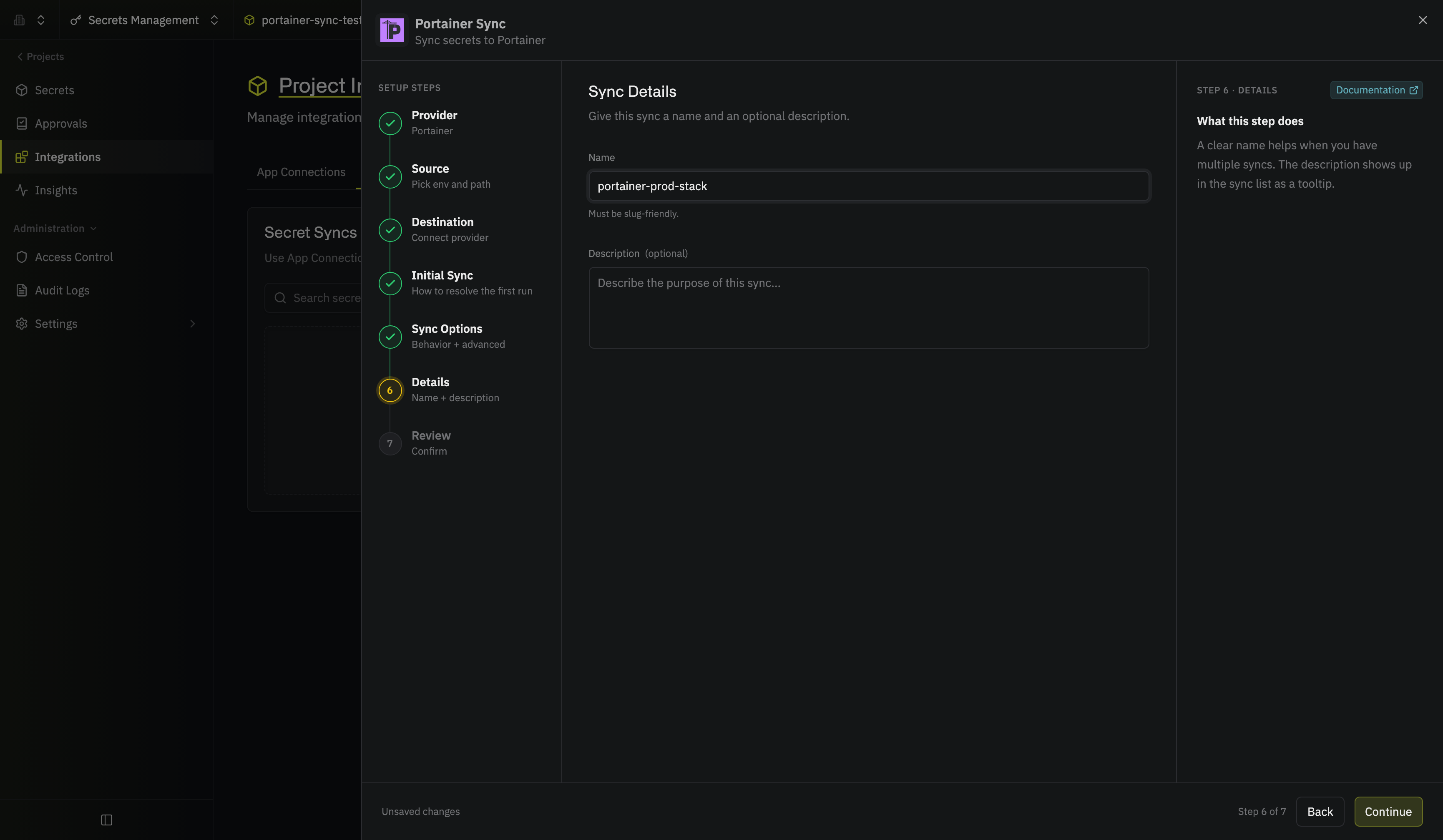 Then select Continue.
Then select Continue.7
Review your Portainer Sync configuration, then select Create Sync.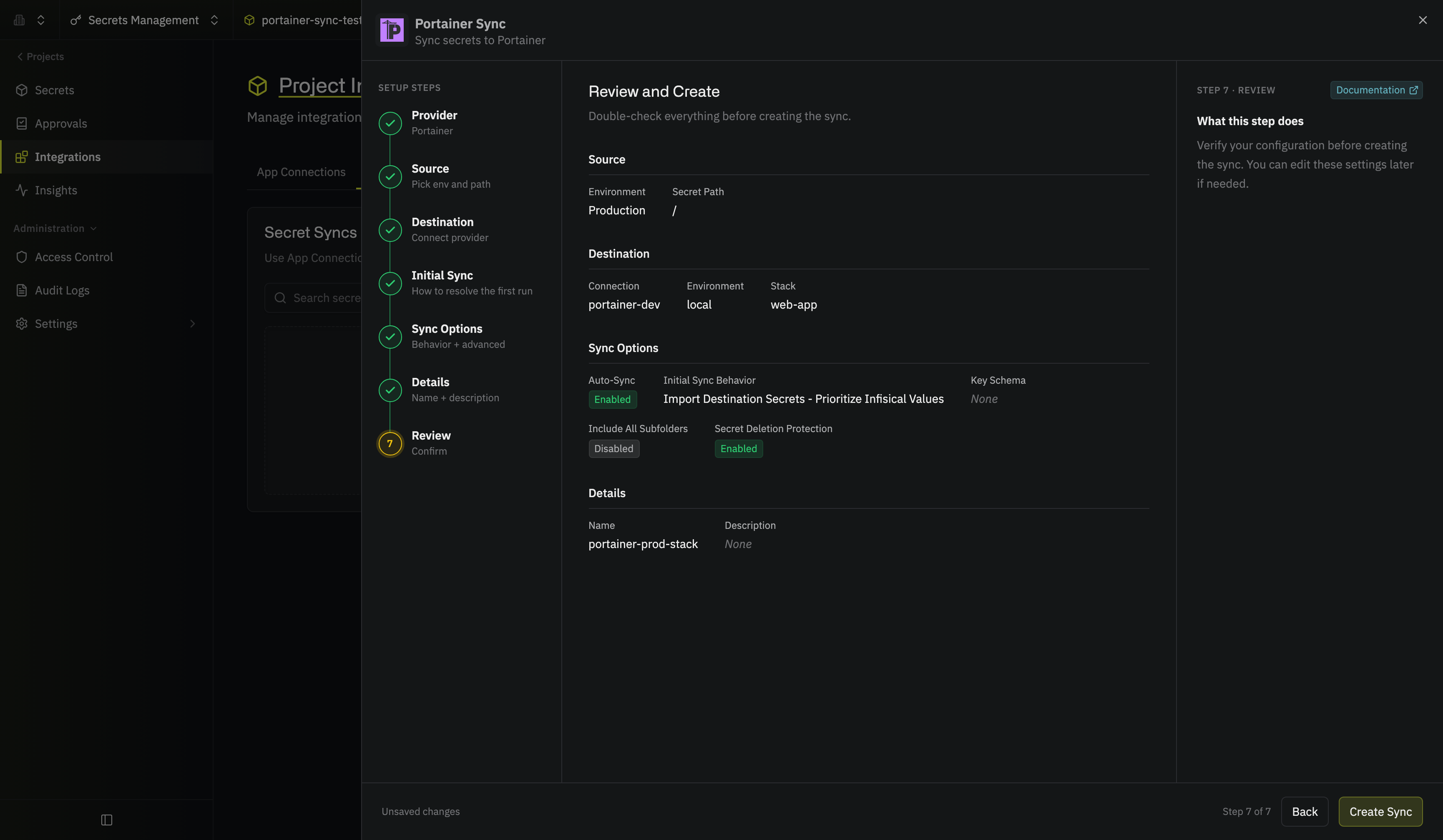
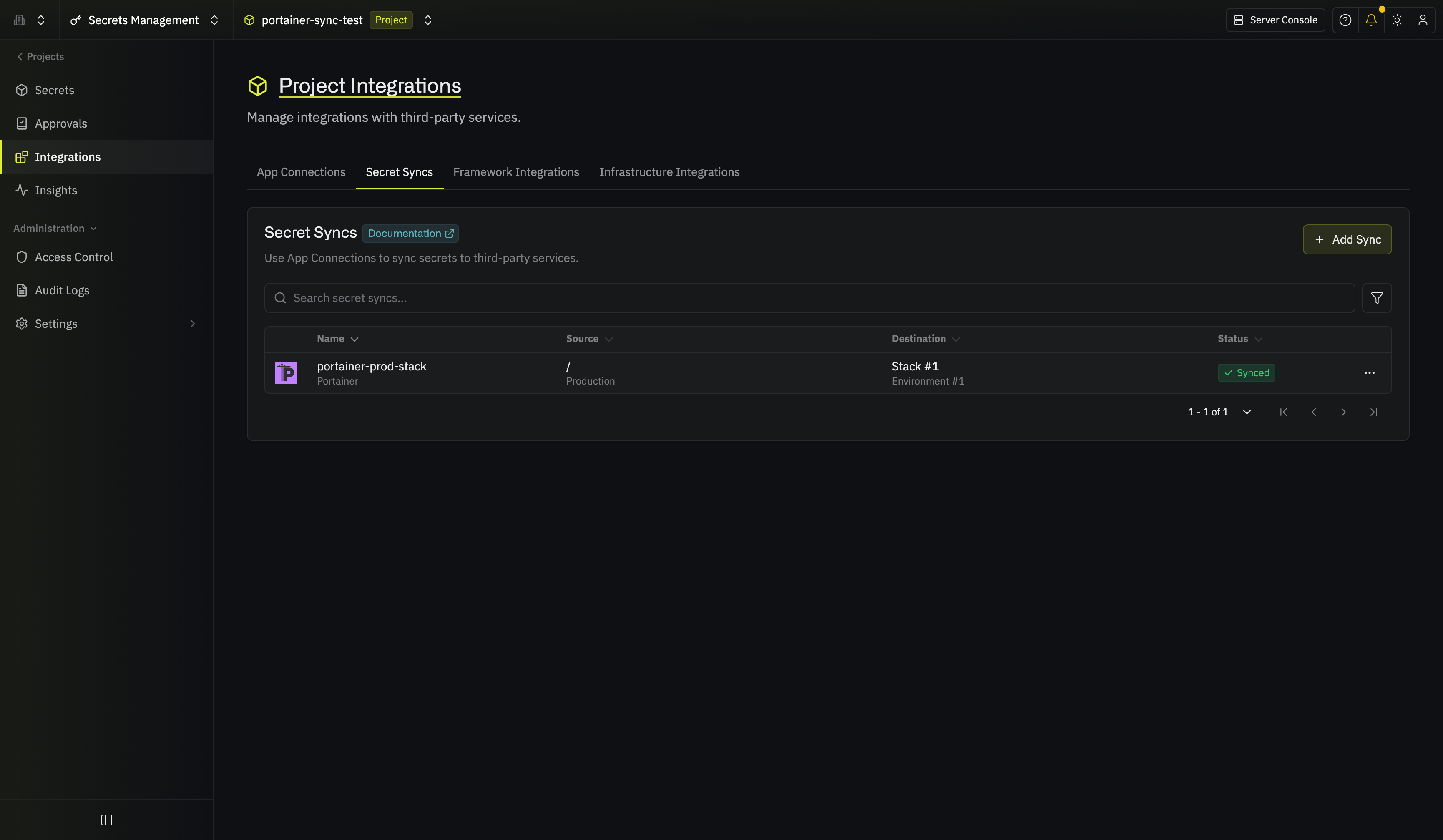
The sync is created. If Auto-sync on changes is enabled, it begins syncing secrets to the stack right away.
FAQ
Does a sync restart my containers?
Does a sync restart my containers?
It depends on the stack type. For a Git-backed stack, Infisical writes the variables to the stack’s Git settings and leaves the running containers alone; the new values take effect on the stack’s next deployment, whether that’s an auto-update poll, a webhook, or a manual redeploy. For a file-based stack, Portainer requires the compose file on every update, so Infisical resubmits the current file unchanged along with the variables, and Portainer redeploys the stack. Infisical skips the update if the stack already has exactly these variables. Infisical doesn’t wait for the redeploy or check its result, so check the stack in Portainer if your containers don’t come up with the new values. If Portainer is still deploying the stack when a sync runs, it rejects the update and the sync fails with that reason; sync again once the deployment has finished.
Can I sync to a Kubernetes stack?
Can I sync to a Kubernetes stack?
No. Portainer doesn’t apply environment variables to Kubernetes stacks, so Infisical doesn’t list them as a destination and fails a sync that targets one.
What happens to values with line breaks or special characters?
What happens to values with line breaks or special characters?
Portainer stores a Compose stack’s variables in an env file with one line per variable, and Compose expands
$VAR and ${VAR} references inside the values. Infisical writes every $ as $$, which Compose turns back into a single $, so a value like pa$word reaches your containers unchanged. If a value contains line breaks, starts or ends with a space, contains a space followed by #, or starts with a quote, Infisical also stores the value in double quotes with each special character escaped. Portainer restores the original value when it deploys the stack, and Infisical undoes the same encoding when it imports variables from the stack. Swarm stacks receive their values as-is.Next steps
Portainer
Create an organization-level Portainer connection to share across projects.
Secret syncs
Learn how secret syncs work and how to manage them.