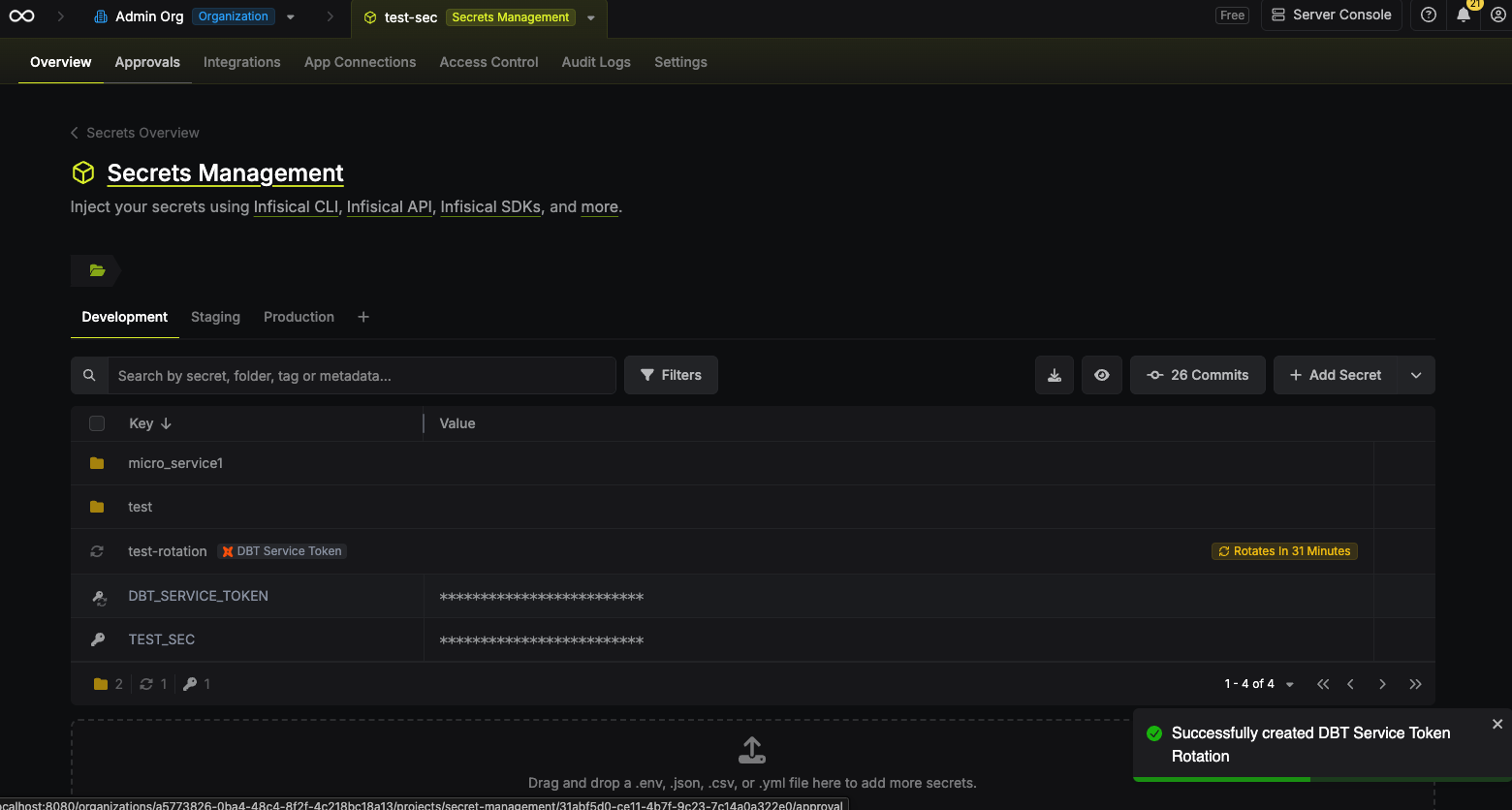
Rotation Type: Dual-PhaseThis rotation maintains two active credential sets with overlapping validity, ensuring zero-downtime during rotation cycles.
Prerequisites
- Create a DBT Connection.
Create a DBT service token rotation in Infisical
- Infisical UI
- API
-
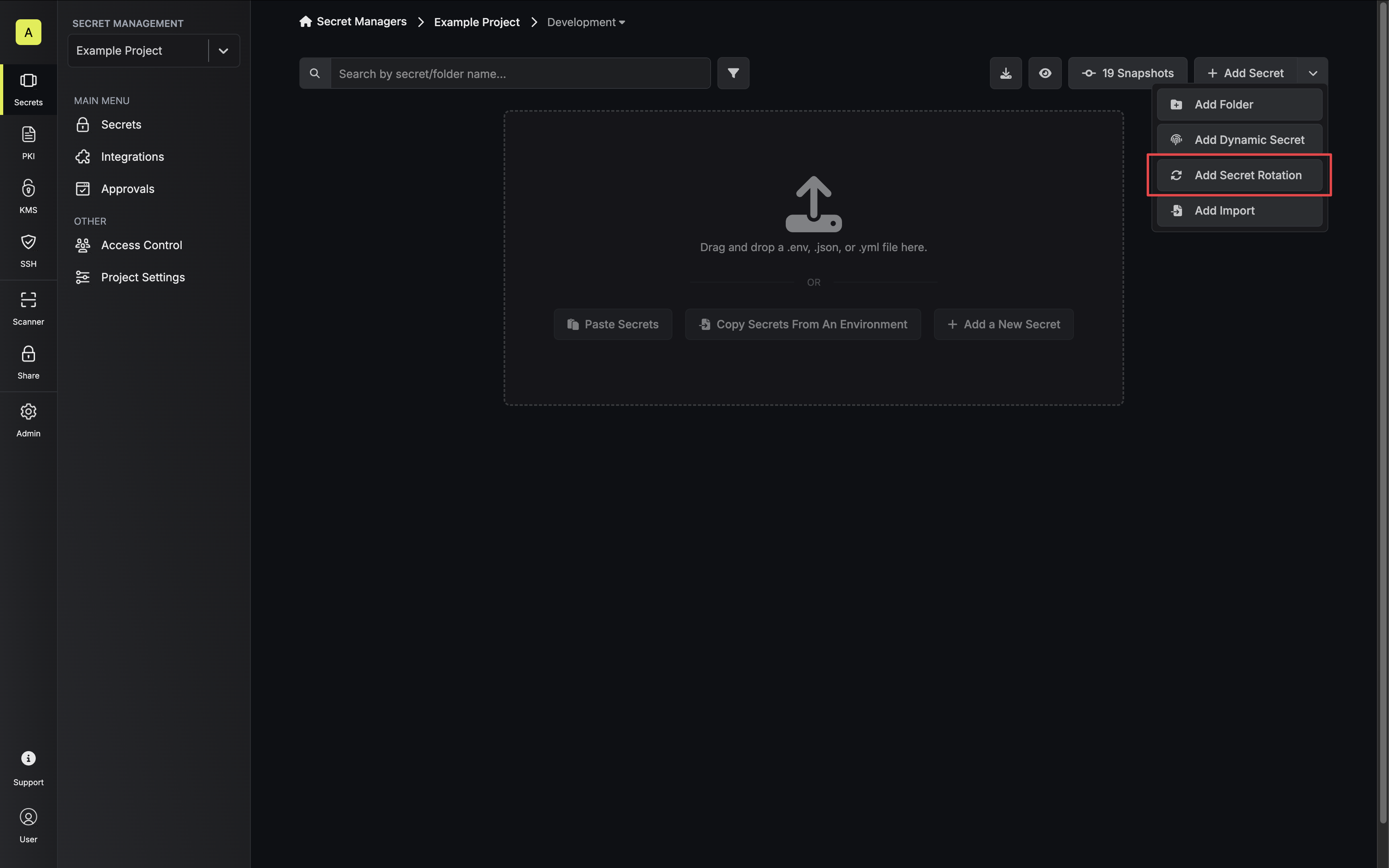
Navigate to your Secrets Management Project’s Dashboard and select Add Secret Rotation from the actions dropdown.
-
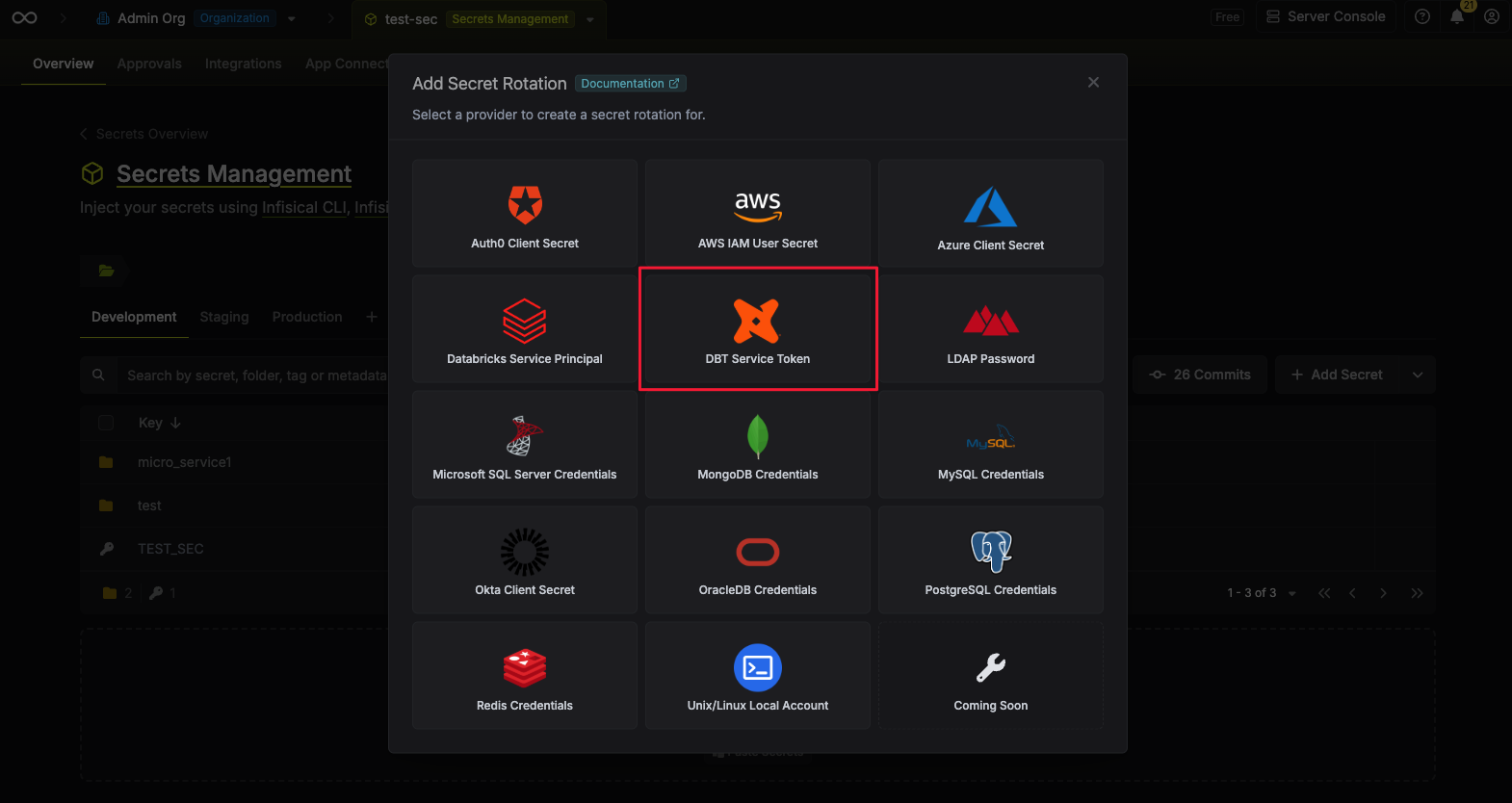
Select the DBT Service Token option.
-
Configure the rotation behavior, then click Next.
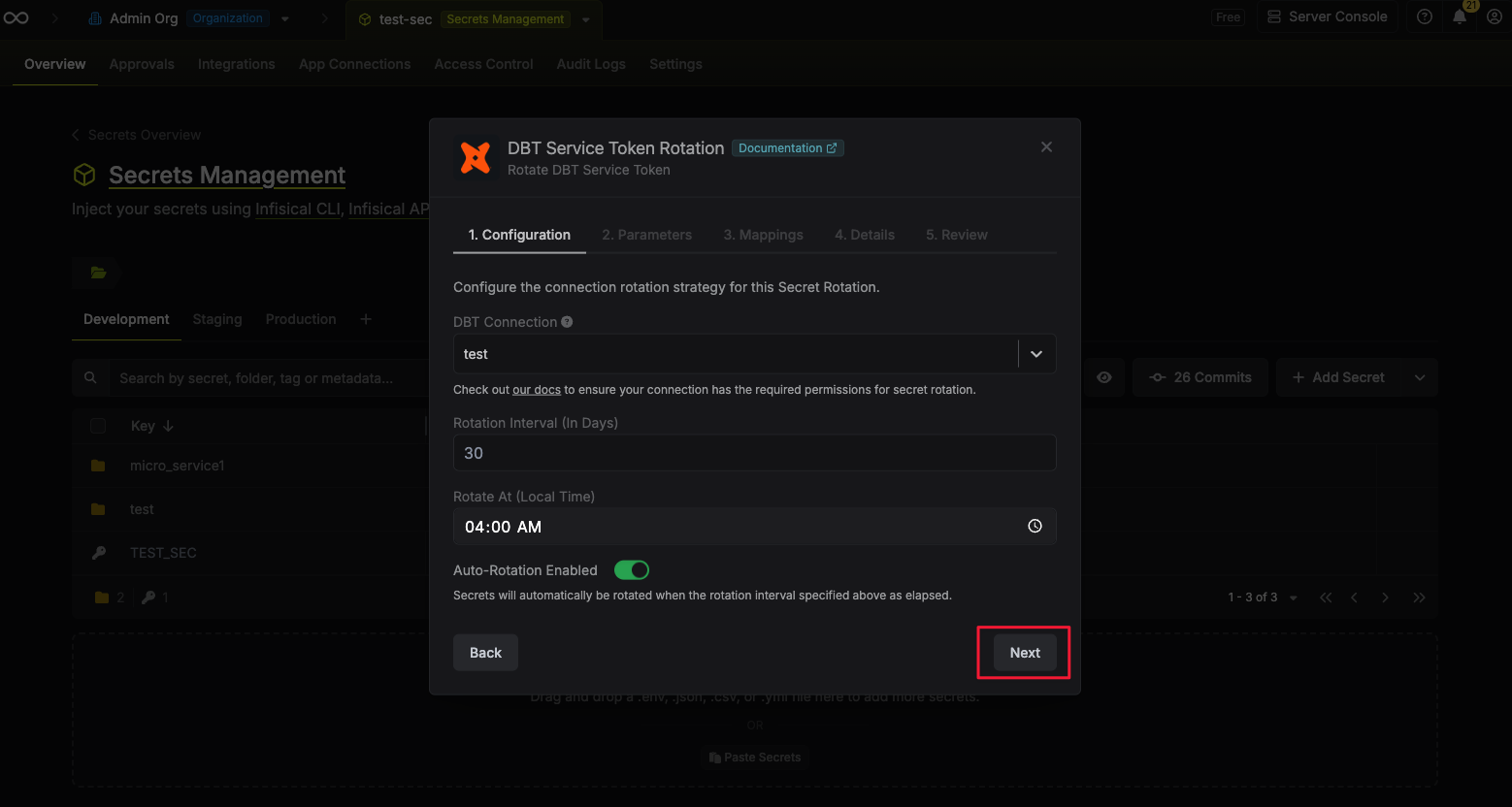
- DBT Connection - the connection that will perform the rotation of the specified service token.
- Rotation Interval - the interval, in days, that once elapsed will trigger a rotation.
- Rotate At - the local time of day when rotation should occur once the interval has elapsed.
- Auto-Rotation Enabled - whether secrets should automatically be rotated once the rotation interval has elapsed. Disable this option to manually rotate secrets or pause secret rotation.
Note that it’s important that the DBT connection being used has permissions to create service tokens. Groups such as
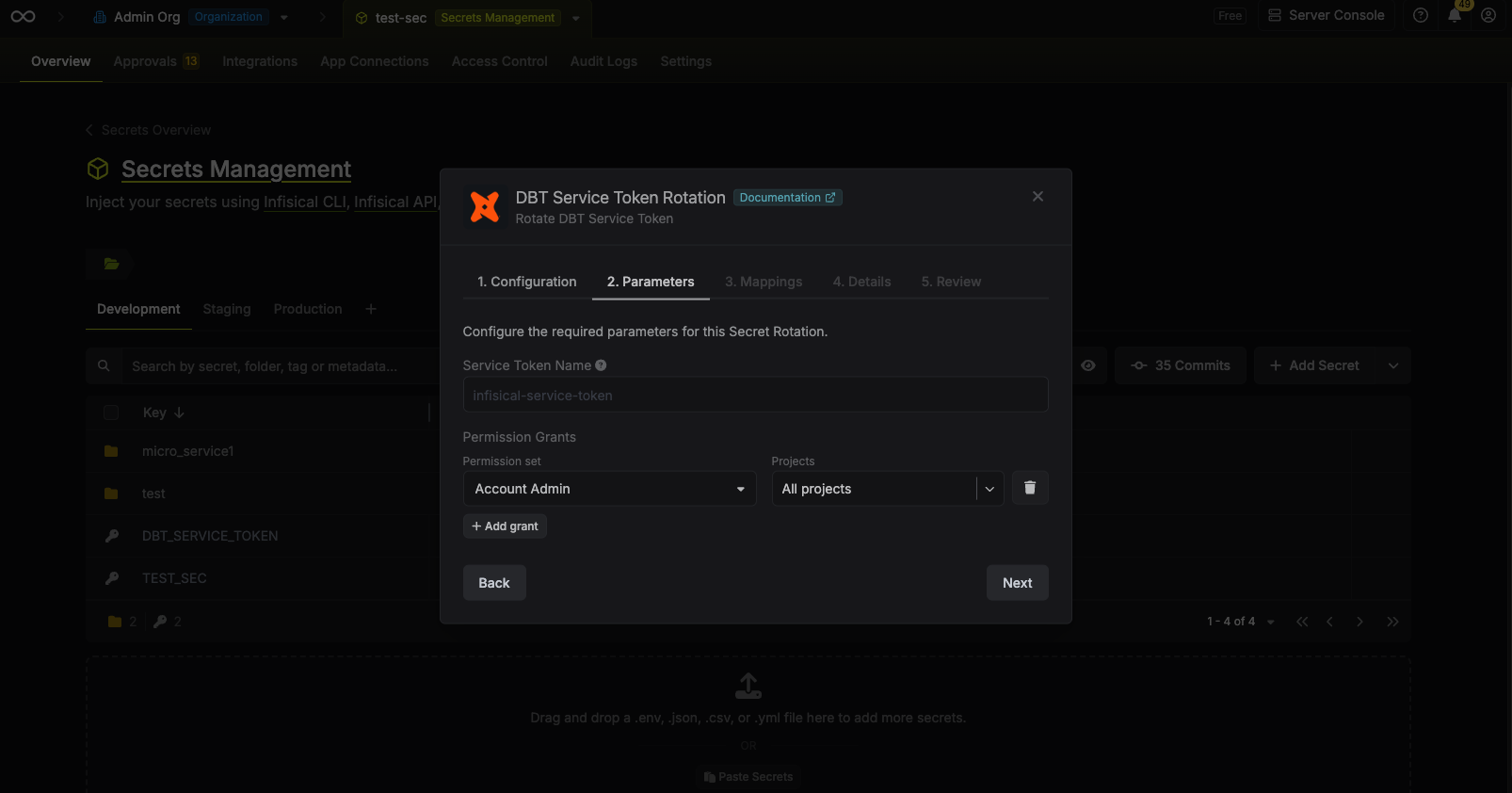
Owner or Security Admin are sufficient.- Select the parameters for the DBT service token rotation. Then click Next.
- Service Token Name: The name of the service token to be created.
- Permission Grants: The permission grants to apply to the service token.
- Permission Set: The permission set to apply to the service token.
-
Projects: The projects to apply the permission set to. Select “All Projects” for the permission set to be applied to all projects.
-
Specify the secret names that the service token should be mapped to. Then click Next.
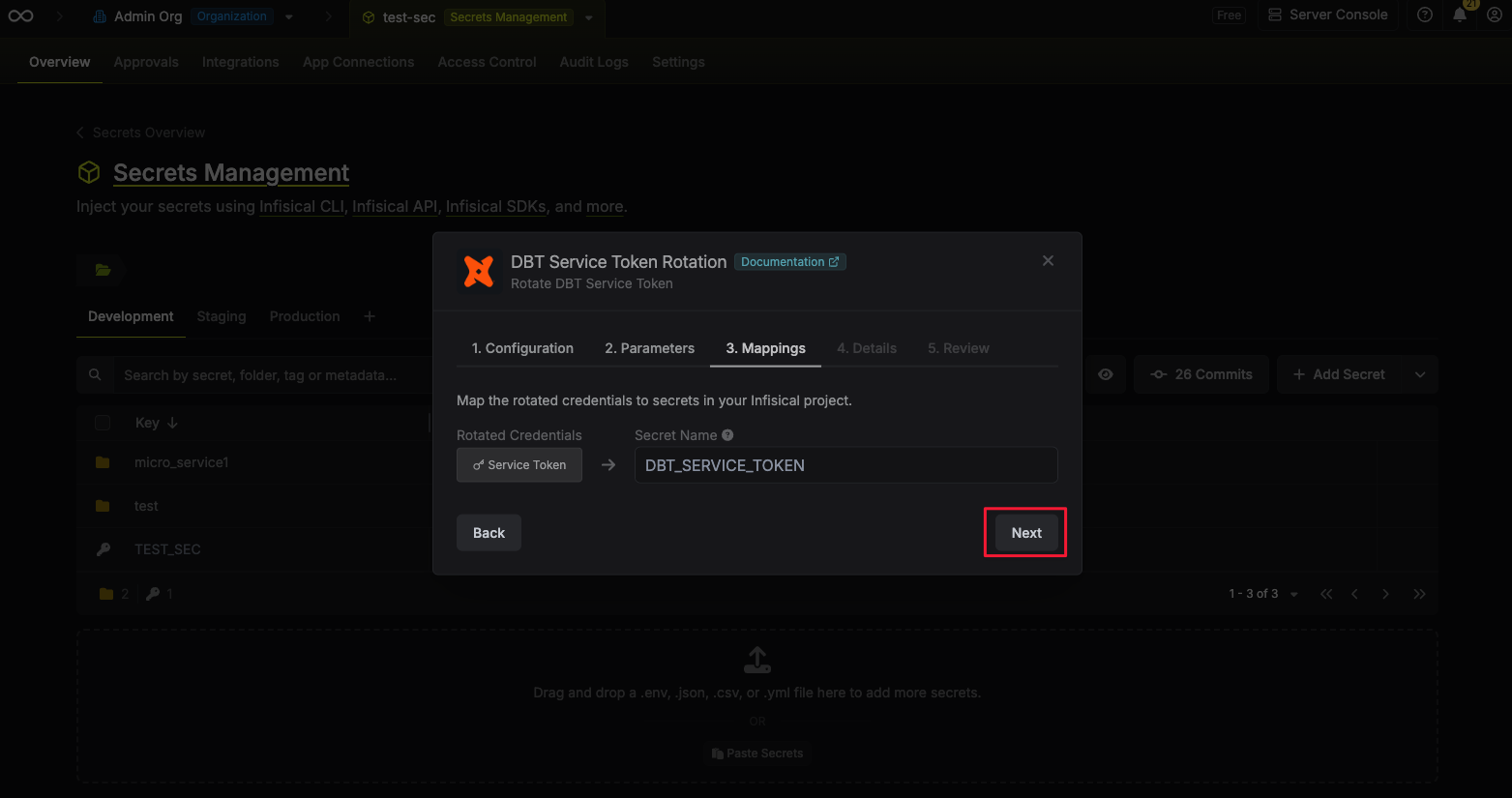
- Service Token - the name of the secret that the service token will be mapped to.
-
Give your rotation a name and description (optional). Then click Next.
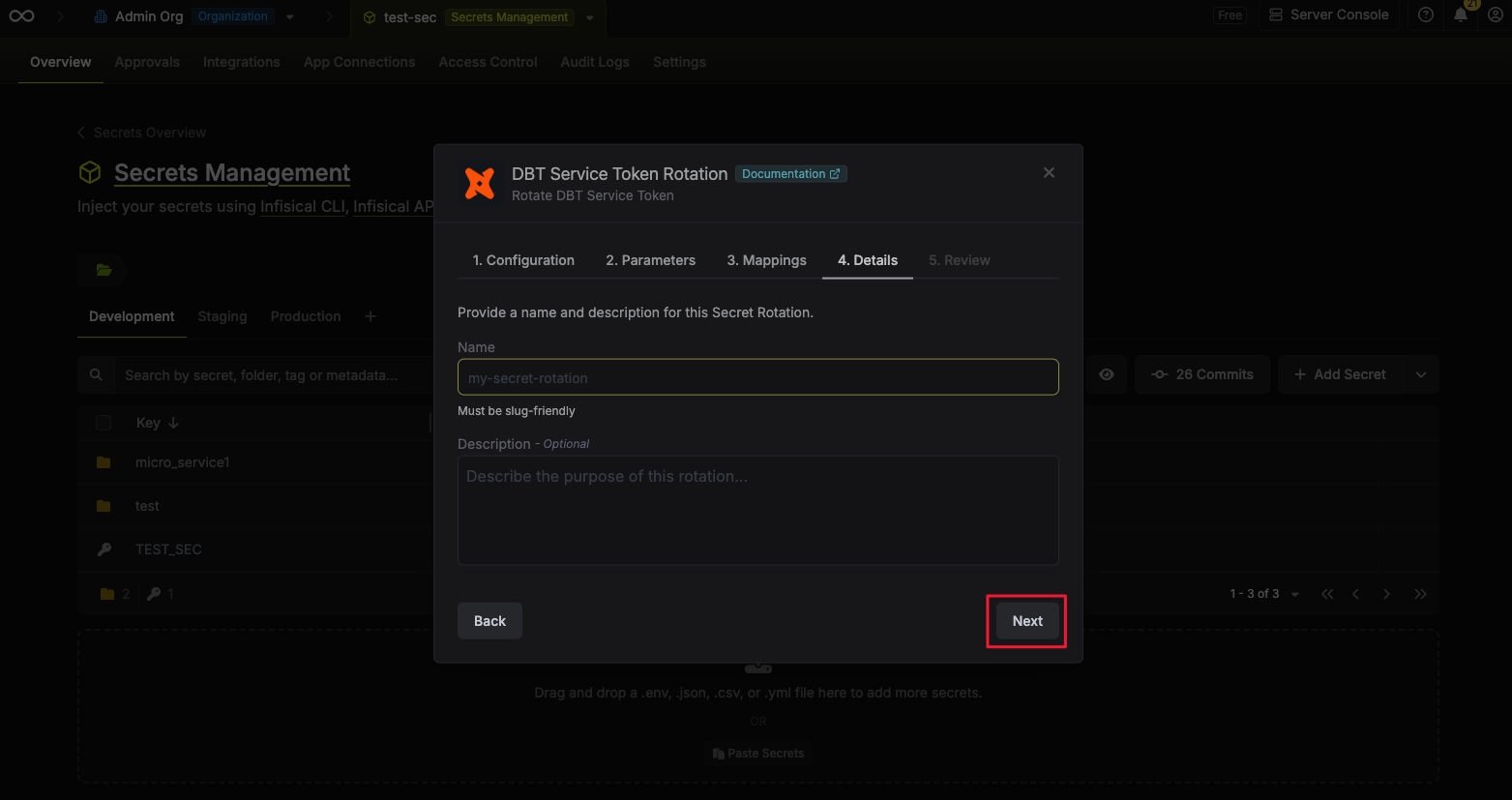
- Name - the name of the secret rotation configuration. Must be slug-friendly.
- Description (optional) - a description of this rotation configuration.
-
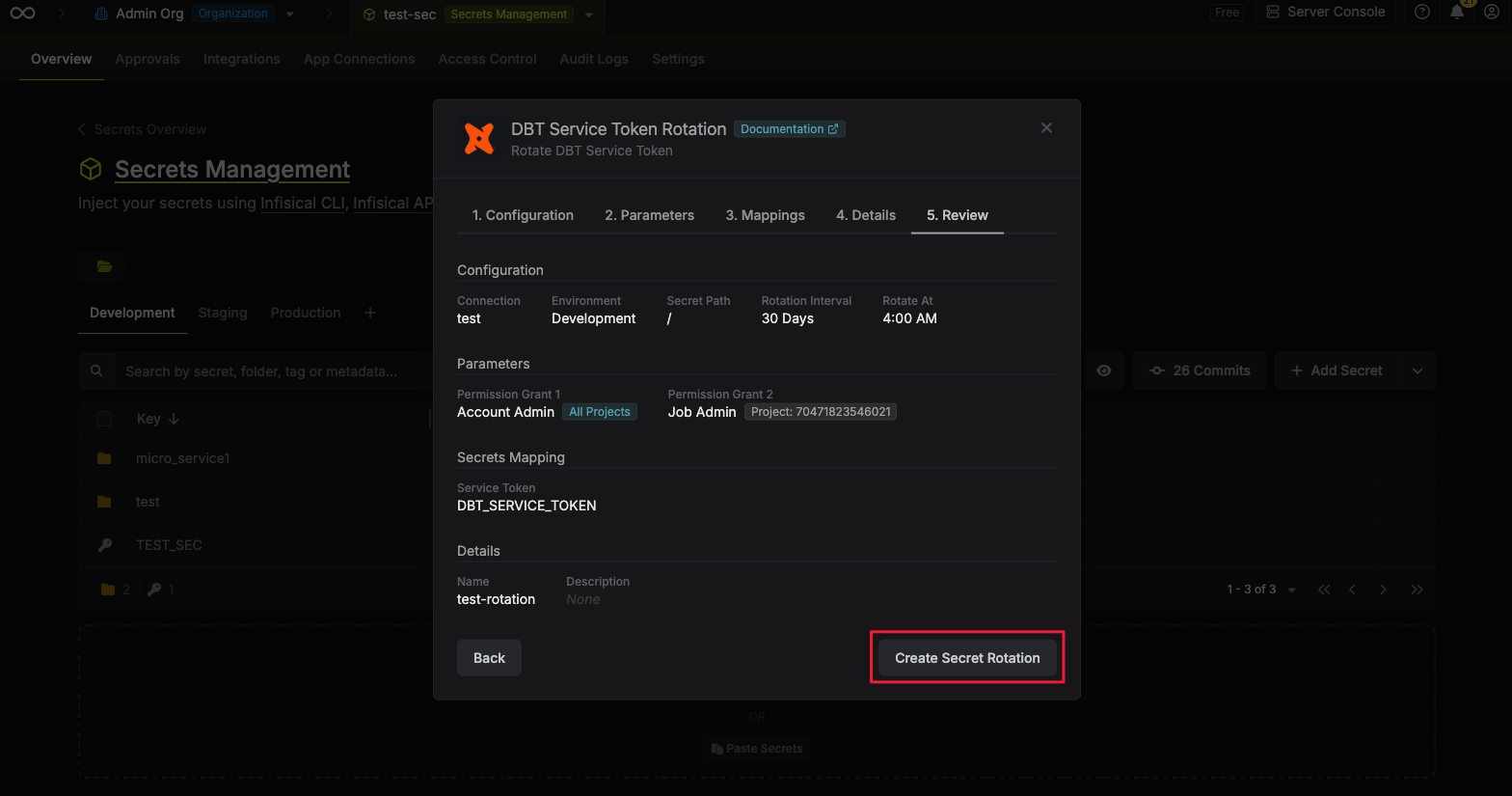
Review your configuration, then click Create Secret Rotation.
-
Your DBT Service Token credentials are now available for use via the mapped secrets.