

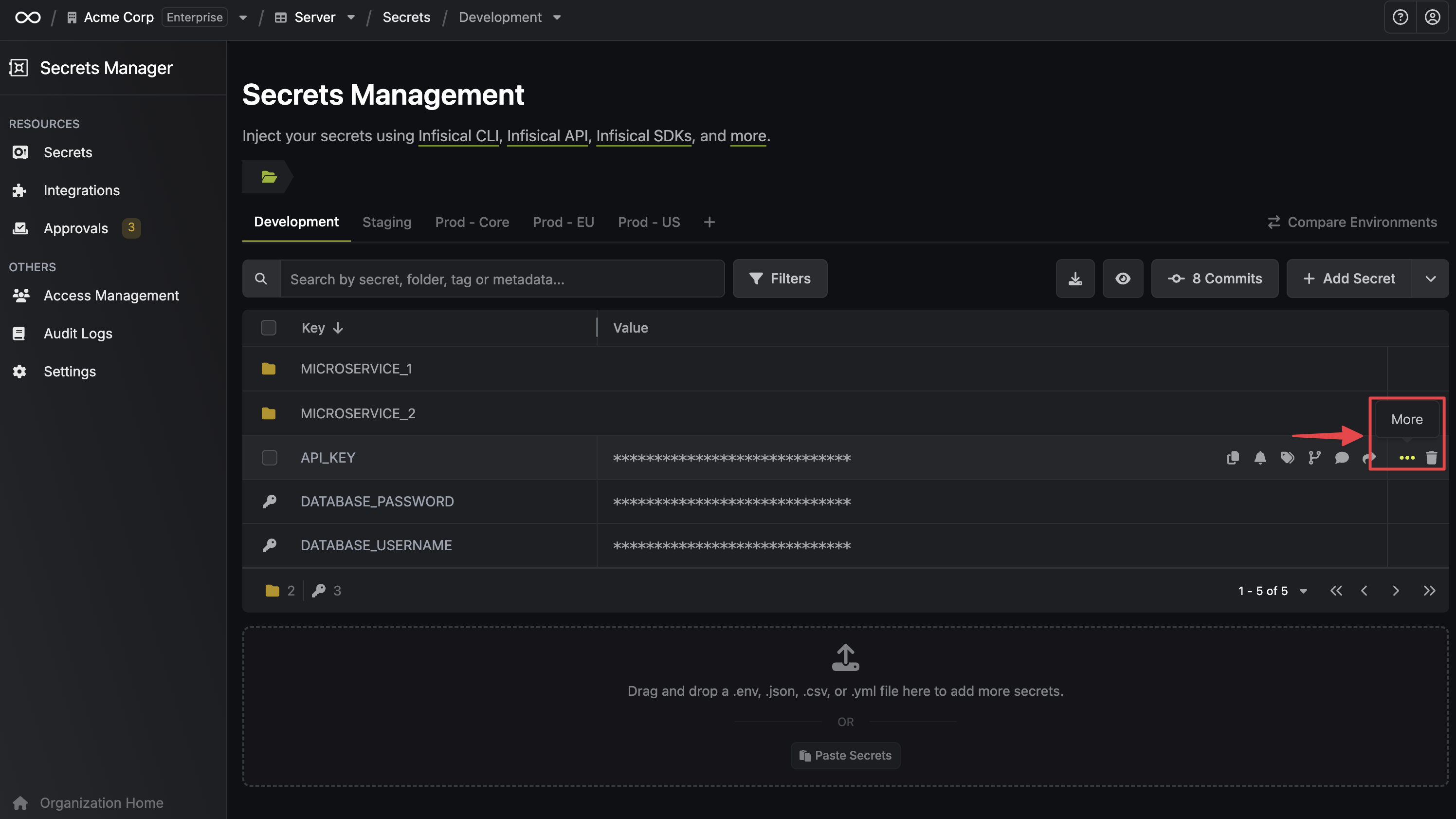
To see a secret’s versions, hover over it, select the three dot menu, then select Version History. You can also read a specific version through the API with the
version query parameter.
 The secret versioning functionality is heavily connected to Point-in-time Recovery of secrets in Infisical.
Select the restore icon on any earlier version to roll the secret back to it.
This overwrites the current value and adds a new version at the top of the
stack.