

How it works
- The Power App invokes an Azure Function through a custom connector.
- The function authenticates with Infisical using a machine identity and fetches the secret it needs.
- The function either returns the secret to the app or uses it directly to call the target service.
Prerequisites
- A Microsoft Power App
- An Azure subscription
- A machine identity with access to your Infisical project
Setup
1. Create an Azure function
Create a new Azure Function using the Function App from the Azure Marketplace.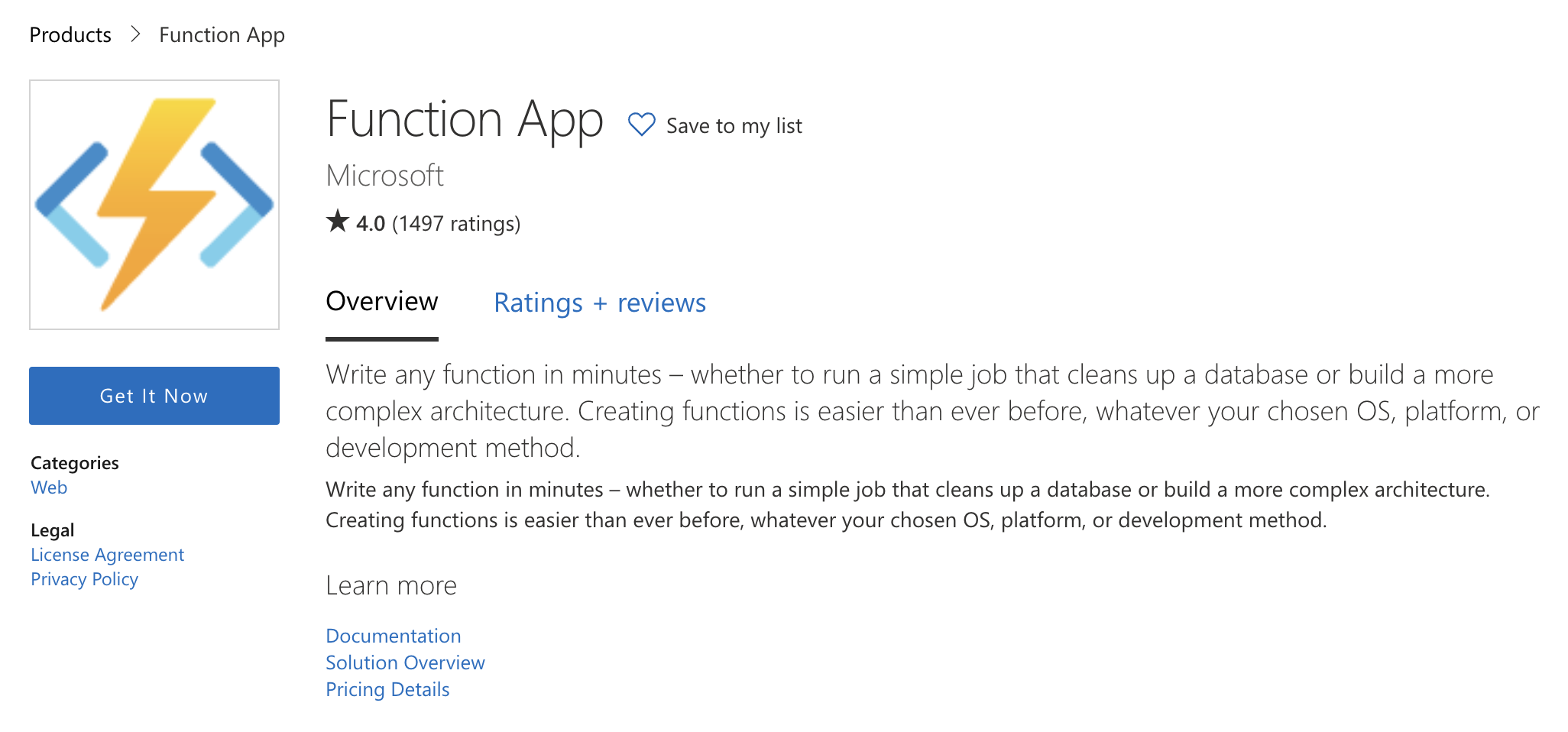 Place it in a subscription using any resource group. This page uses .NET as the runtime stack, but any supported stack works. On the consumption plan, you only pay for the resources used per request.
Windows-based Azure Functions have broader tooling support than Linux. For example, Linux-based functions can’t be edited from within the Azure Management Portal.
The code above is written for the older runtime. You may need to change the runtime version to 1 for the Power Apps integration to work. Starting at a newer version (for example, 3) triggers a warning before the migration.
2. Fetch secrets from Infisical
Add the Infisical .NET SDK to the function so it can fetch secrets:3. Create a custom connector
Create the custom connector from the data pane in Power Apps using Create from Azure Service (Preview):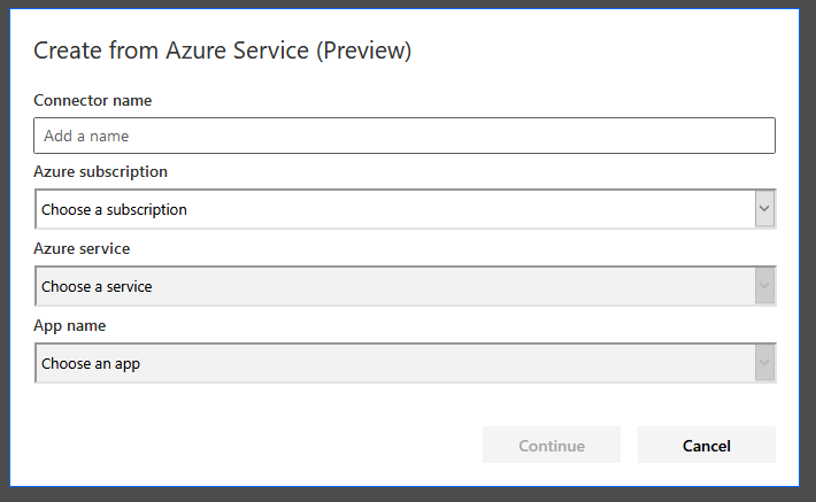 Fill out the fields with the information for your function. The combination boxes populate in order: select the subscription (tied to the account used to create the Power App), then the Azure Functions service, then the function itself.
Your Power App can now call the function through the connector and use secrets from Infisical without ever storing them in the app.
Fill out the fields with the information for your function. The combination boxes populate in order: select the subscription (tied to the account used to create the Power App), then the Azure Functions service, then the function itself.
Your Power App can now call the function through the connector and use secrets from Infisical without ever storing them in the app.