

Prerequisites:Documentation Index
Fetch the complete documentation index at: https://infisical.com/docs/llms.txt
Use this file to discover all available pages before exploring further.
- Create a NetScaler Connection with access to the NITRO API on your NetScaler appliance.
NetScaler Requirements:
- The NetScaler appliance must be accessible over HTTPS from Infisical (directly or via an Infisical Gateway).
- The user account must have permissions to manage SSL certificates and optionally bind them to vservers.
- Certificates are uploaded to
/nsconfig/ssl/on the appliance. - Configuration is saved automatically after each sync to persist changes across reboots.
- Infisical UI
- API
-
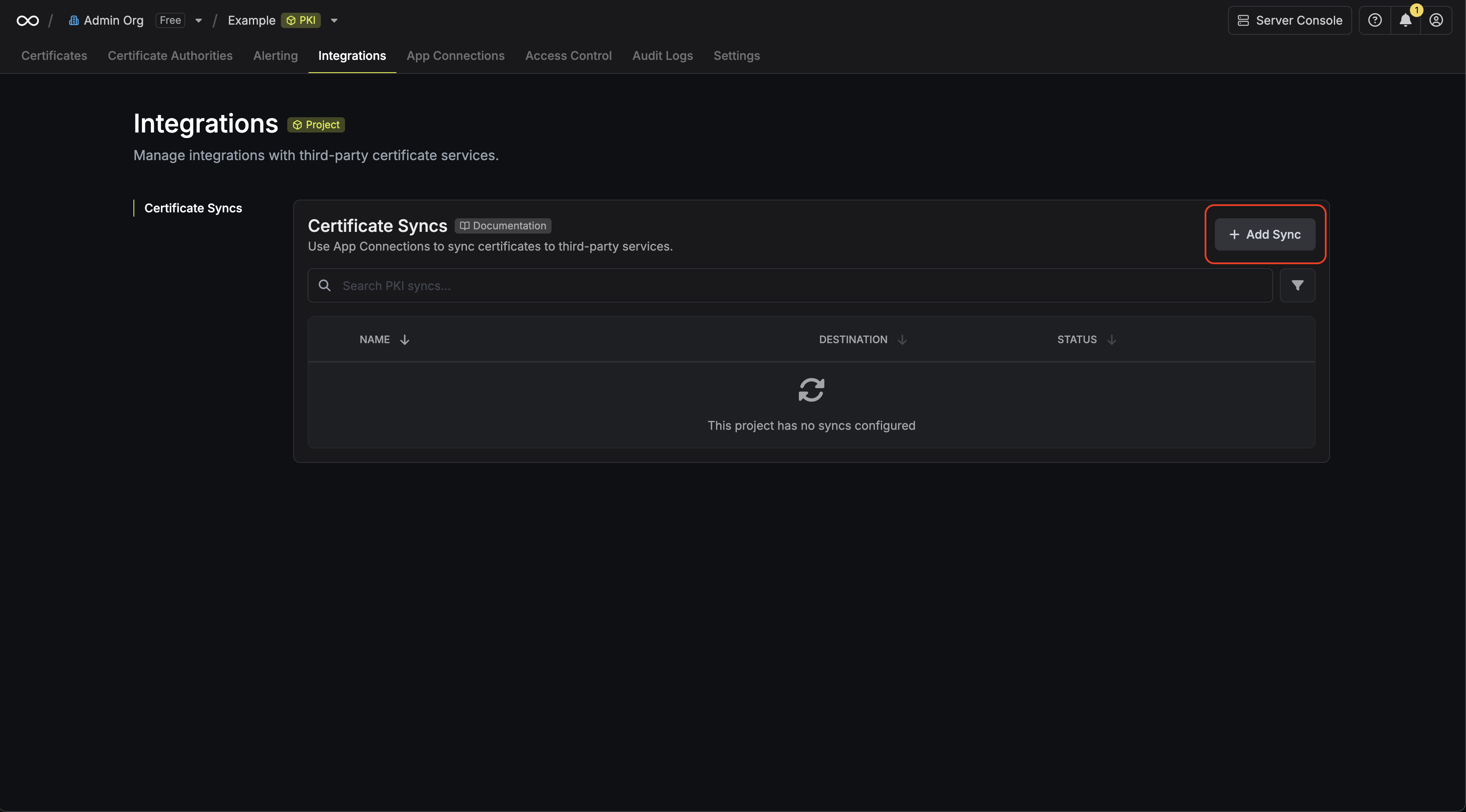
Navigate to Project > Integrations > Certificate Syncs and press Add Sync.
-
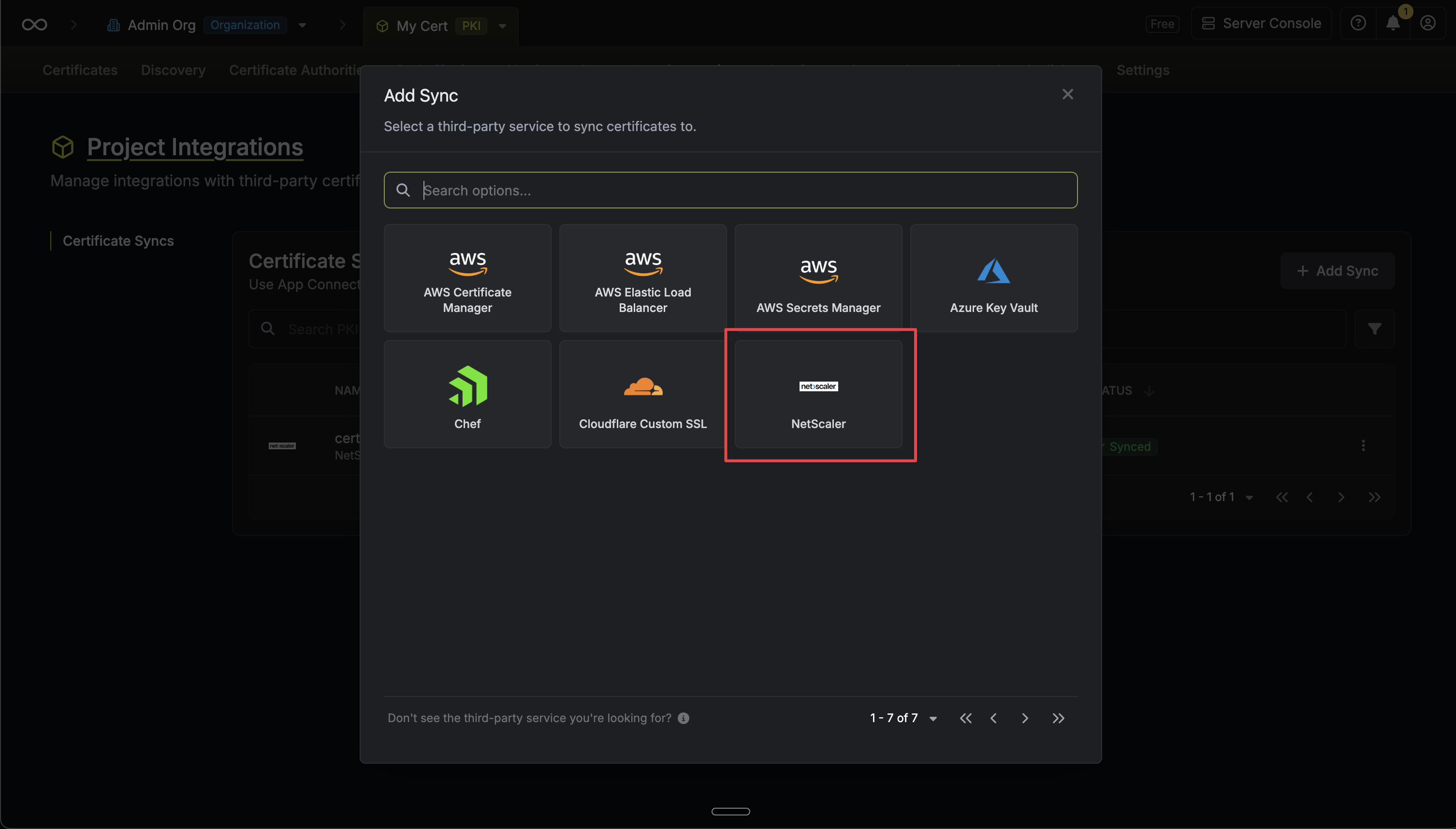
Select the NetScaler option.
-
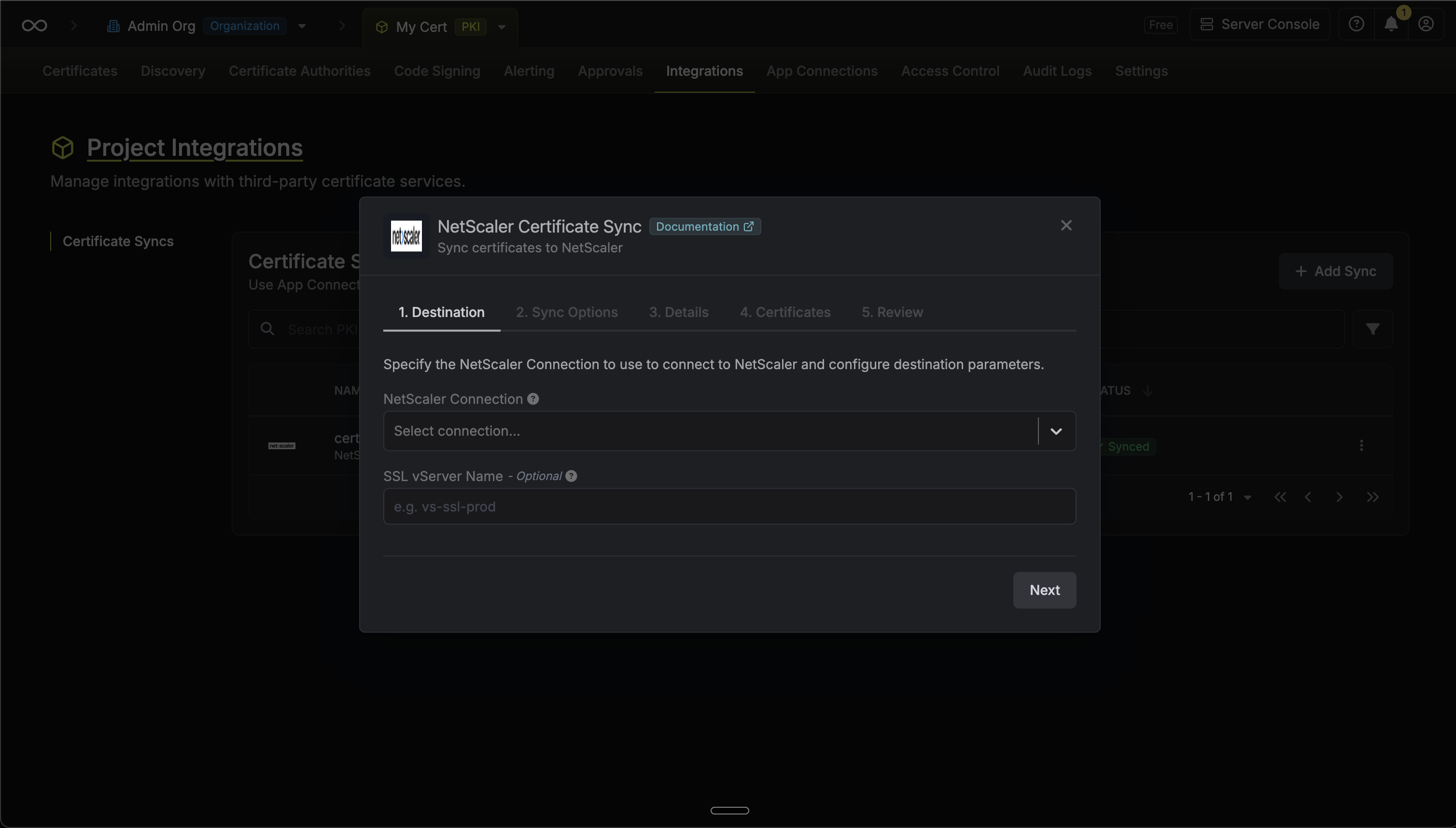
Configure the Destination to where certificates should be deployed, then click Next.
- NetScaler Connection: The NetScaler Connection to authenticate with.
- SSL vServer Name (Optional): The name of the SSL virtual server to bind the certificate to. Leave empty to only upload the certificate without binding to a vserver.
-
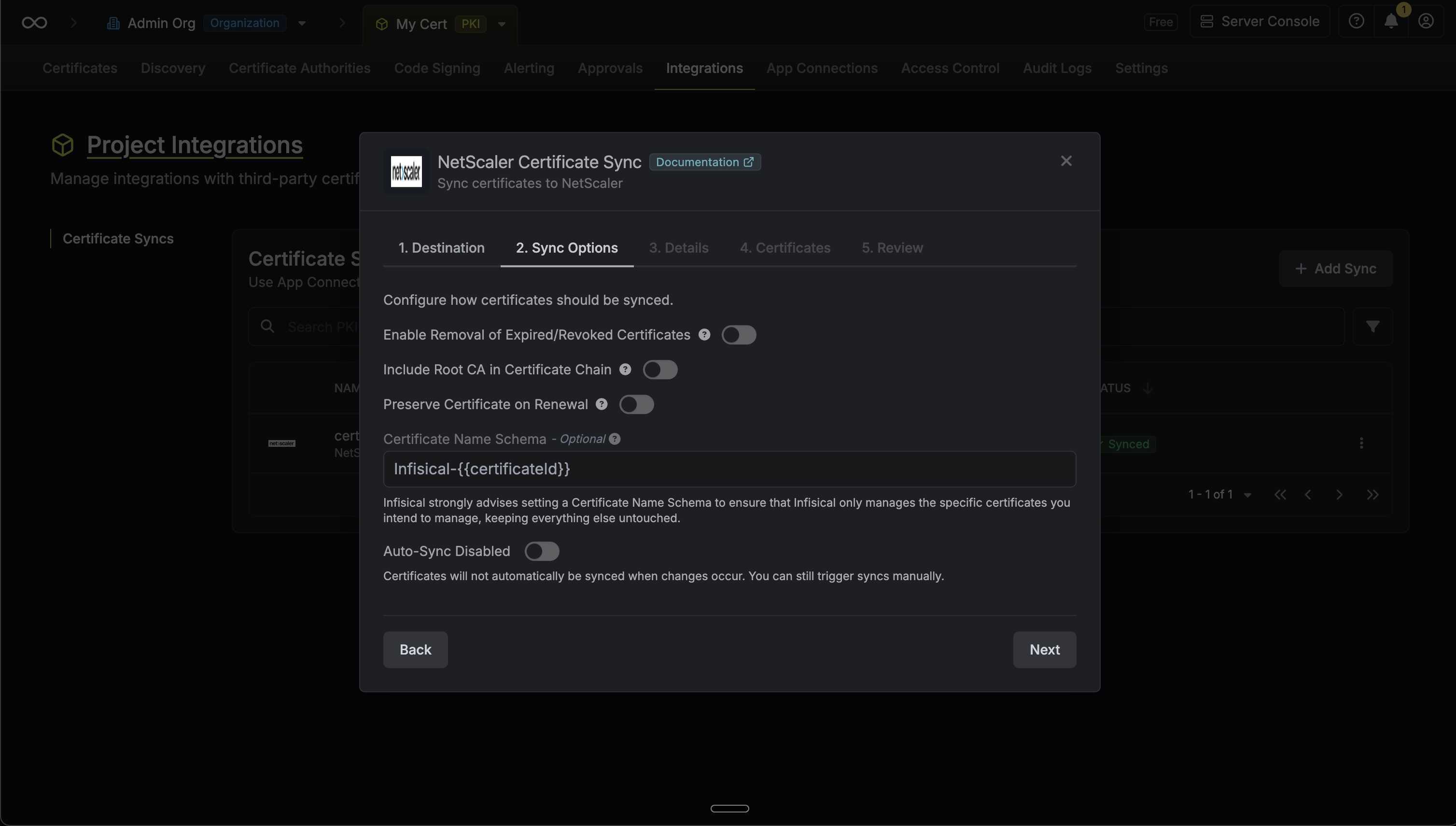
Configure the Sync Options to specify how certificates should be synced, then click Next.
- Enable Removal of Expired/Revoked Certificates: If enabled, Infisical will remove certificates from the NetScaler if they are no longer active in Infisical.
- Preserve Certificate on Renewal: When enabled, a renewed certificate will update the existing certkey object in place, preserving the same name and vServer bindings. When disabled, a new certkey is created alongside the original.
- Certificate Name Schema (Optional): Customize how certificate names are generated. Must include
{{certificateId}}as a placeholder. If not specified, defaults toInfisical-{{certificateId}}. - Auto-Sync Enabled: If enabled, certificates will automatically be synced when changes occur.
-
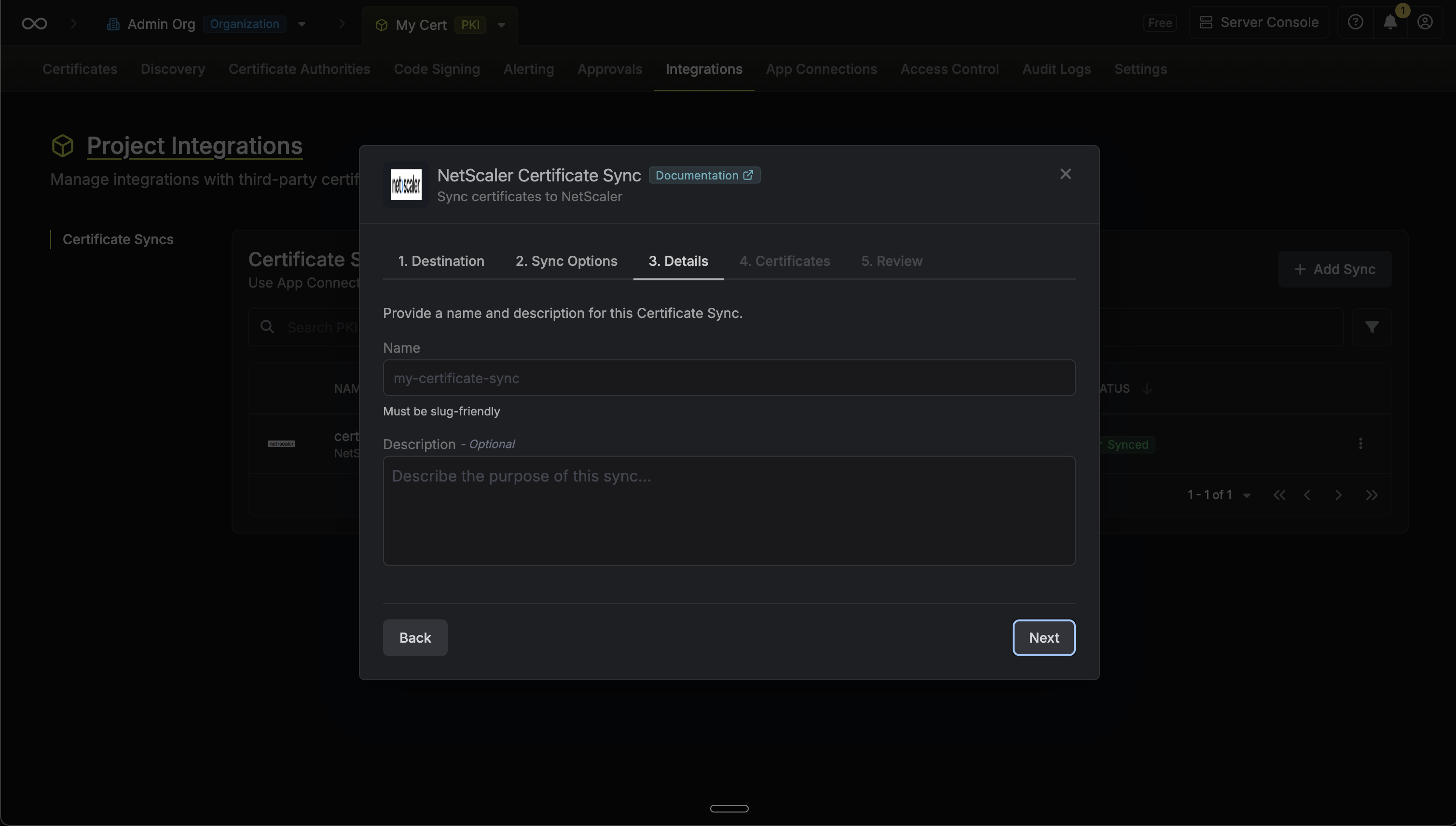
Configure the Details of your NetScaler Certificate Sync, then click Next.
- Name: The name of your sync. Must be slug-friendly.
- Description: An optional description for your sync.
-
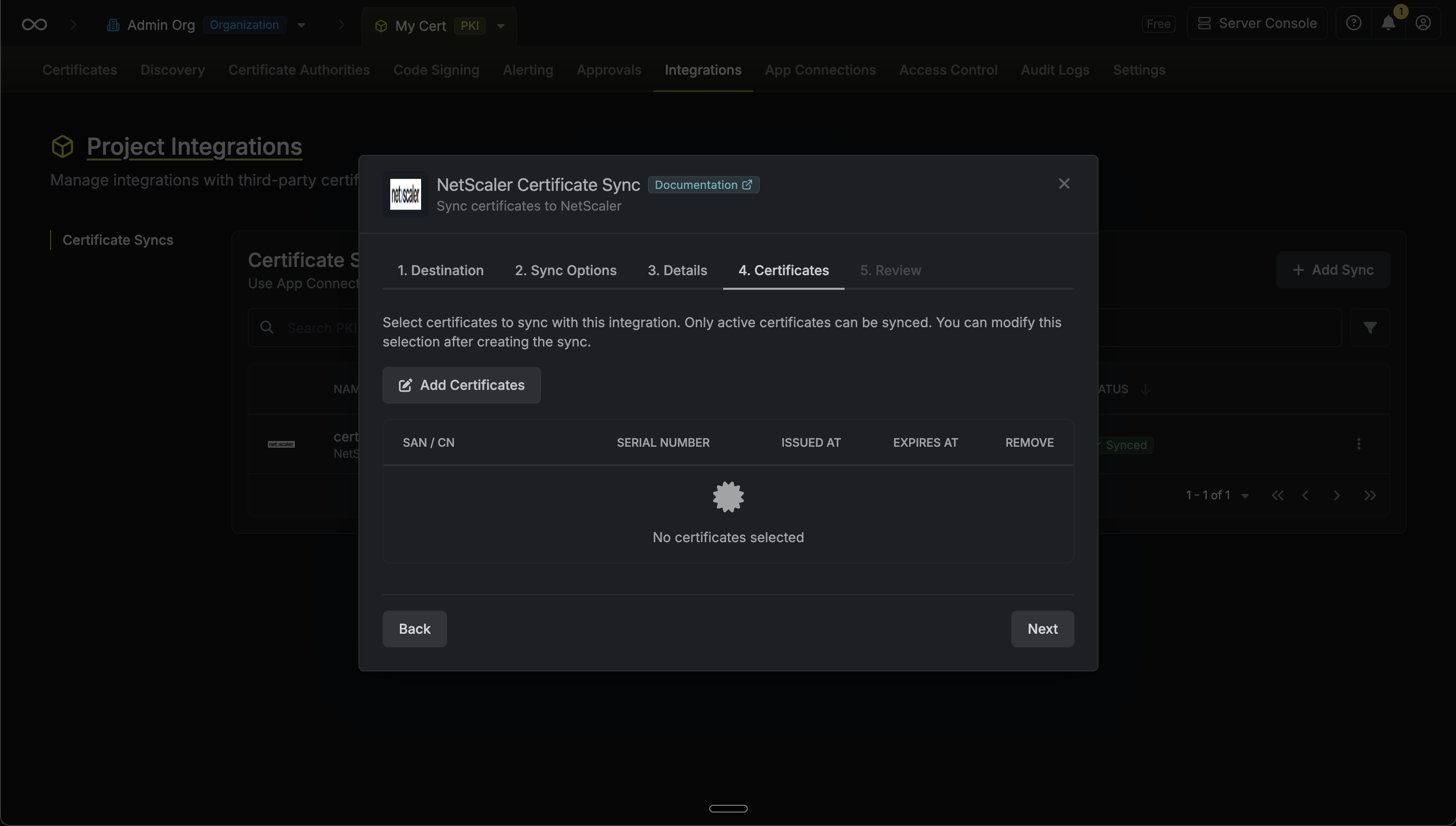
Select which certificates should be synced to NetScaler.
-
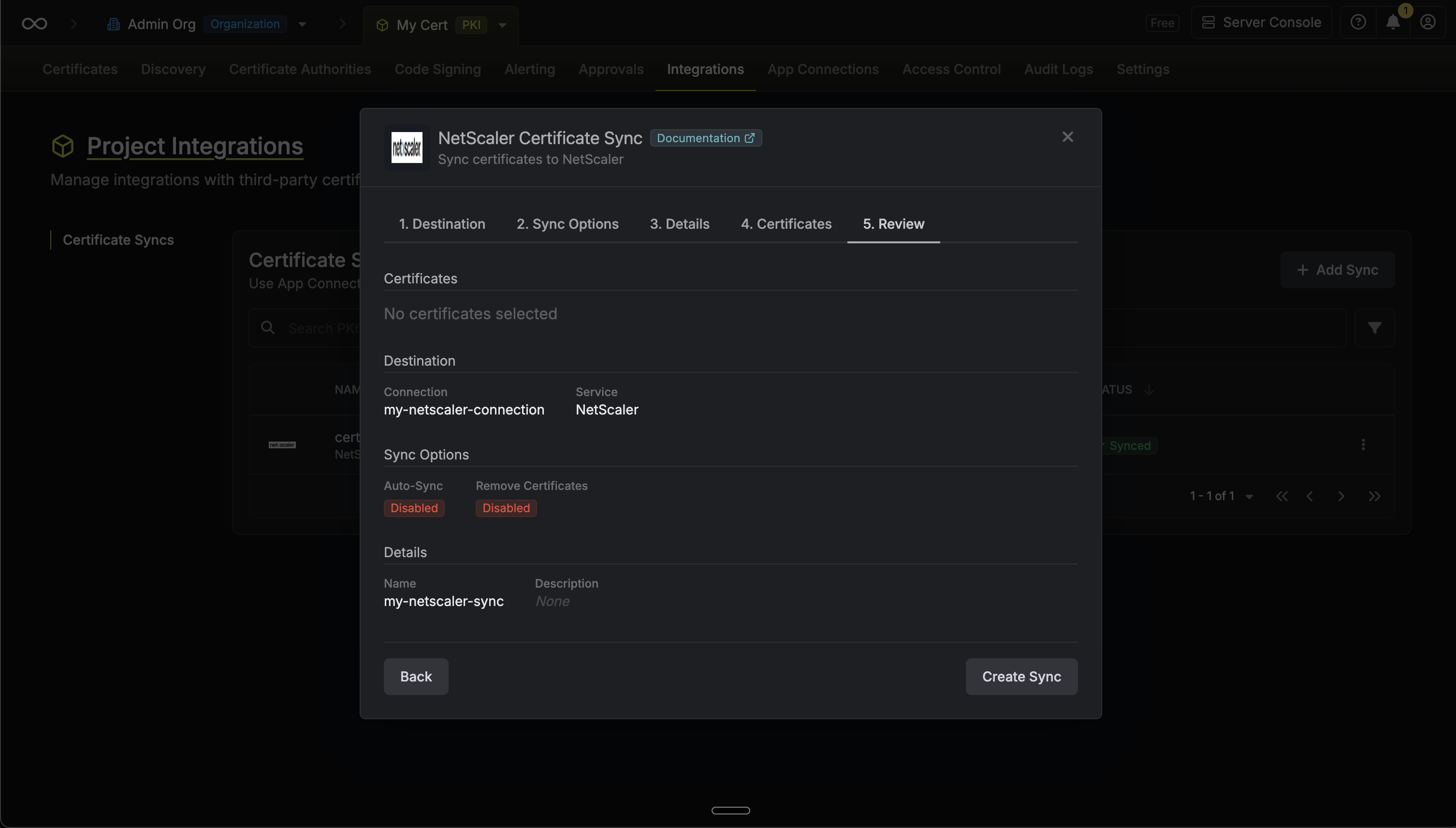
Review your NetScaler Certificate Sync configuration, then click Create Sync.
-
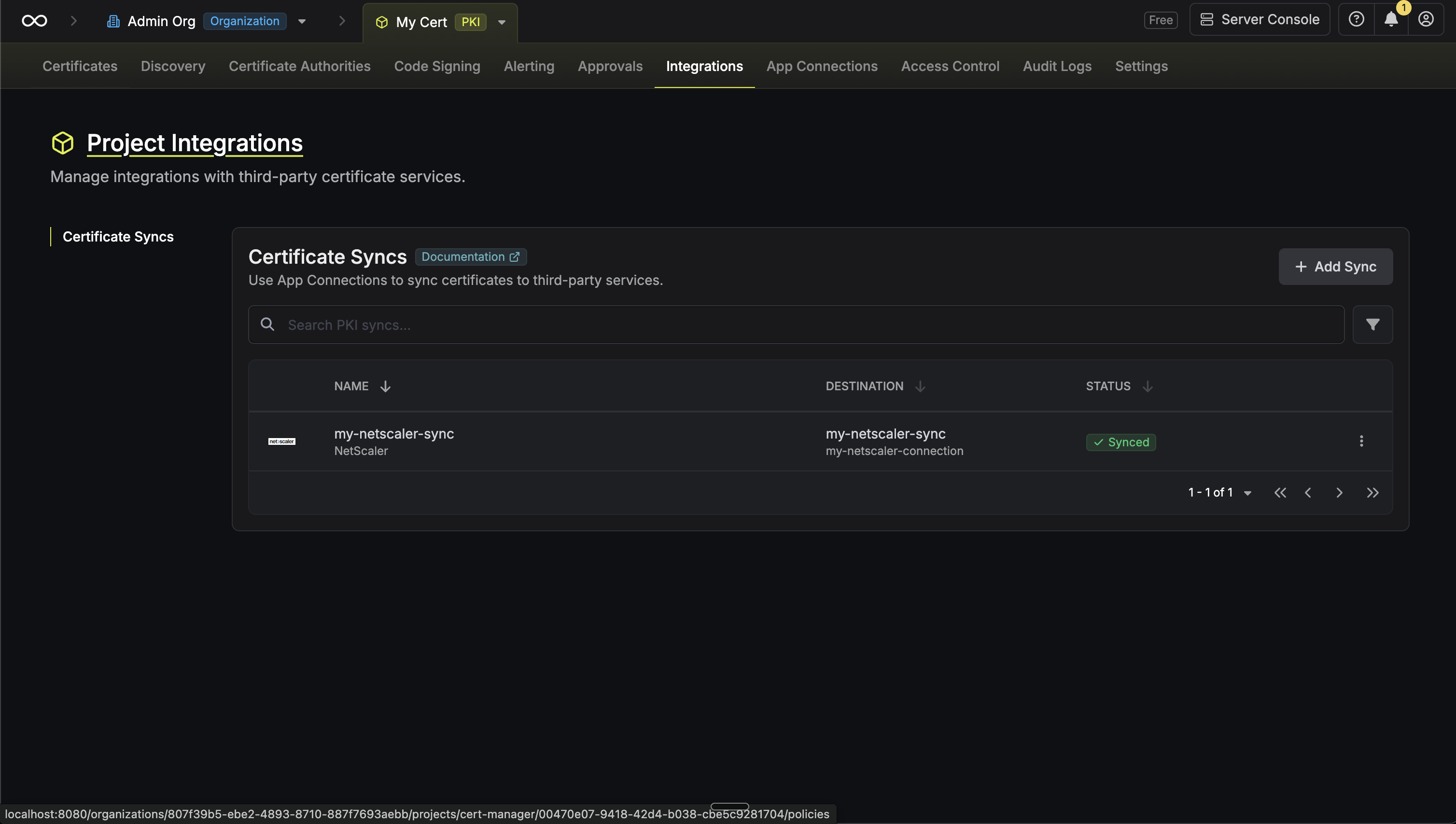
If enabled, your NetScaler Certificate Sync will begin syncing your certificates to the destination endpoint.
Certificate Management
The NetScaler Certificate Sync provides:- Automatic Deployment: Deploy certificates in Infisical to NetScaler
sslcertkeyobjects with customizable naming. - Certificate Updates: Update certificates on NetScaler when renewals occur, with optional in-place replacement.
- vServer Binding: Automatically bind certificates to SSL virtual servers for seamless load balancer integration.
- Expiration Handling: Optionally remove expired or revoked certificates from NetScaler (if enabled).
- Configuration Persistence: Automatically save the NetScaler running configuration after each sync to persist changes across reboots.
NetScaler Certificate Syncs support both automatic and manual
synchronization modes. When auto-sync is enabled, certificates are
automatically deployed as they are issued or renewed.
How It Works
When syncing certificates, Infisical performs the following steps on the NetScaler appliance via the NITRO REST API:- Logs in to the NetScaler NITRO API using the configured credentials.
- For each certificate:
- Uploads the certificate file (
.cer) to/nsconfig/ssl/. - Uploads the private key file (
.key) to/nsconfig/ssl/. - Creates or updates an
sslcertkeyobject linking the cert and key. - If a vServer is configured, binds the certkey to the SSL virtual server.
- Uploads the certificate file (
- Saves the running configuration to persist changes across reboots.
- Logs out of the session.
Certificate Renewal Behavior
When a certificate is renewed in Infisical, the behavior depends on the Preserve Certificate on Renewal option:- Preserve enabled (default): The existing certkey object is updated in place with the new certificate content. The certkey name and any vServer bindings are preserved. This is ideal for production environments where services reference the certkey by name.
- Preserve disabled: A new certkey object is created with a unique name. The original certkey remains on the NetScaler. Both certificates coexist until the original is revoked or removed.
Removing Certificates
When certificate removal is enabled and a certificate is no longer active in Infisical:- Unbinds the certificate from any configured SSL virtual server.
- Deletes the
sslcertkeyobject. - Deletes the certificate and key files from
/nsconfig/ssl/. - Saves the configuration.
Manual Certificate Sync
You can manually trigger certificate synchronization to NetScaler using the sync certificates functionality. This is useful for:- Initial setup when you have existing certificates to deploy
- One-time sync of specific certificates
- Testing certificate sync configurations
- Force sync after making changes
FAQ
Can I import certificates from NetScaler back into Infisical?
Can I import certificates from NetScaler back into Infisical?
NetScaler does not support importing certificates back into Infisical
due to the nature of NetScaler appliances where private keys cannot be
extracted from the system.