

redis-cli-like experience in your browser. It is designed for light, ad-hoc usage — quick lookups, debugging, and administrative tasks — not as a replacement for a full Redis client or long-running workloads.
Connecting
Navigate to Account
Go to the Resources tab in your PAM project, open the Redis resource, and find the account you want to access. Click the Connect button next to the account.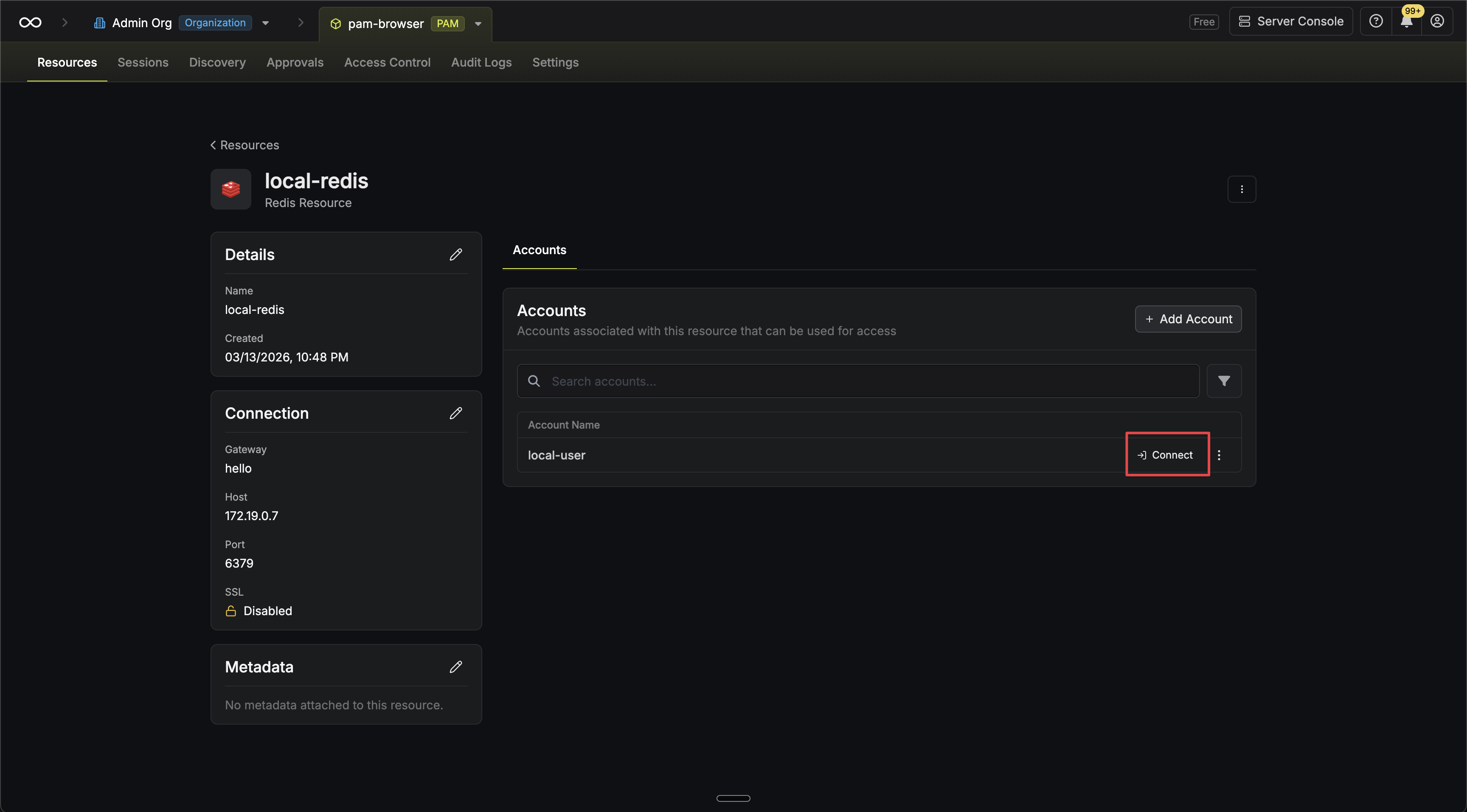 Alternatively, if you are on the account page, click the Access button.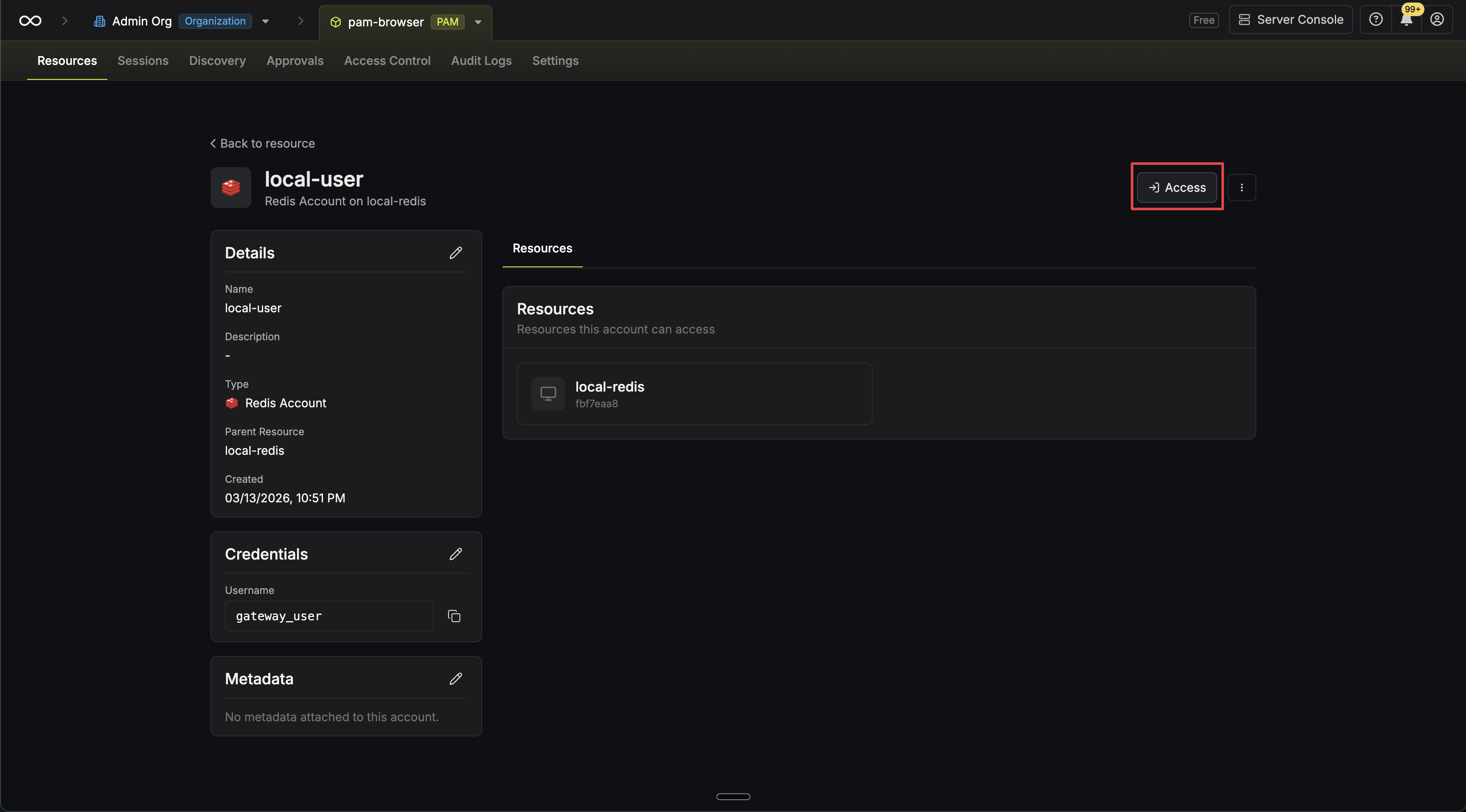
Alternatively, if you are on the account page, click the Access button.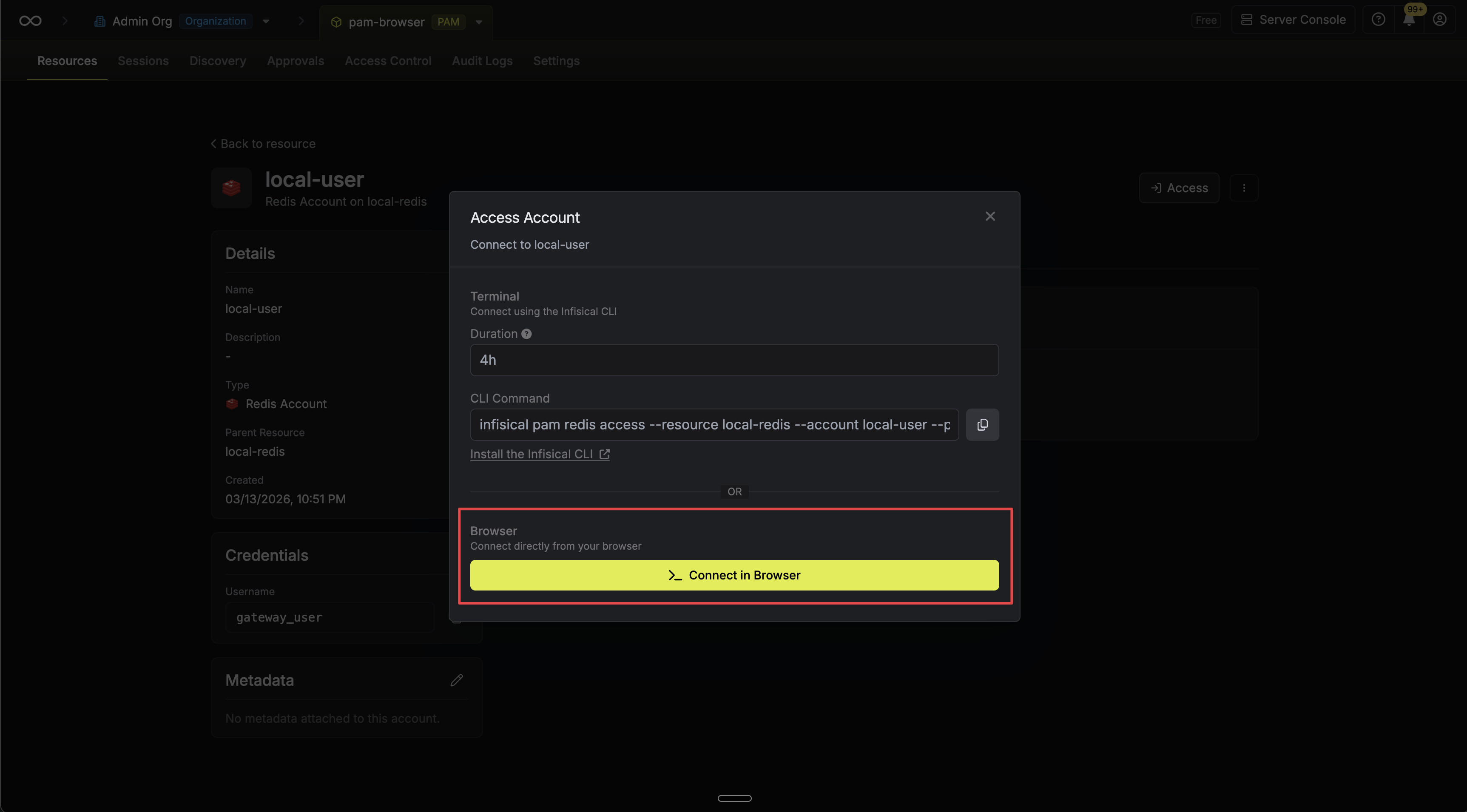
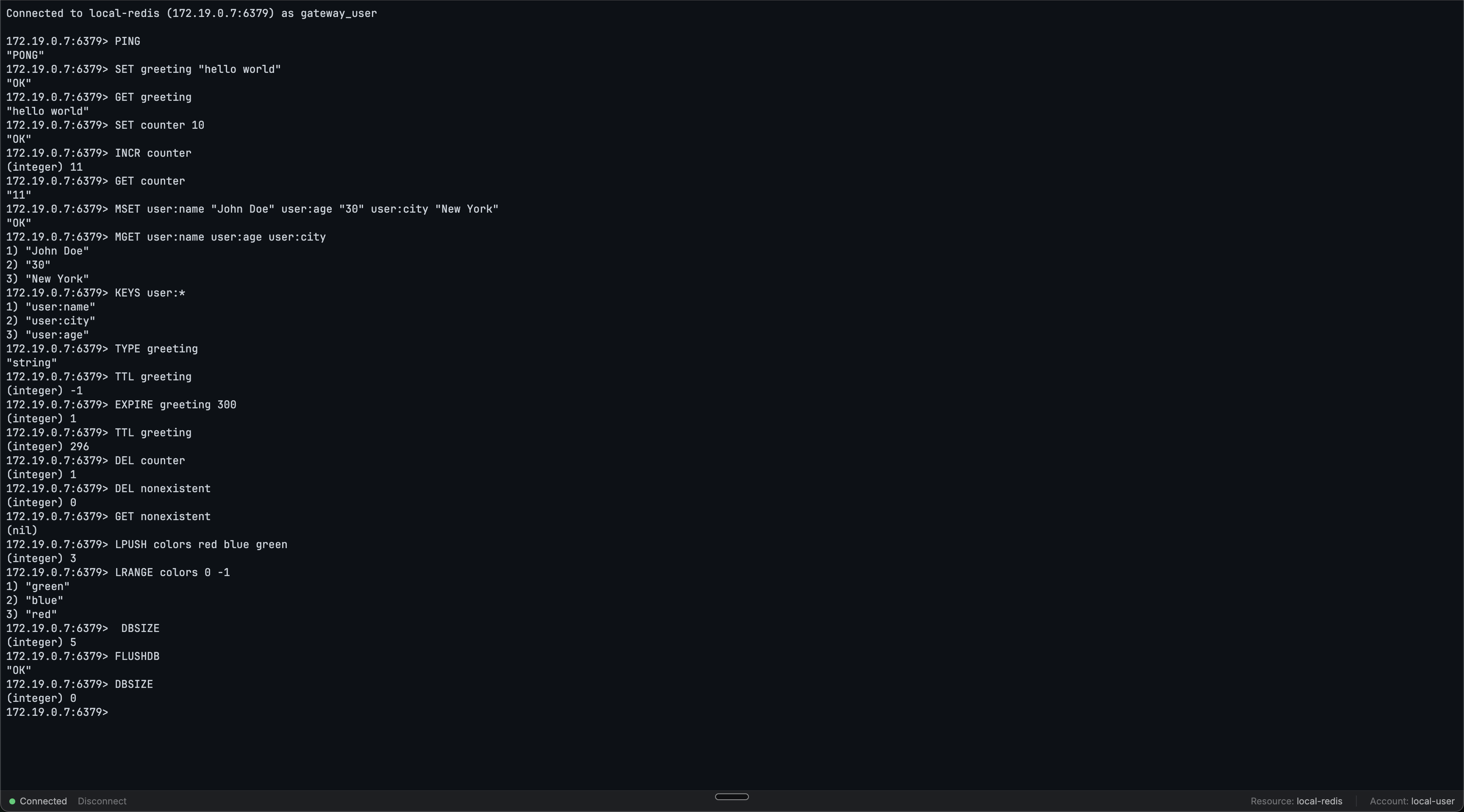
Usage
Once connected, you’ll see a> prompt. Type Redis commands as you would in redis-cli:
Limits
See the common session limits that apply to all web access sessions.FAQ
Is this an actual redis-cli session?
Is this an actual redis-cli session?
No. The web access terminal is not a
redis-cli client. It is a custom REPL that connects directly to Redis and provides a redis-cli-like experience, including familiar prompts and reply formatting.