

- Retrieving the current password managed by Infisical as the source of truth, e.g. after a rotation.
- Entering credentials directly into systems or tooling that don’t connect through the Gateway.
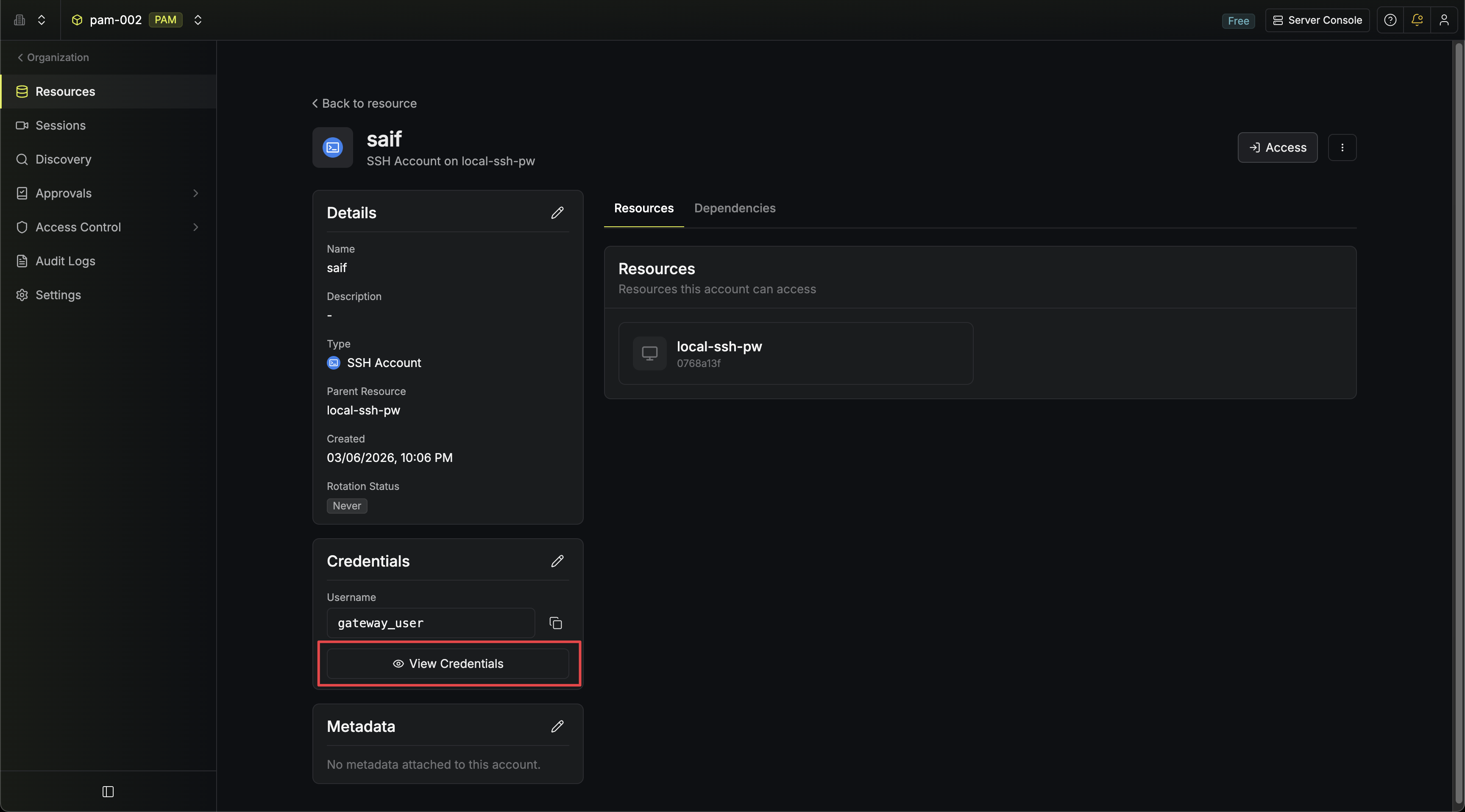
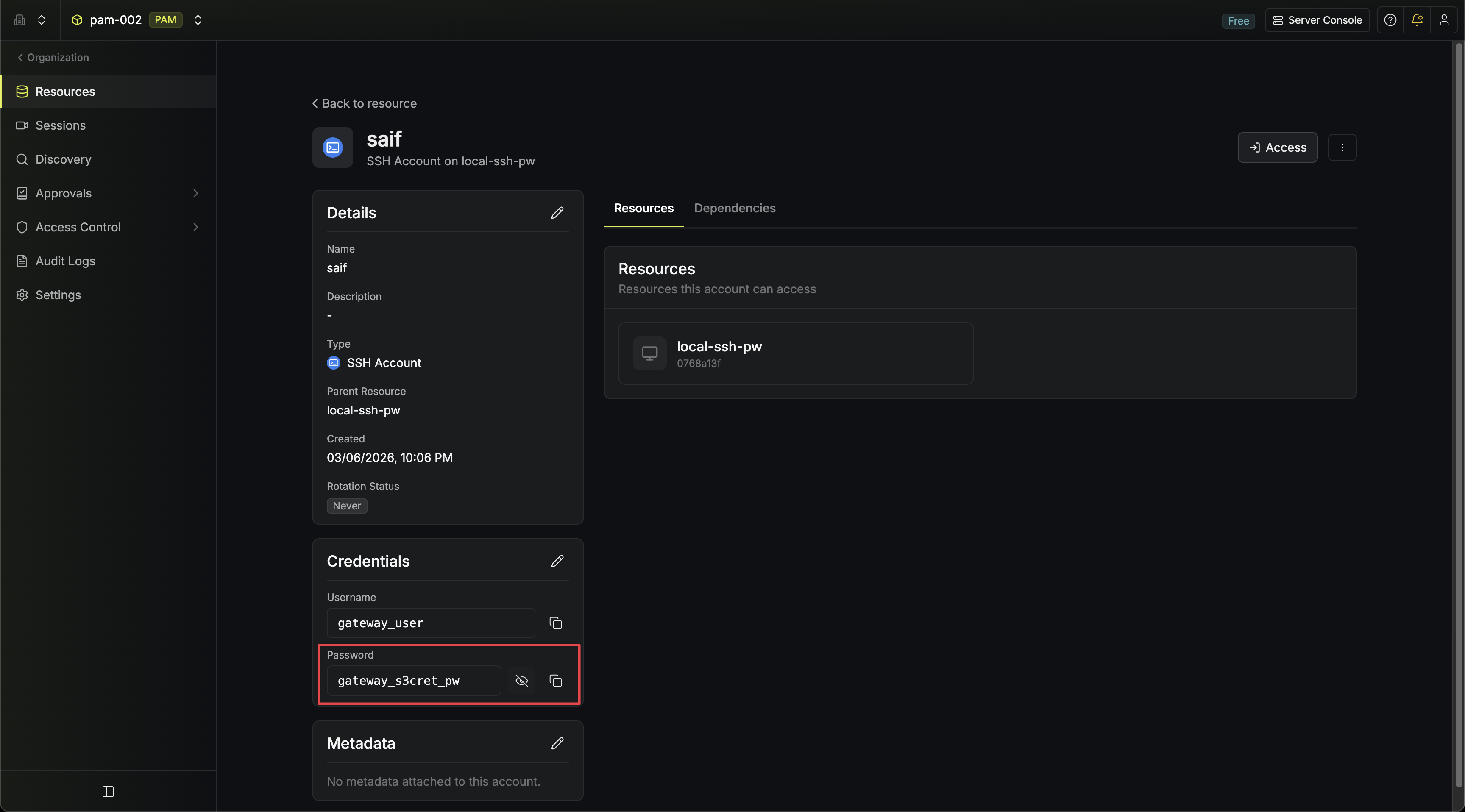
The button only appears for account types that have sensitive fields. Accounts like SSH (certificate auth) and AWS IAM don’t have hidden credentials beyond what is already shown.
Access Controls
Revealing credentials is gated by a dedicated permission and optionally by MFA:- Permission: Requires the Read Credentials permission on PAM accounts. Without this permission, users with Read can still view account details and users with Access can still connect to resources through Infisical, but neither can see the raw password or private key. Add Read Credentials to the appropriate role in your project’s role settings.
- MFA: Accounts with MFA enabled require users to complete MFA verification before credentials are revealed.
- Audit Log: Every reveal is recorded as a
pam-account-read-credentialsevent with the account ID, account name, resource ID, and resource type.