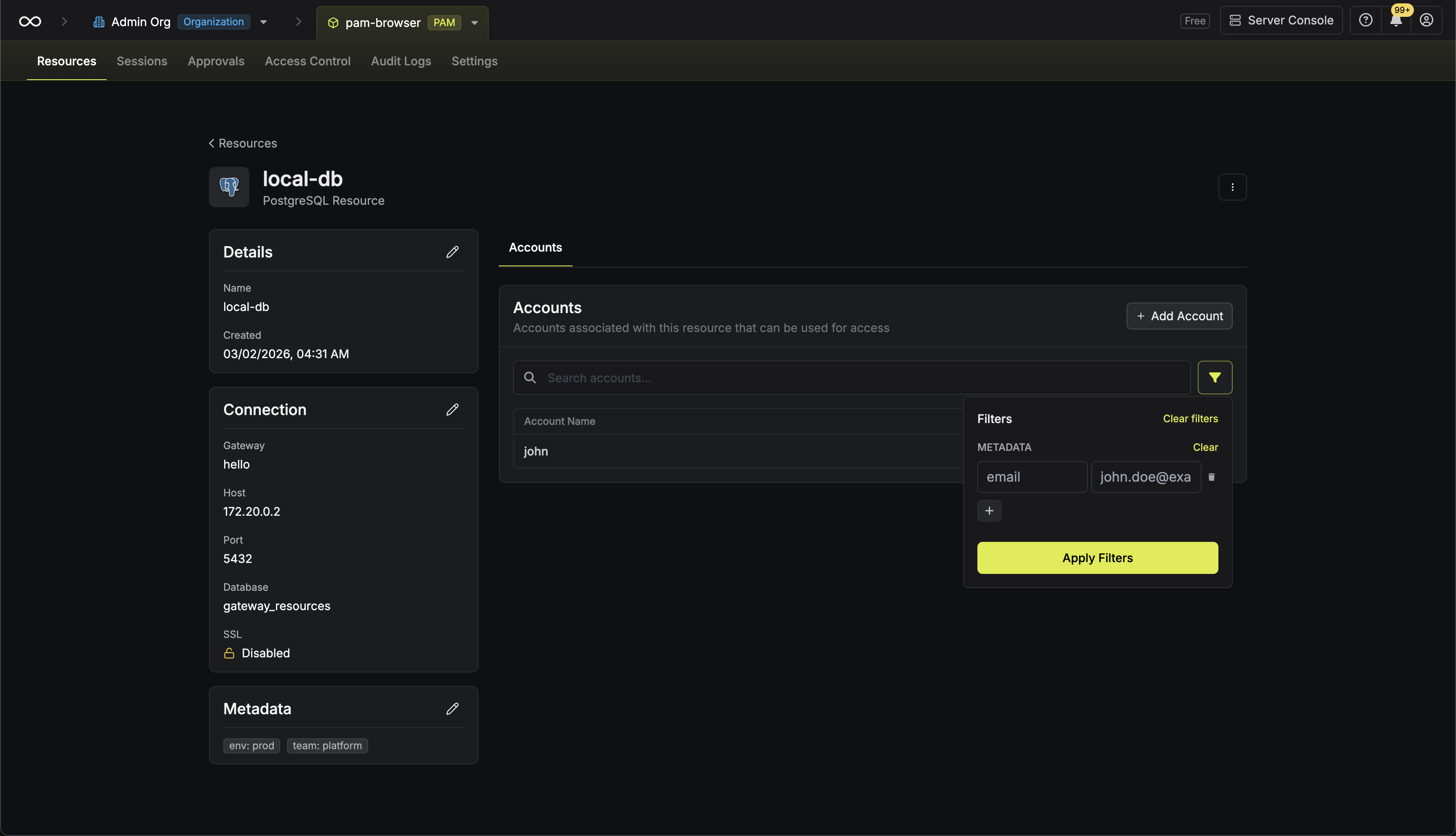
Relationship to Resources
Accounts belong to Resources. A single Resource can have multiple Accounts associated with it, each with different permission levels. For example, your database would normally have multiple accounts. You might have a superuser account for admins, a standard read/write account for applications, and a read-only account for reporting. In PAM, these are represented as:- Resource:
production-database(PostgreSQL)- Account 1:
postgres(Superuser) - Account 2:
app-user(Read/Write) - Account 3:
analytics(Read-only)
- Account 1:
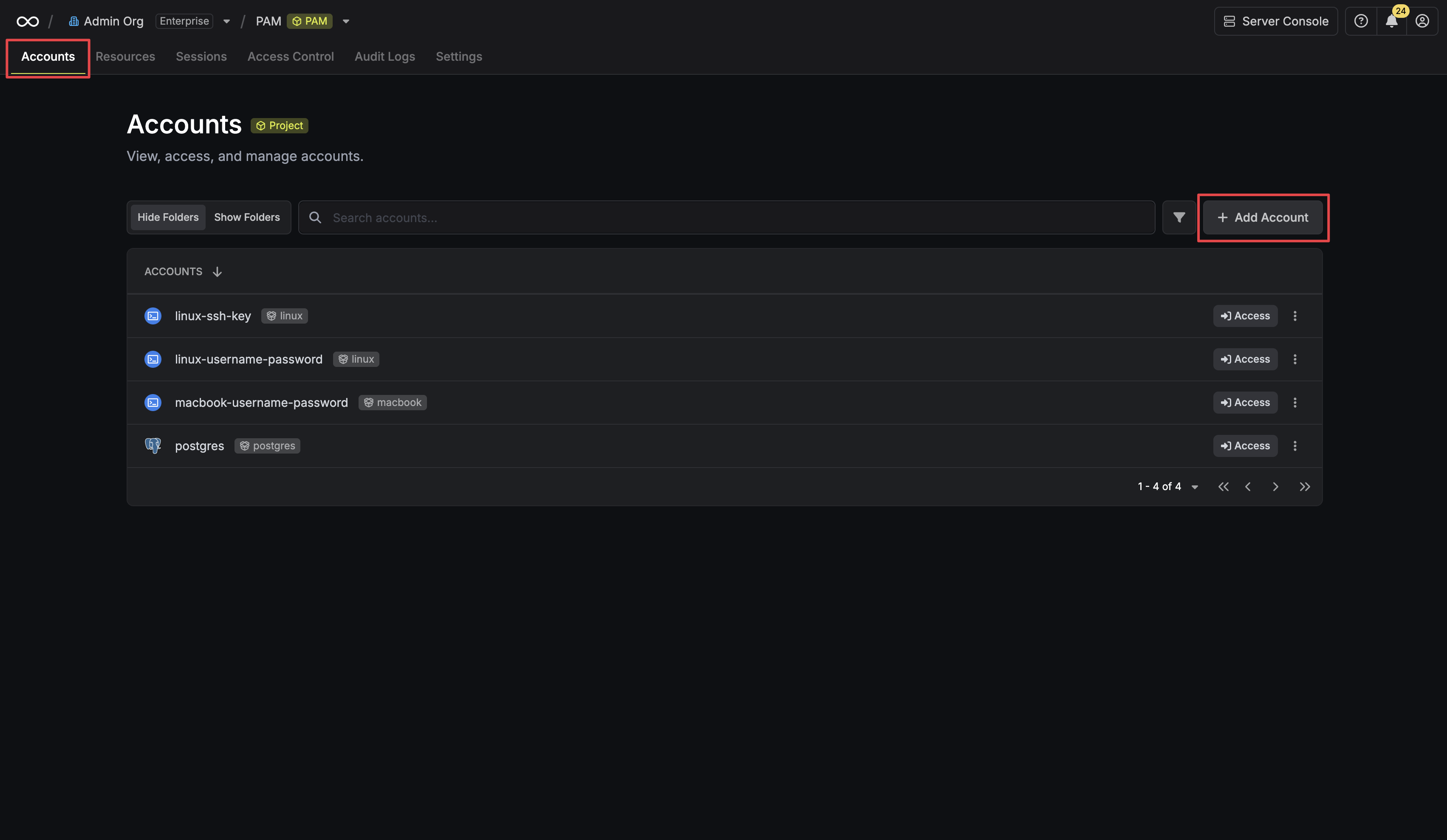
Creating an Account
Prerequisite: You must have at least one Resource created before adding accounts.
 Provide the credentials (username, password, etc.) for this account. The required fields vary depending on the resource type. For example, for a Linux server, you would enter the username and the corresponding password or SSH key.
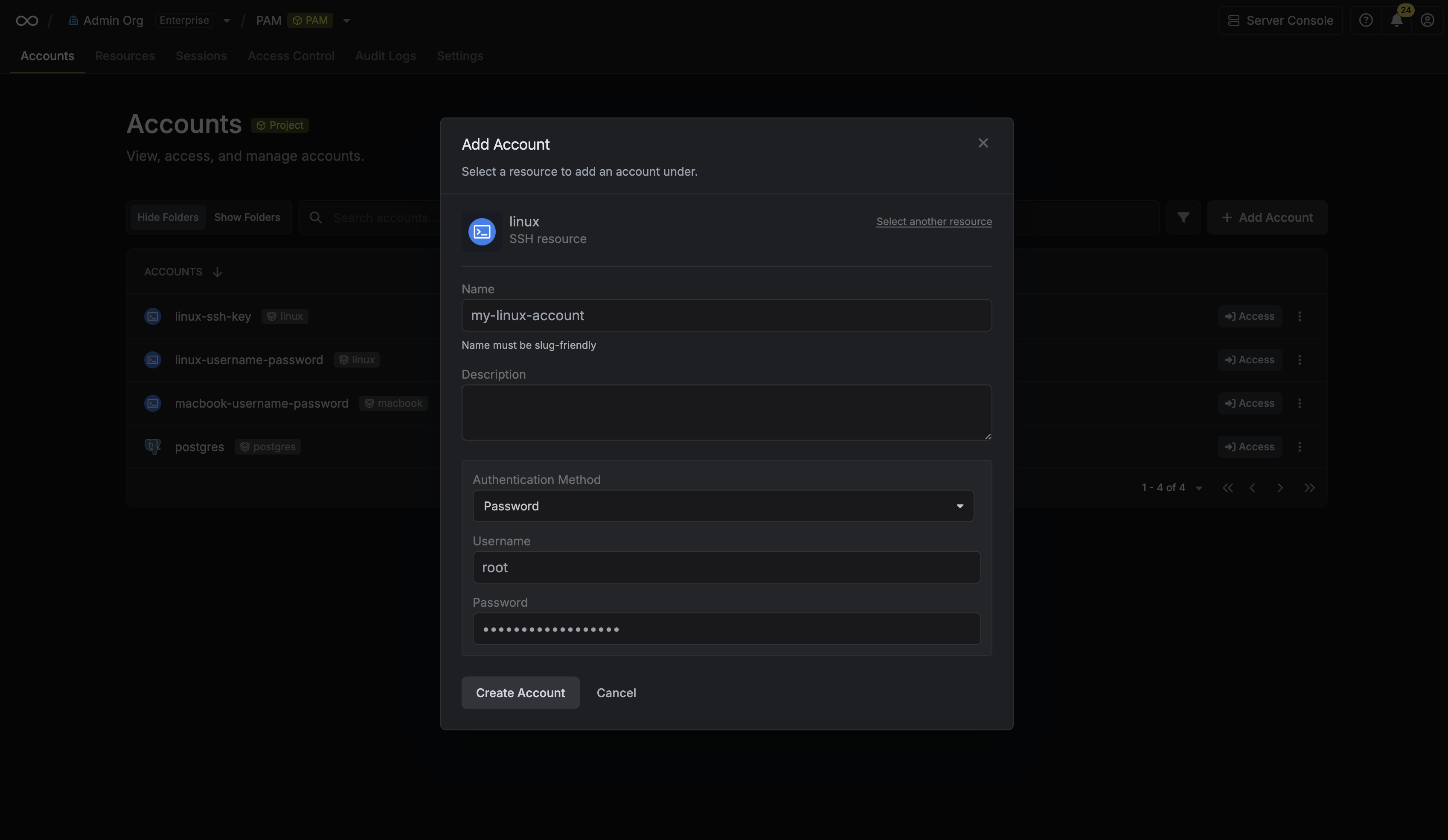 Clicking Create Account will trigger a validation check. Infisical will attempt to connect to the resource using the provided credentials to verify they are valid.
Account Metadata
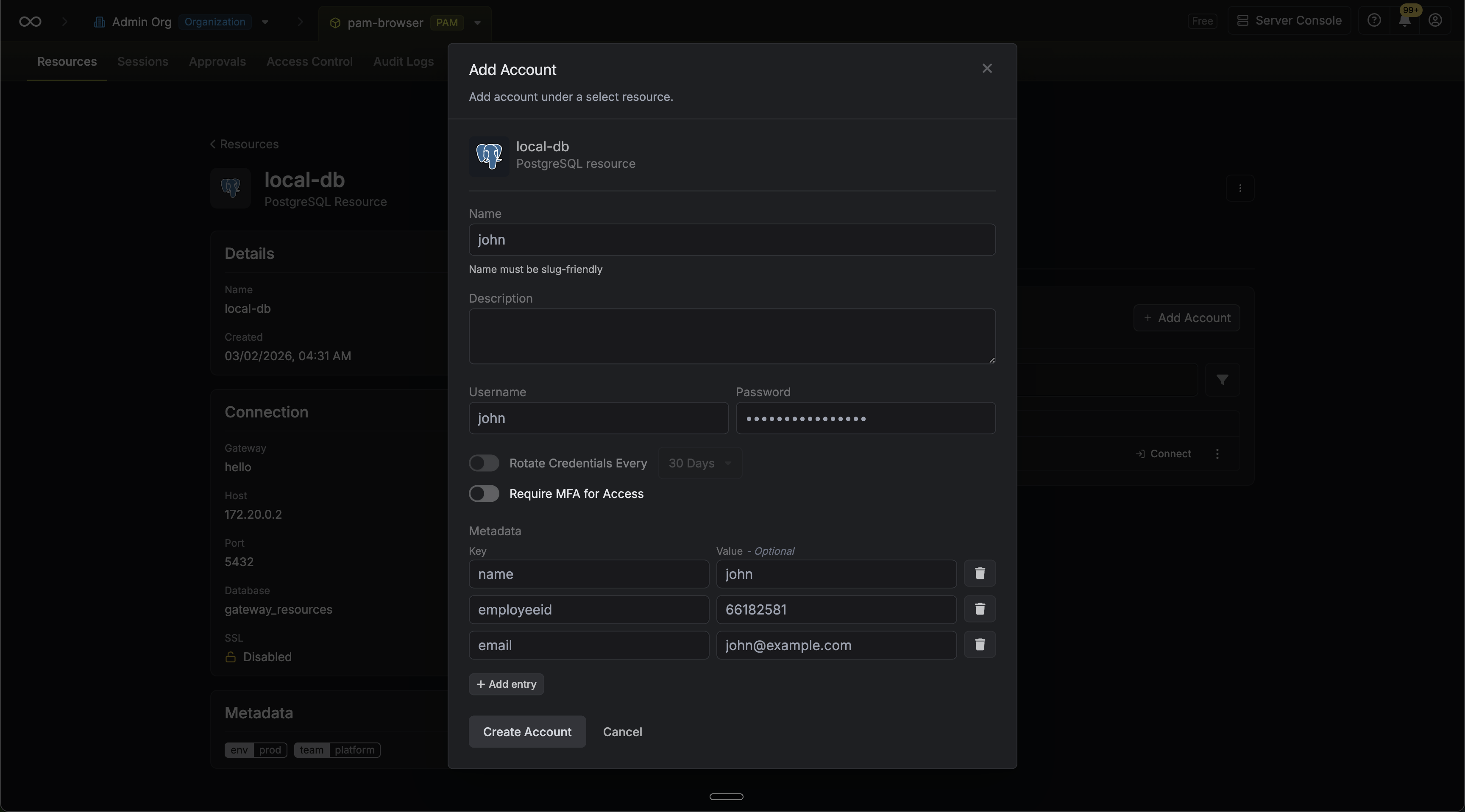
Accounts support custom key-value metadata that can be used to organize and classify access credentials.-
At creation: You can attach metadata key-value pairs when creating an account through the creation modal.
-
On the details page: After creation, account metadata can be viewed and edited from the account details page.
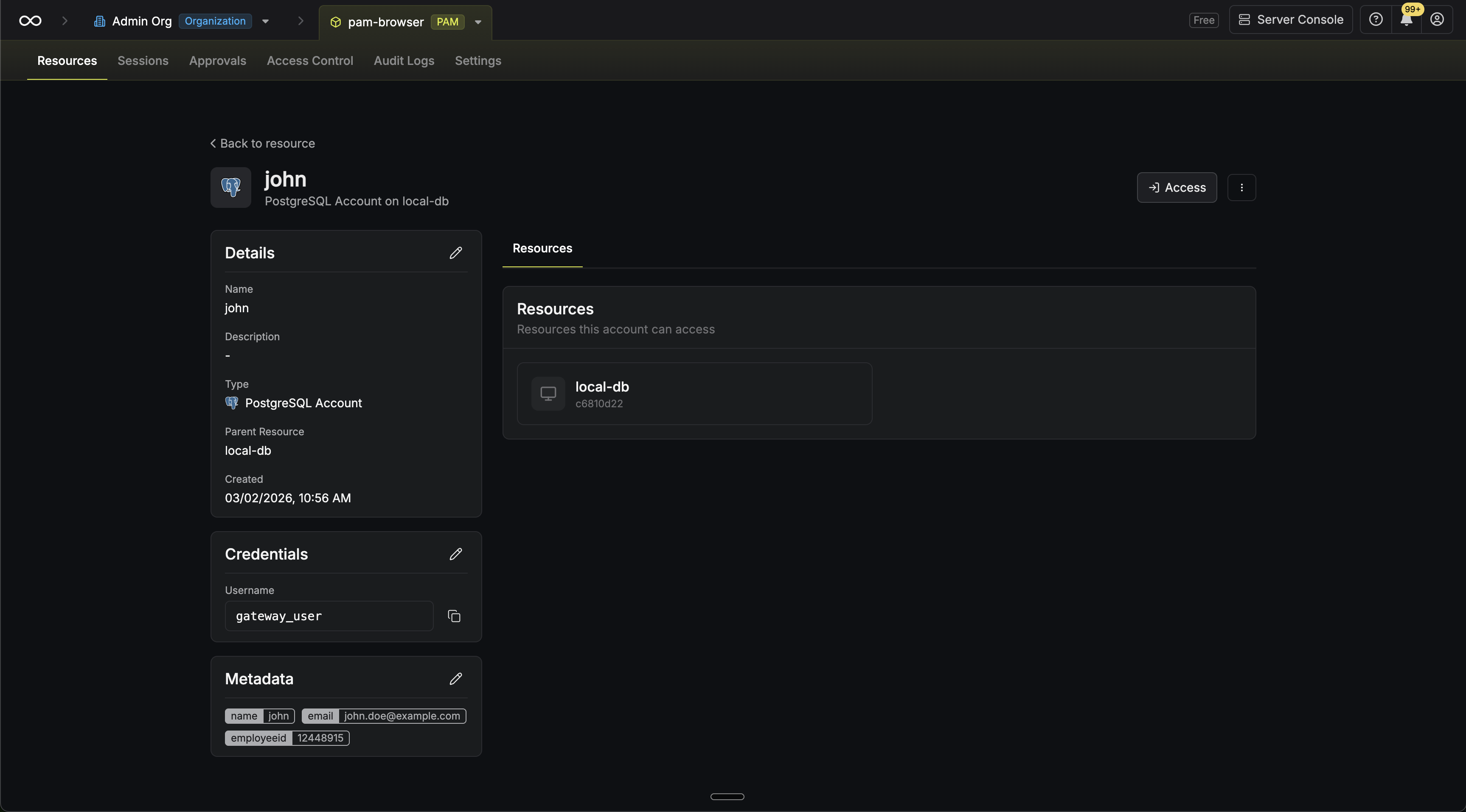
-
Filtering: You can filter the accounts list view by metadata key-value pairs.