This guide walks through brokering a credential end to end: you will create a proxied service, start an agent proxy, and launch an agent whose API calls get real credentials applied on the wire, without the agent ever holding them.

Prerequisites

  • An Infisical project (Secrets Management) with the secrets you want to broker.
  • The Infisical CLI installed on the machines that will run the agent proxy and the agent.
1

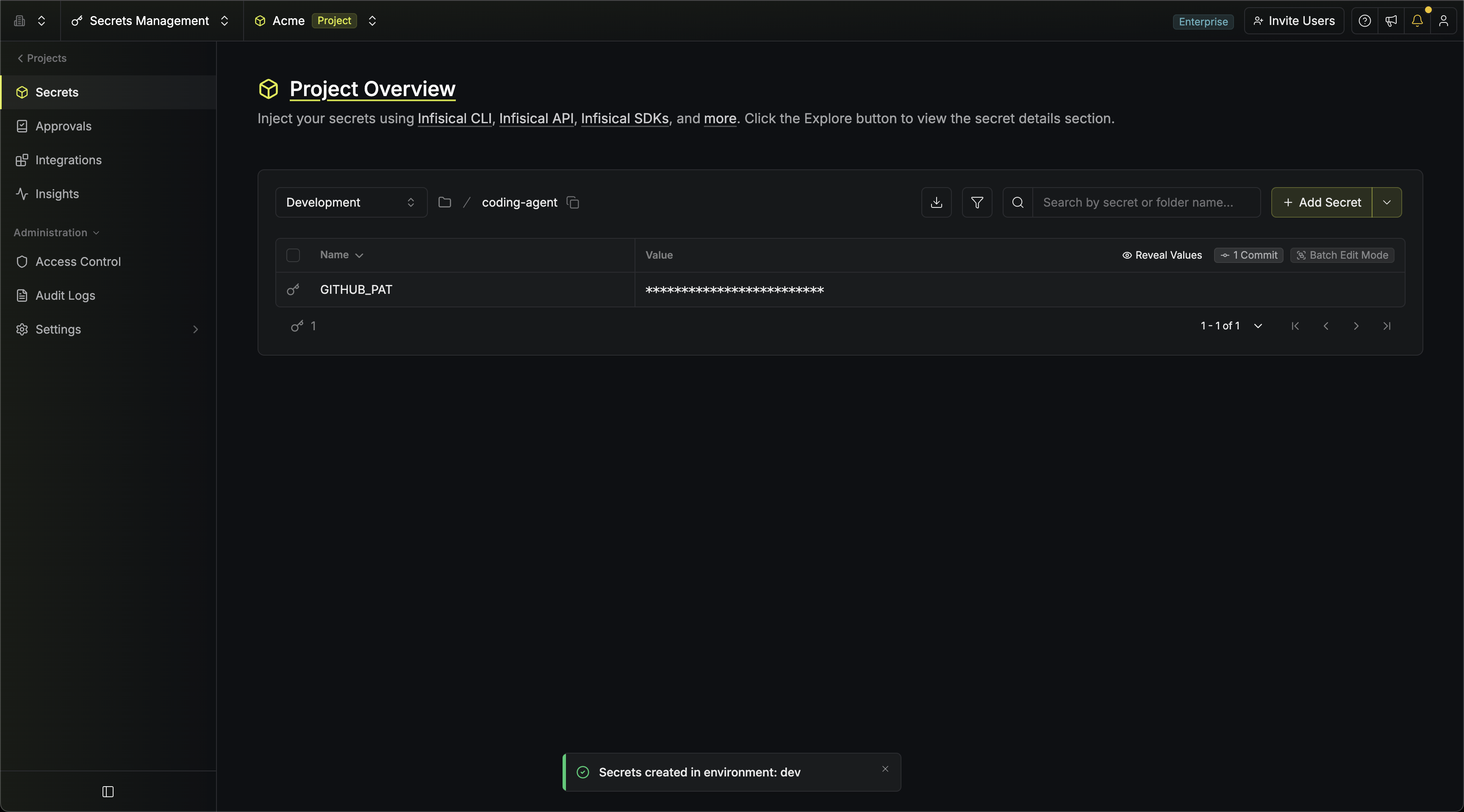
Add the secrets to broker

In your project, pick or create a folder for your agent workloads (for example /ai-agents in the prod environment) and add the secrets the agents will need, such as STRIPE_API_KEY. These are regular Infisical secrets; nothing about them changes when they are brokered.
2

Create a proxied service

In the same folder, click the dropdown arrow next to Add Secret and select Add Proxied Service.
Service Name
string
required
A slug that identifies the service, such as stripe-api.
Host Pattern
string
required
The host(s) this service applies to, such as api.stripe.com. See host patterns for wildcards, ports, and paths.
Under Header Rewriting, keep the pre-filled Authorization header with the Bearer prefix and select STRIPE_API_KEY as the value. This tells the agent proxy to set Authorization: Bearer <real-stripe-key> on every request to api.stripe.com.See Proxied Services for basic auth, custom headers, and credential substitution.
3

Create two machine identities

Create two machine identities with Universal Auth and add both to your project:
  1. Agent proxy identity: assign it the built-in Agent Proxy role. It fetches the real credential values, so it needs read access to the referenced secrets.
  2. Agent identity: assign it the built-in Agent role. It can route traffic through proxied services but cannot read any secret values.
The built-in roles grant broad access across all environments and paths for a quick start. For production, consider custom roles scoped to specific environments and paths. Running more than one agent? See how many machine identities you need.
4

Start the agent proxy

On the machine that will run the agent proxy (ideally in the same private network as your agents, but not on the same machine), authenticate with the agent proxy identity and start it:
export INFISICAL_UNIVERSAL_AUTH_CLIENT_ID=<agent-proxy-client-id>
export INFISICAL_UNIVERSAL_AUTH_CLIENT_SECRET=<agent-proxy-client-secret>

infisical secrets agent-proxy start
The proxy authenticates to Infisical, sets up its certificate chain, and listens on port 17322 by default. See the CLI reference for flags such as --port and --unmatched-host.
If you are self-hosting Infisical or using EU Cloud, point the CLI at your instance with --domain or the INFISICAL_DOMAIN environment variable (for example https://eu.infisical.com).
5

Connect an agent

On the agent machine, authenticate with the agent identity and launch the agent through the connect wrapper. Everything after -- is the agent’s own start command:
export INFISICAL_UNIVERSAL_AUTH_CLIENT_ID=<agent-client-id>
export INFISICAL_UNIVERSAL_AUTH_CLIENT_SECRET=<agent-client-secret>
infisical secrets agent-proxy connect --proxy=<proxy-host>:17322 \
  --projectId=<project-id> --env=prod --path=/ai-agents -- claude
Before starting the agent, the wrapper:
  • Routes the agent’s traffic through the agent proxy (HTTPS_PROXY, HTTP_PROXY).
  • Downloads your organization’s root CA certificate and points the common trust variables (SSL_CERT_FILE, NODE_EXTRA_CA_CERTS, REQUESTS_CA_BUNDLE, CURL_CA_BUNDLE, and others) at it, so the agent’s HTTP clients accept the proxy’s certificates.
  • Sets dummy placeholder environment variables for any credential-substitution services.
  • Sets environment variables with real values for regular secrets the agent identity has Read Value on in the folder (including secrets imported into it), similar to infisical run.
Real values in the agent’s environment are deliberate and opt-in. The built-in Agent role grants no secret read access, so nothing real lands in the environment unless an admin explicitly grants Read Value on specific secrets. Brokered credentials never appear in the agent’s environment; the proxy only attaches them on the wire.
The project can also be set via INFISICAL_PROJECT_ID or an .infisical.json file (created by infisical init) instead of --projectId.
6

Verify it works

You can watch the proxy attach a credential by calling an echo service that reflects request headers back. Add a secret TEST_API_KEY to the folder, create a proxied service for it (host pattern postman-echo.com, header Authorization with prefix Bearer, secret TEST_API_KEY), then run a plain curl through the wrapper:
infisical secrets agent-proxy connect --proxy=<proxy-host>:17322 \
  --projectId=<project-id> --env=prod --path=/ai-agents -- \
  curl https://postman-echo.com/headers
The echoed headers include "authorization": "Bearer <your TEST_API_KEY value>". curl sent no credential; the proxy attached it on the way out. The same happens to api.stripe.com with the service from step 2. Requests to hosts with no proxied service are forwarded untouched by default (see unmatched hosts).

Next Steps