

To issue certificates, you’ll need an enrollment method configured for your Application.
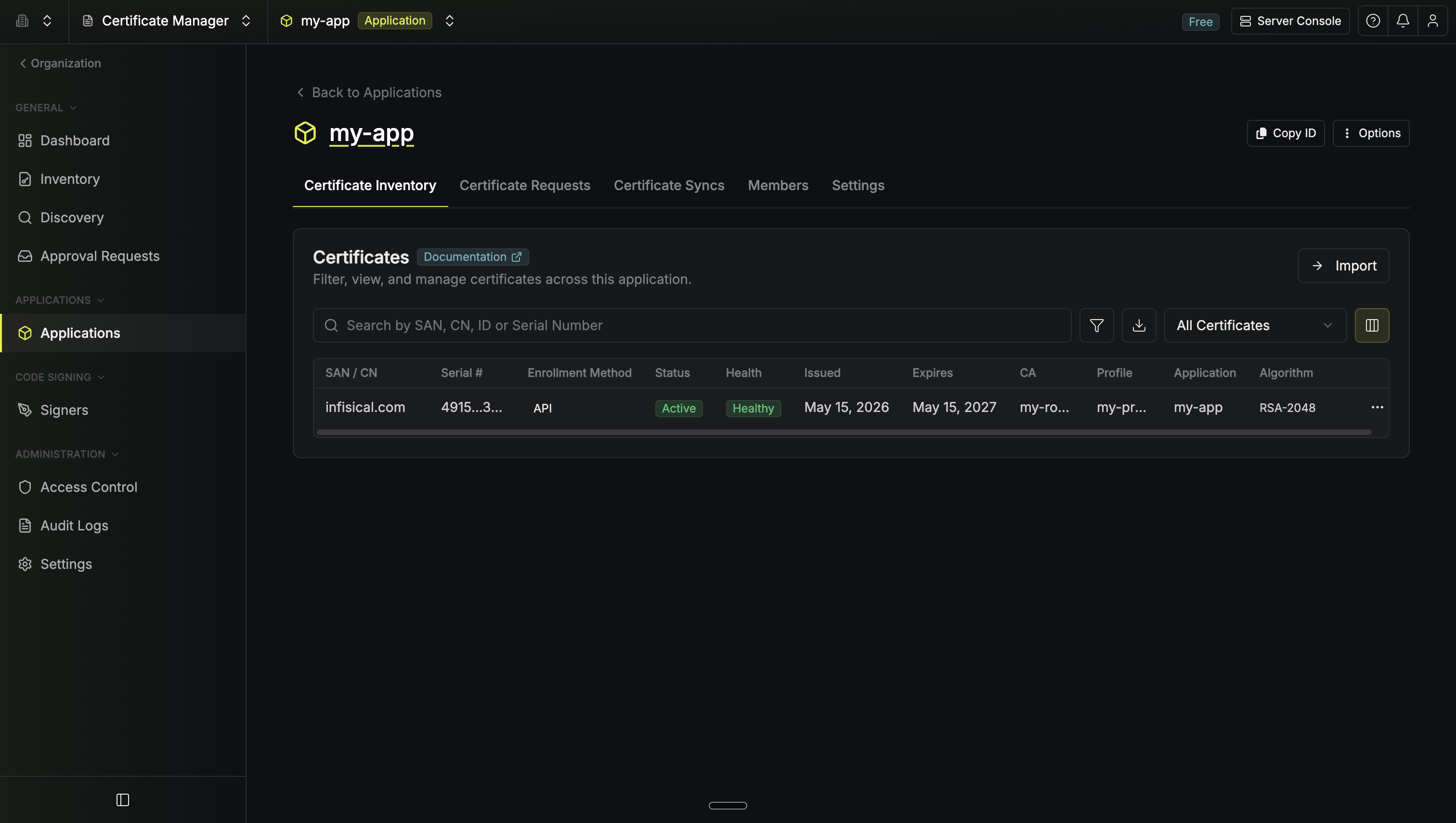
Certificate details
Select any certificate to view its details:
Metadata is preserved across renewals and can be used to filter the certificate list.
Actions
From the certificate details page, use the Options menu:Issuing certificates
Go to the Certificate Requests tab and select Request Certificate. Select a certificate profile and choose a request method:
For automated issuance, configure an enrollment method:
- API — Direct API calls or Infisical Agent
- ACME — Certbot, cert-manager, and ACME clients
- EST — RFC 7030 enrollment
- SCEP — Mobile device management (Jamf, Intune)
Importing certificates
Select Import on the Certificates tab to bring in a certificate you already hold, either as PEM files or as a.p12 / .pfx keystore with its password.
A keystore can hold several certificates. Infisical lists what is inside so you can pick which ones to import.
Managing an imported certificate
An imported certificate is tracked for visibility and expiry alerts. Renewal, reissue and revocation stay wherever it was issued. To hand the rest of its lifecycle to Infisical, pick a Certificate Profile during import. The profile determines which authority signs the replacement when the certificate is renewed. Renewal also needs API enrollment turned on for that profile in this Application.You can pick a profile when you import into an Application, from either PEM files or a keystore. Importing from the organization-wide Inventory tracks the certificate without one.
Which profile to attach
Attaching a profile backed by the authority that issued the certificate keeps the whole lifecycle in Infisical. The certificate has to satisfy the profile’s certificate policy, because that policy is what constrains the replacement issued at renewal. Infisical checks it during import and refuses a profile the certificate doesn’t meet, naming the attributes that failed, so the problem surfaces then rather than at renewal. Import without a profile if you only need visibility and expiry alerts. You can also attach one backed by a different authority, including a self-signed profile. The certificate you already hold stays in service, and its replacement is issued by the authority you’re moving to. Renewal works in both cases, because a renewal is a new certificate signed by the profile’s authority. Revocation behaves differently. It only takes effect through the issuing authority, because that authority publishes the revocation list clients check. Infisical therefore refuses to revoke an imported certificate whose profile is backed by a different authority. Revoke those certificates with their original issuer instead.What each external CA needs
A profile backed by an external certificate authority needs the identifier the certificate already has at that provider, so Infisical can act on it there.- DigiCert
The CertCentral order ID. Infisical lists the orders under the authority’s DigiCert organization and product, so you can search for the right one instead of typing a number.Renewal places a renewal order against it, and revocation revokes it in CertCentral. Infisical checks the order before saving it and rejects one that was issued for a different certificate.
Certificate orders
A certificate id belongs to one certificate. When you renew, you don’t get that certificate back with a later expiry, you get a second certificate with its own id. The old one is marked Renewed, the new one becomes Active, and both stay in the inventory. The order id is the part that stays put. It’s stamped on the first certificate you issue, and every renewal of that certificate inherits it:
Three certificates, one order. The order always points at the newest active one,
c9d0e1f2 here.
You’ll find the order id on the certificate details page. It matters most over the API, where it lets you ask for whatever is current instead of chasing a new id after every renewal.
Renewal
Server-driven renewal requires API enrollment with Infisical-managed keys. Enable it on the enrollment method or toggle it per-certificate.
Both automatic types reissue the certificate exactly as it is. To change the subject, the names it covers, its validity, or how its key pair is handled, renew it manually.
Export formats
Revocation
Revoke a certificate when it’s compromised or no longer needed. Specify a reason code (key compromise, superseded, etc.). Revoked certificates are added to the issuing CA’s CRL. Verify revocation status:What’s next?
Renewal
Renew a certificate and change its properties at the same time.
Certificate Syncs
Push certificates to AWS ACM, Azure Key Vault, and other destinations.
Alerting
Get notified before certificates expire.
Approvals
Require human review before issuance.
Enrollment Methods
Configure how certificates are requested.