Are You Ready for 47-Day Certificate Lifetimes?

The CA/Browser Forum is cutting the maximum life of a publicly trusted TLS certificate to 47 days by 2029.
Shortening certificate lifetimes put additional pressure on any team managing certificates. Manually managing certificates will become untenable as renewals become more frequent. Being ready for shorter lifetimes means centralizing and automating certificate renewals.
The schedule
Certificate lifetimes will shorten over a few years and reach 47 days in 2029.
| Effective | Max validity | Domain validation reuse | Status |
|---|---|---|---|
| Before 2026-03-15 | 398 days | 398 days | Superseded |
| 2026-03-15 | 200 days | 200 days | In effect |
| 2027-03-15 | 100 days | 100 days | Next step |
| 2029-03-15 | 47 days | 10 days | Final step |
This applies to certificates issued on or after each date, so anything issued earlier runs to its original expiry.
What it covers
In scope: publicly trusted TLS server certificates from any public certificate authority, on any public endpoint. This includes websites, APIs, CDNs, mail servers, VPN gateways, and appliances with a browser-facing interface.
Not in scope: private and internal certificate authorities, meaning a CA you run yourself whose certificates only your own systems trust. You set your own lifetimes there.
What it costs: engineering time, and outage risk
Certificate lifetimes may shrink gradually, but that doesn't mean organizations should wait to centralize and automate certificate management. Many engineering teams are wasting time manually renewing certificates and have unnecessary outages because of a forgotten (or invisible) certificate expiration.
Renewals a year, by how many certificates you hold and how long they last:
| Lifetime | 50 certificates | 100 | 500 | 1,000 |
|---|---|---|---|---|
| 398 days | 69 | 138 | 688 | 1,376 |
| 200 days | 137 | 274 | 1,369 | 2,738 |
| 100 days | 274 | 547 | 2,738 | 5,475 |
| 47 days | 582 | 1,165 | 5,824 | 11,649 |
Certificate renewals are about to multiply every year. And with shrinking lifetimes comes a shrinking margin for error because renewals approach faster. Managing certificates manually is about to become much more expensive:
Engineering time: Monitoring, requesting, installing, restarting, and verifying a certificate by hand takes a lot of time, especially when this happens in multiple tools.
Outage risk increases: More certificate renewals make it easier to miss each one and shrink your margin for error.
Certificate management failure modes you can't afford anymore (and how to fix them)
Renewal depends on somebody remembering
A calendar invite and a spreadsheet row work when a certificate comes round once a year. At 100 days it wants attention three to five times a year, and the owner is on holiday, or changed teams, or the reminder sits on a calendar nobody inherited.
Fix: Treat the reminder as the defect. Move every certificate a person renews onto software that renews it on a schedule, and keep what is left short enough to read aloud.
Certificates live in six places at once
Organizations often keep some certificates in AWS Certificate Manager, device certificates in Jamf, some uploaded to a load balancer, and others bought from a CA's web portal. Each has its own renewal mechanism and its own dashboard, so there's no easy overview.
Fix: Keep one authoritative inventory, whoever issued the certificate and wherever it terminates. Central control beats consolidation: certificates can stay where they are deployed as long as one place drives renewal across all of them.
The renewal runs, and the service never reloads
The new certificate is issued on time and written to disk, and the running process keeps serving the old one until something restarts it. This is the most common certificate outage, and partial automation makes it more likely, because nobody is watching the calendar any more.
Fix: Monitor what the endpoint serves, not what the CA issued. Renewal is not finished until a client connecting from outside sees the new certificate.
Certificates nobody knows about
Estates are larger than the inventory tracking them, and the missing ones have no renewal path and no owner. Long lifetimes hid this, because a certificate issued and forgotten still worked for years.
Fix: Scan the network for what is being served rather than reconciling spreadsheets, and re-scan on a schedule. New certificates keep appearing from teams who were not in the room for this.
Some certificates don't speak ACME
ACME is a protocol that automates certificate renewals. Plenty of hardware and legacy infrastructure doesn't speak it, so you need to make sure however you manage certificates covers every place, not just whatever ACME supports.
Fix: Manage certificates in a place that supports certificates from everywhere, not just one protocol. That way, you get a single place that automatically renews every certificate.
A 90-day plan to centralize and automate your certificate management
Sized for the 100-day step in March 2027. The work that makes 100 days comfortable is the work that makes 47 days uneventful.
Days 1–30: Know the estate
- Scan endpoints for what is deployed, including networks no central team manages.
- Record where each certificate terminates, which CA issued it, when it expires, and who owns it.
- Flag every certificate whose renewal involves a person. That list is the project.
- Note which certificates are embedded in firmware or relied on by a partner.
Days 31–60: Automate the majority
- Put ACME in front of everything that supports it: cert-manager on Kubernetes, a client such as Certbot or acme.sh elsewhere.
- Validate over DNS with an API-backed provider, so internal endpoints and wildcard certificates (one certificate covering every subdomain, which can only be validated over DNS) renew unattended.
- Renew once a third of the lifetime is left, and follow ARI, the mechanism by which the CA itself tells your client when to renew.
- Make deployment part of the job: write the certificate, reload the service, verify what is being served.
Days 61–90: Resolve edge cases and get resilient
- Work the devices that cannot do ACME: whichever enrollment protocol they do support, a firmware upgrade where available, or a proxy in front where neither.
- Alert on renewal failure and on the served certificate, routed to the owning team.
- Run a fire drill. Force a renewal on a production-equivalent system and watch it run untouched.
- Configure and test a second CA. Under a 47-day ceiling, a CA incident leaves no time for a manual fallback.
Share it with your team: download this readiness guide as a PDF. The schedule, the renewal math, the failure modes, and the 90-day plan fit on five pages, ready to pass to everyone who touches a certificate renewal.
Where a tool helps
The inventory, the ownership, and the fire drill are yours either way. What is worth centralizing is the part that takes the person out of the renewal path.
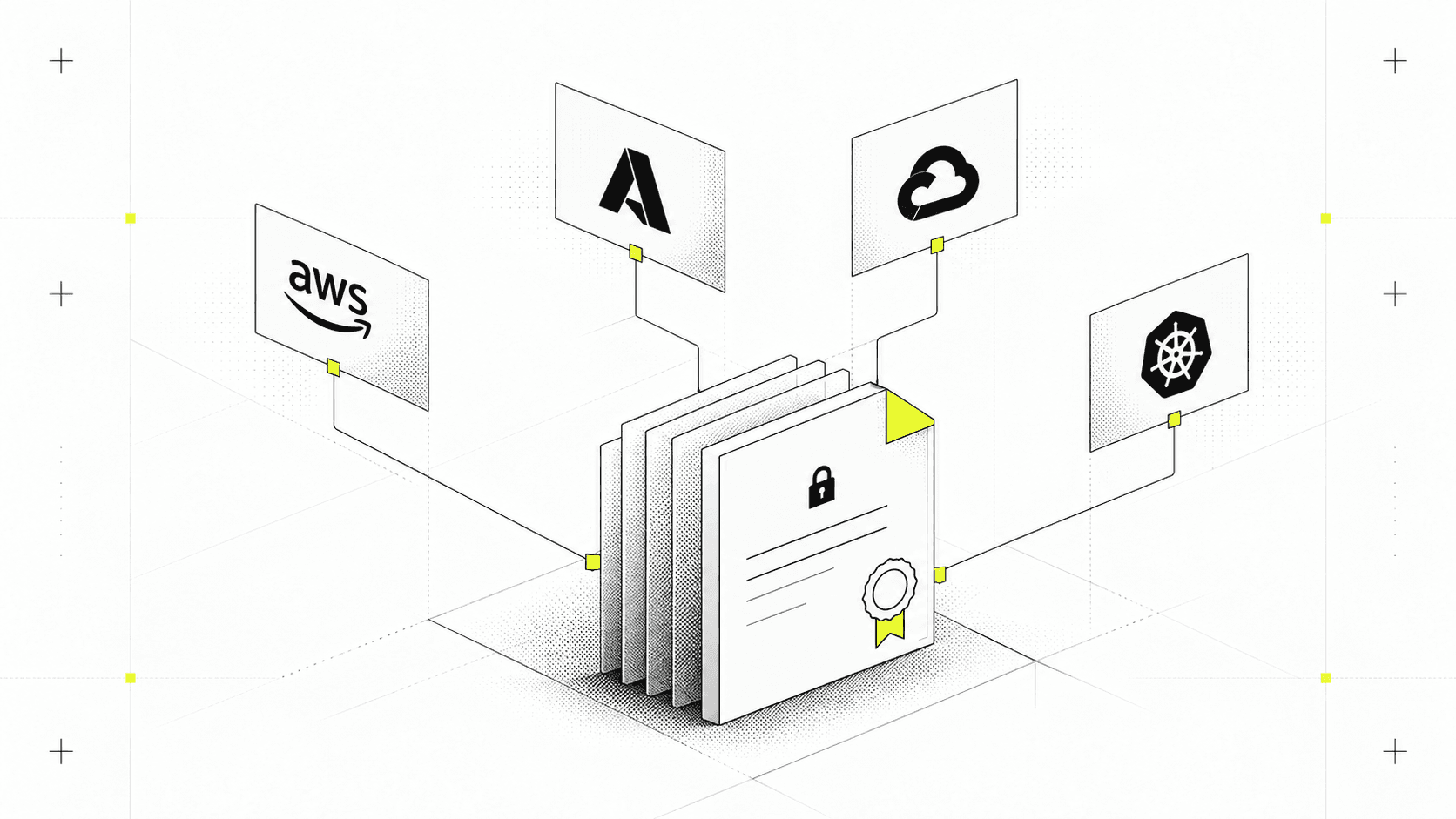
Infisical Certificate Management is one place to manage certificates that live in many. It discovers what is already deployed, issues over ACME, EST, SCEP, and an API, and renews on rules rather than reminders. Syncs push into AWS Certificate Manager, Azure Key Vault, and Cloudflare, so certificates keep terminating where they do. Alerts reach Slack, PagerDuty, or a webhook while a failing renewal is still fixable. Open source, and available as cloud or self-hosted.
Talk to an expert, or read more on Certificate Management, automating certificate renewal, and the documentation.
Sources: CA/Browser Forum Ballot SC-081v3 and the TLS Baseline Requirements (sections 6.3.2 and 4.2.1), RFC 8555 (ACME), RFC 9773 (ACME Renewal Information).