> ## Documentation Index
> Fetch the complete documentation index at: https://infisical.com/docs/llms.txt
> Use this file to discover all available pages before exploring further.
# Redis Web Access
> Run Redis commands directly from your browser with an interactive REPL.
The Redis web access terminal provides a `redis-cli`-like experience in your browser. It is designed for light, ad-hoc usage — quick lookups, debugging, and administrative tasks — not as a replacement for a full Redis client or long-running workloads.
## Connecting
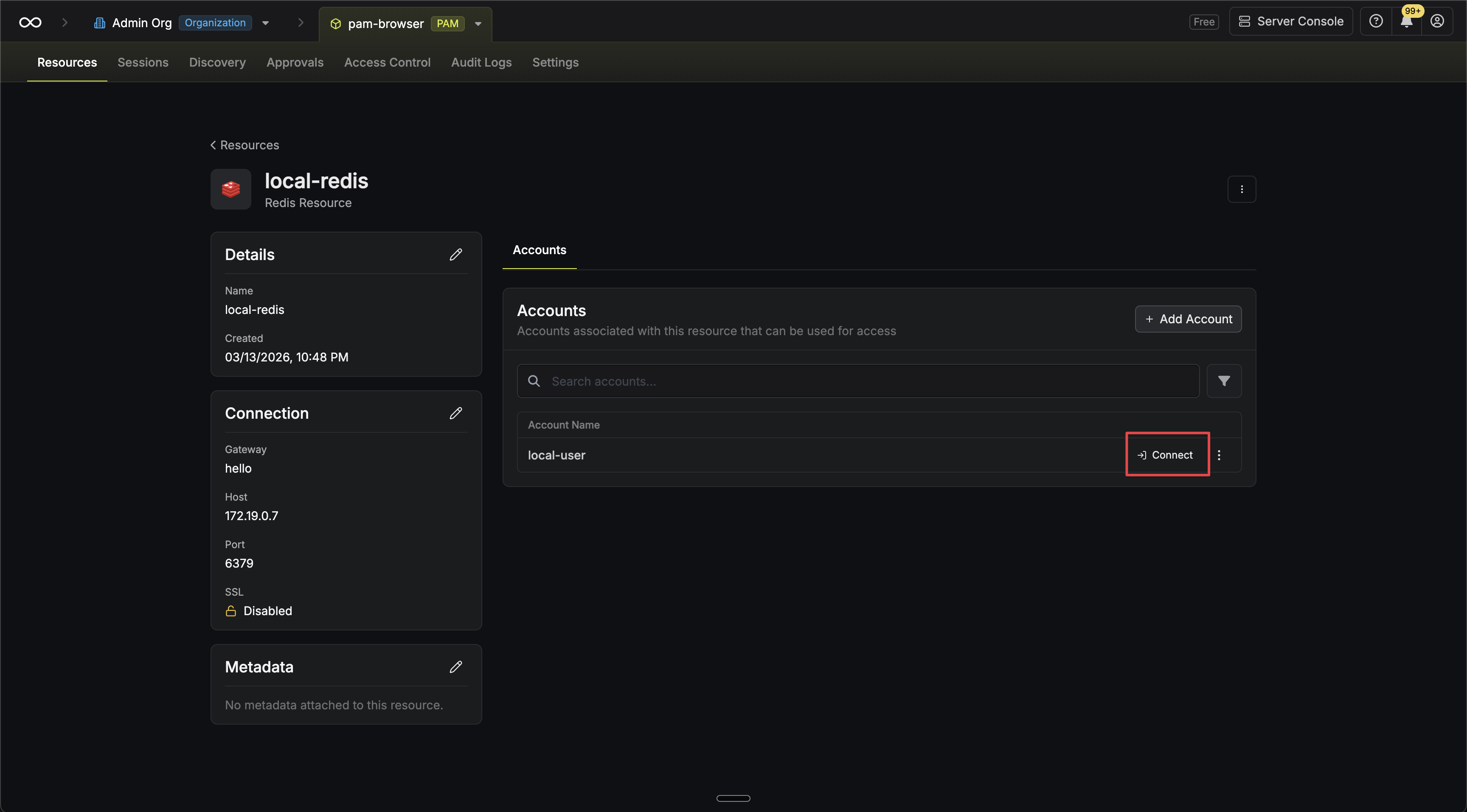
Go to the **Resources** tab in your PAM project, open the Redis resource, and find the account you want to access. Click the **Connect** button next to the account.
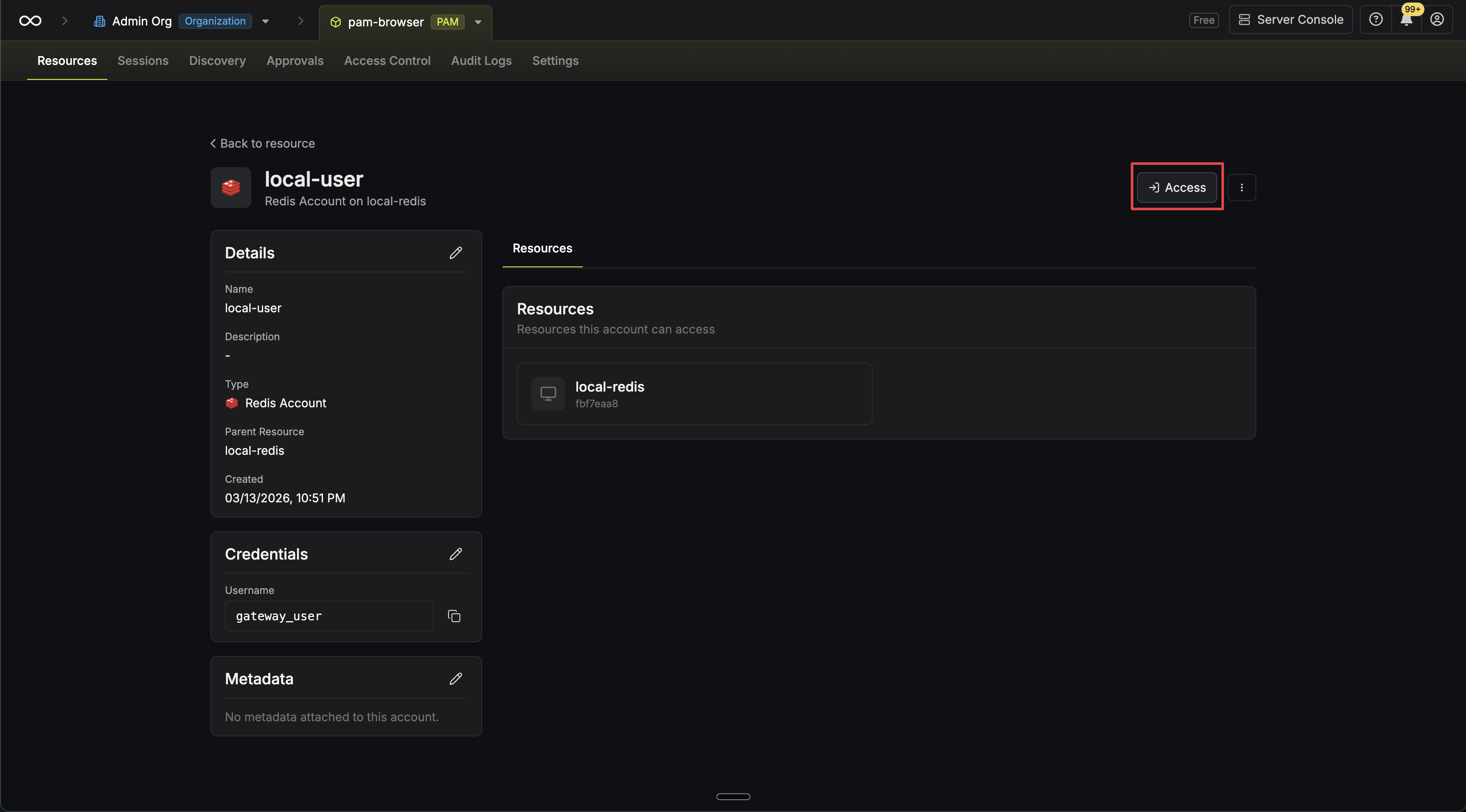
 Alternatively, if you are on the account page, click the **Access** button.
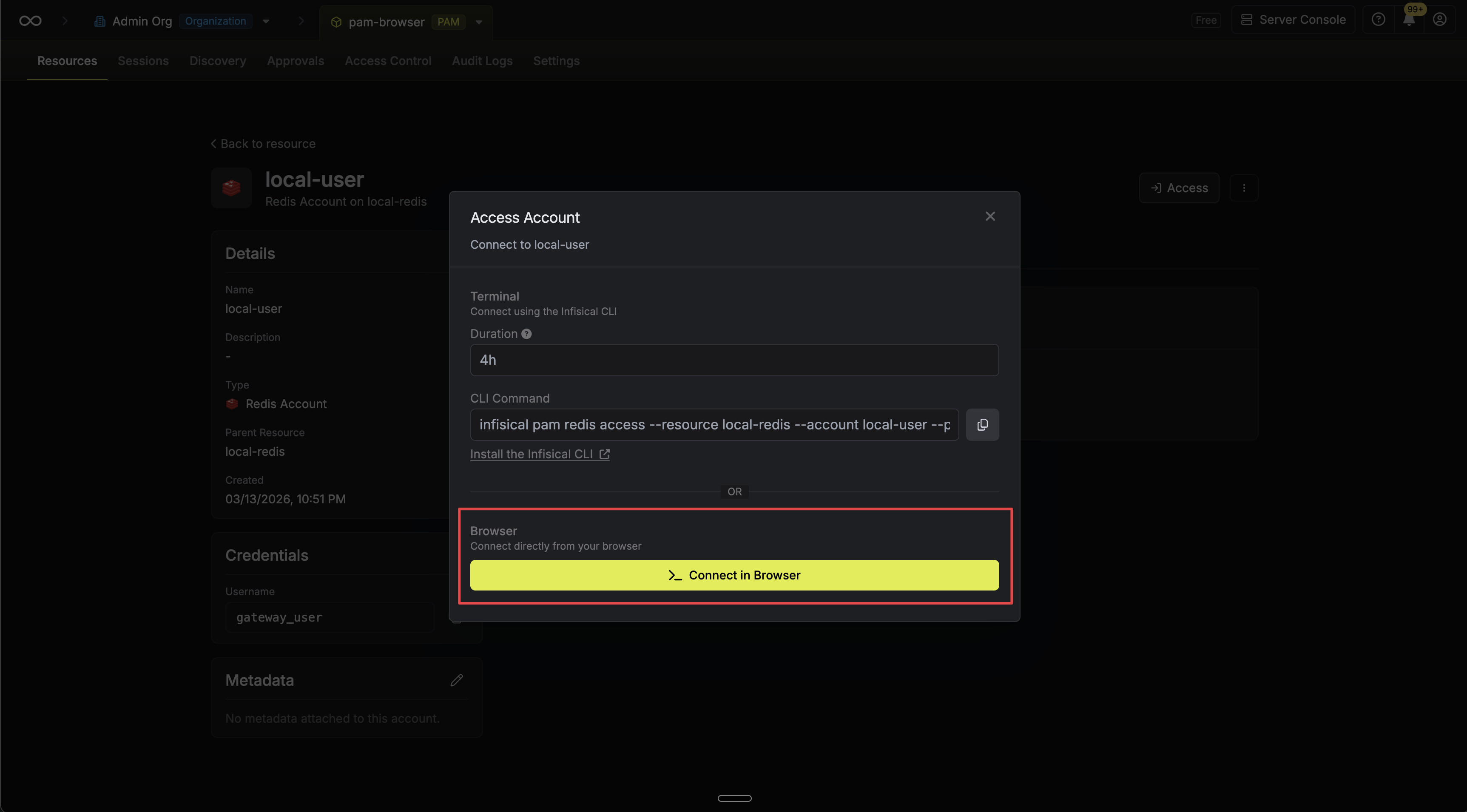
 In the connect modal, click **Connect in Browser** to open the web access terminal.
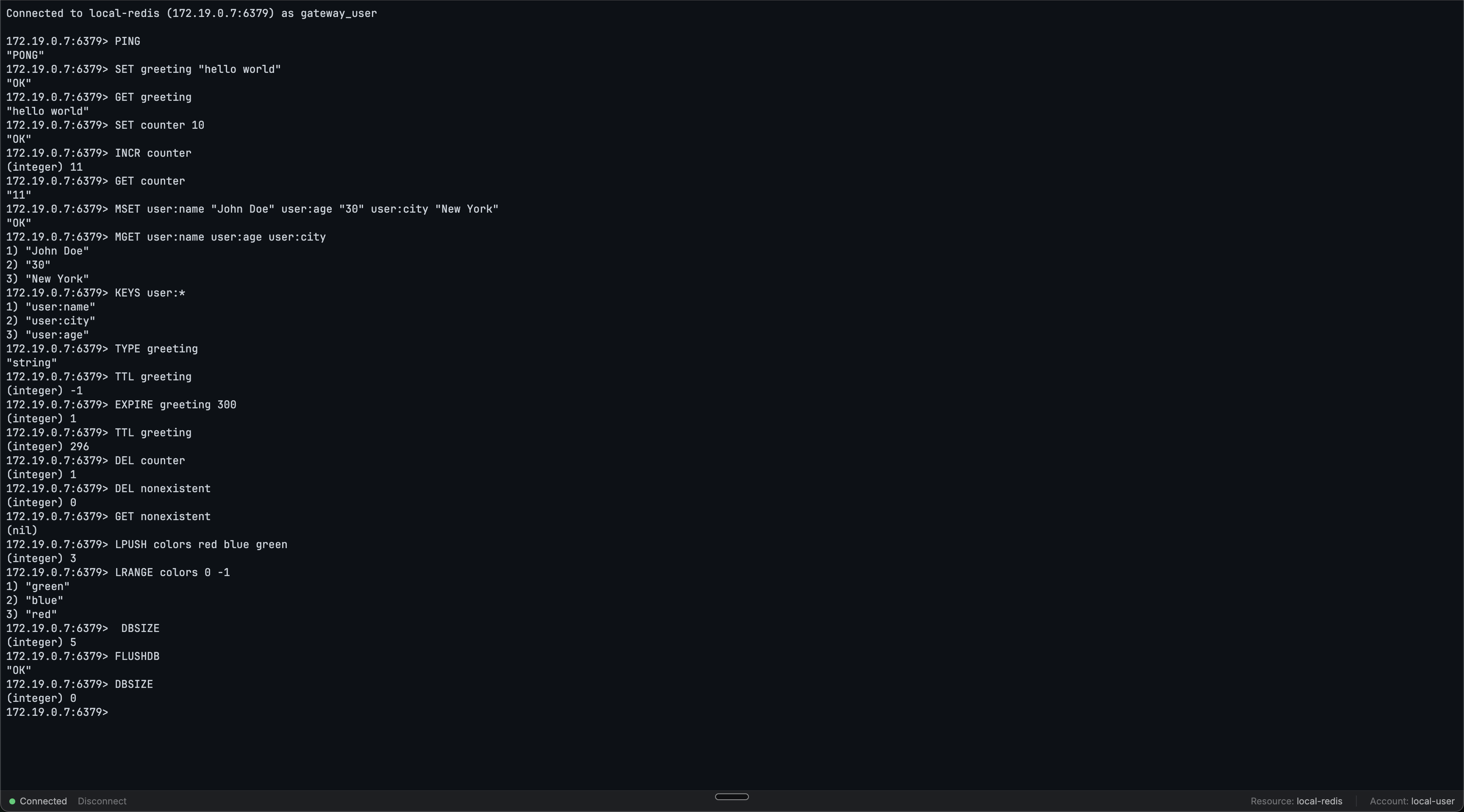
 Click the **Disconnect** button from the web access terminal status bar or type `quit` or `exit`. You can reconnect from the same page.
 ## Usage
Once connected, you'll see a `>` prompt. Type Redis commands as you would in `redis-cli`:
```
> SET greeting "Hello, World!"
OK
> GET greeting
"Hello, World!"
> KEYS *
1) "greeting"
> DEL greeting
(integer) 1
```
## Limits
See the [common session limits](/documentation/platform/pam/product-reference/web-access/overview#session-limits) that apply to all web access sessions.
## FAQ
No. The web access terminal is not a `redis-cli` client. It is a custom REPL that connects directly to Redis and provides a `redis-cli`-like experience, including familiar prompts and reply formatting.
## Usage
Once connected, you'll see a `>` prompt. Type Redis commands as you would in `redis-cli`:
```
> SET greeting "Hello, World!"
OK
> GET greeting
"Hello, World!"
> KEYS *
1) "greeting"
> DEL greeting
(integer) 1
```
## Limits
See the [common session limits](/documentation/platform/pam/product-reference/web-access/overview#session-limits) that apply to all web access sessions.
## FAQ
No. The web access terminal is not a `redis-cli` client. It is a custom REPL that connects directly to Redis and provides a `redis-cli`-like experience, including familiar prompts and reply formatting.