> ## Documentation Index
> Fetch the complete documentation index at: https://infisical.com/docs/llms.txt
> Use this file to discover all available pages before exploring further.
# Temporary Access
> Learn how to set up timed access to sensitive resources for user and machine identities.
Certain environments and secrets are so sensitive that it is recommended to not give any user permanent access to those. For such use cases, Infisical supports the functionality of **Temporary Access** provisioning.
To provision temporary access through Web UI:
1. Click on the `Edit` button next to the set of roles for user or identities.
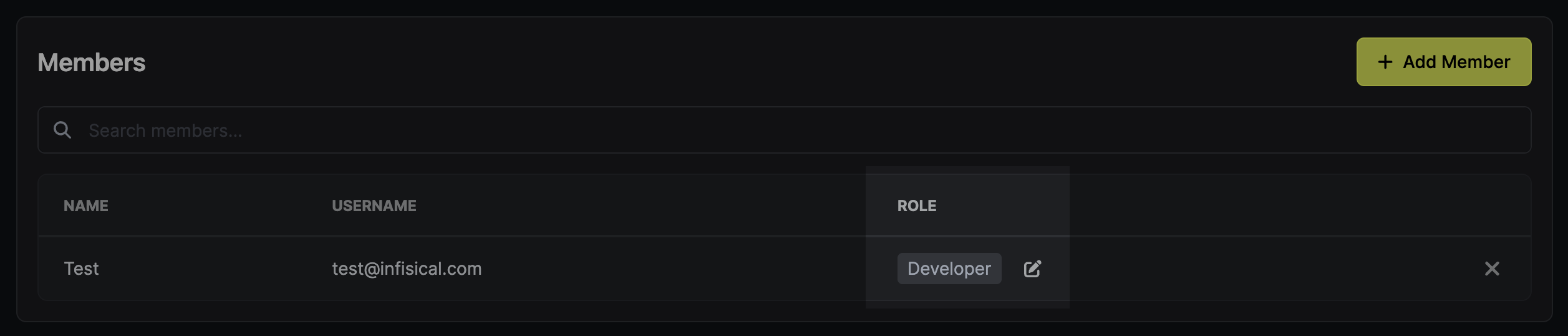 2. Click `Permanent` next to the role or specific privilege that you want to make temporary.
3. Specify the duration of remporary access (e.g., `1m`, `2h`, `3d`).
2. Click `Permanent` next to the role or specific privilege that you want to make temporary.
3. Specify the duration of remporary access (e.g., `1m`, `2h`, `3d`).
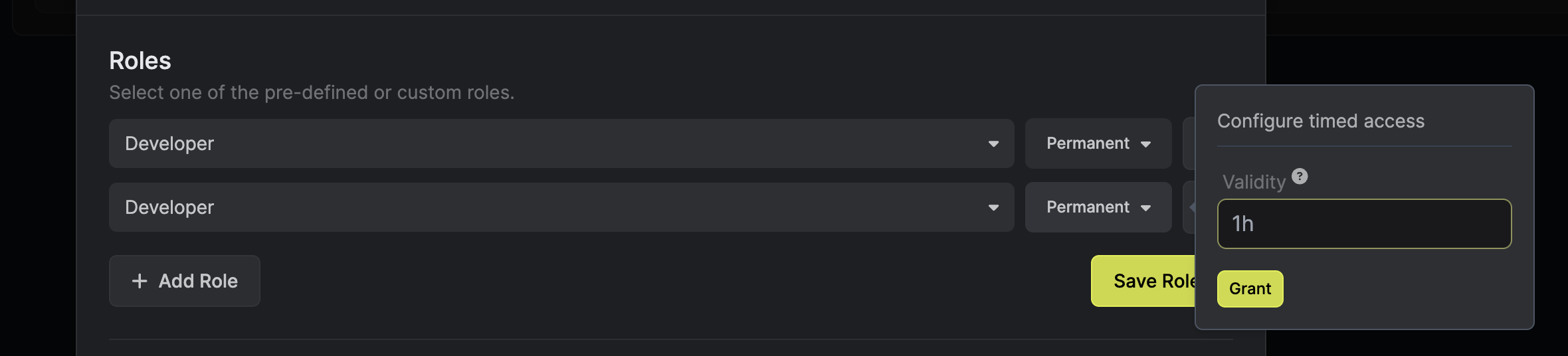 4. Click `Grant`.
5. Click the corresponding `Save` button to enable remporary access.
4. Click `Grant`.
5. Click the corresponding `Save` button to enable remporary access.
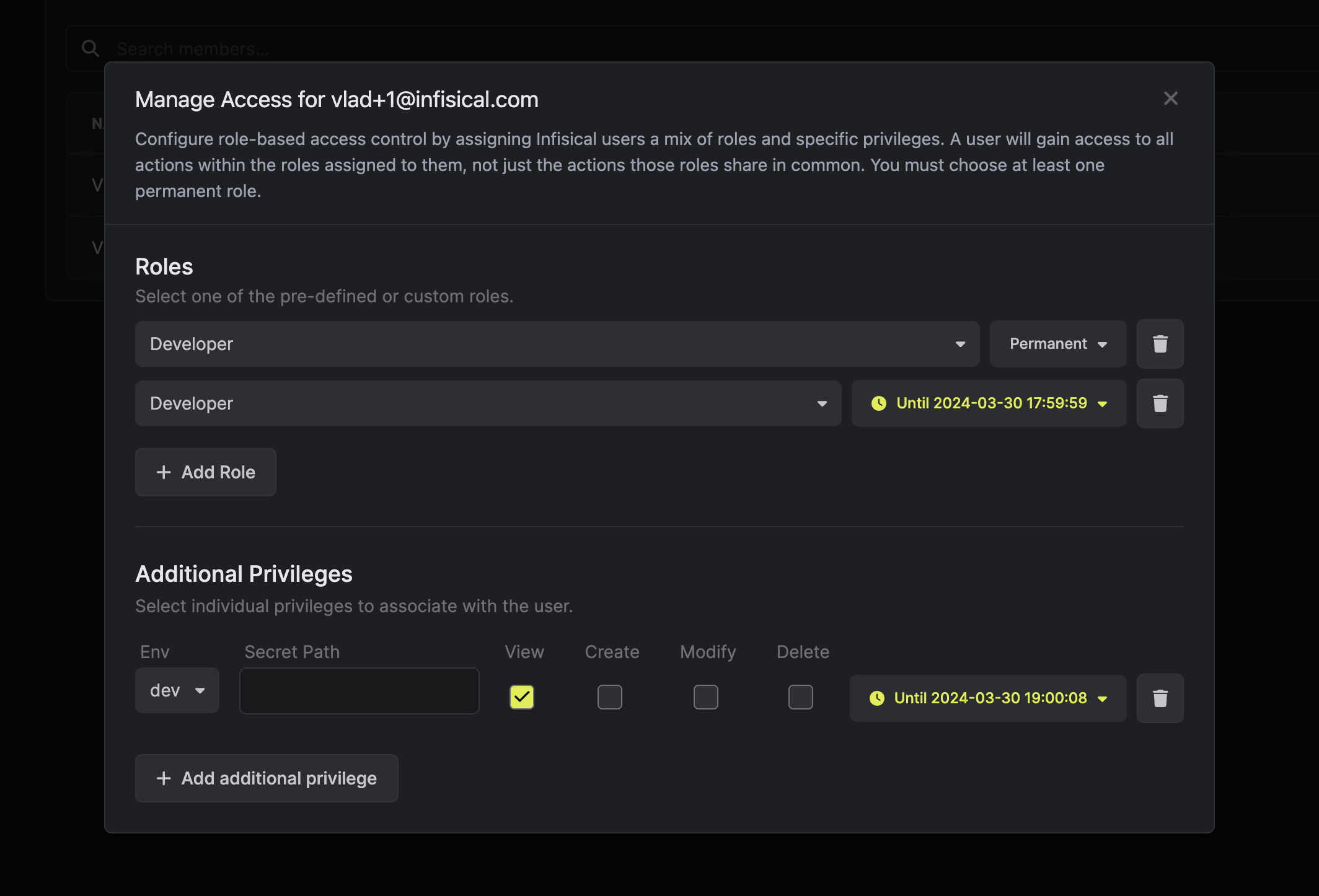 Every user and machine identity should always have at least one permanent role attached to it.